You write a neat cleaning plan on Sunday. Kitchen on Monday, bathroom on Tuesday, laundry spread across the week. By Wednesday someone works late, a chore gets skipped, and nobody knows whether to do it Thursday or wait until next week. The list hasn't failed because you picked the wrong tasks. It's failed because a static calendar can't reschedule, remind, or show who still owns what.
That's the gap smart cleaning apps are meant to close. The useful ones don't just store a checklist. They handle recurrence, send due-date reminders, move missed work without breaking the routine, and adapt suggestions to the time or energy you've got. Cleaning is frequent enough to need that support. In Nielsen's Global Homecare Survey of more than 30,000 online consumers across 61 countries, 31% of respondents cleaned their homes every day and 31% reported doing laundry daily.
I judged the six apps below on planning mechanics first. How does recurrence work, what happens when someone's away or sick, who can see assignments, and what does the free version really cover before a paywall appears?
Table of Contents
- 1. Benny
- 2. Sweepy
- 3. Tody
- 4. Nipto
- 5. Flatastic
- 6. ChoreSplit
- How the smart cleaning apps compare on planning features
- Matching a Smart Cleaning App to How Your Home Actually Runs
1. Benny
Start with the room, not a blank list. That's Benny's main advantage for people who know the bathroom needs attention but freeze when they have to break "clean the house" into steps. You pick preset chore lists for the kitchen, bathroom, bedroom, or living room, trim what doesn't apply, or add your own chores from scratch. Each chore can be one-off or recurring on an interval you choose, and recurring chores return to the schedule by themselves.
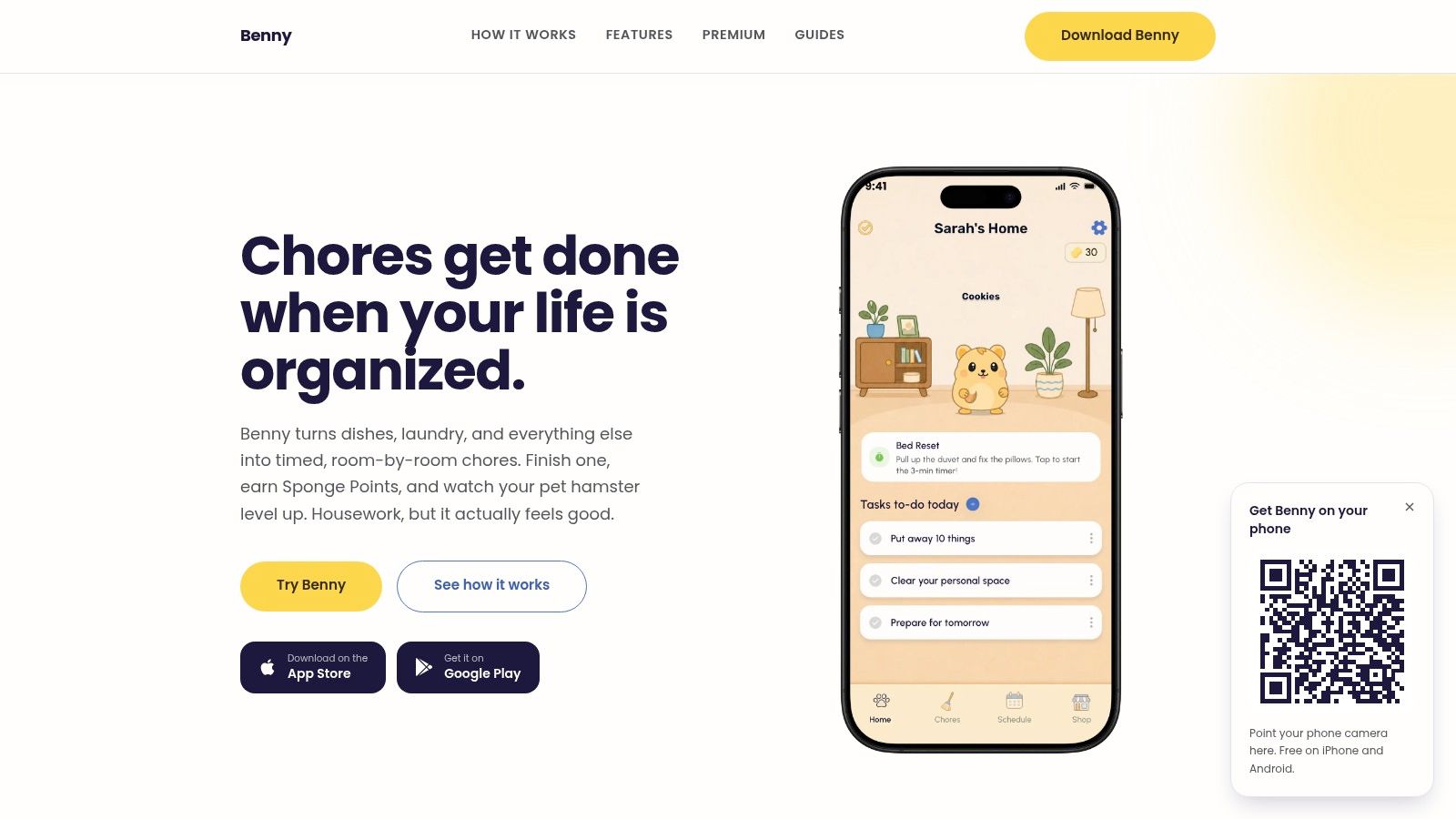
Every chore can also carry a timer. Set the bathroom to 15 minutes, start the timer, work until it runs out, and tap finished. That turns an open-ended job into a bounded one, which helps more than another reminder when motivation is the main problem. Benny sends a reminder when a chore is due, and the schedule shows what's due today and what's coming up, so you aren't rebuilding the plan each week.
How shared homes work in practice
In a shared home, everyone sees the same chore list and schedule, including who each chore is assigned to, what's done, and what's still waiting. That visibility matters because chore disputes usually aren't about effort alone. They're about one person noticing, planning, and following up while another only executes. When assignments and completion are visible to all members on iPhone and Android, you don't need a separate group chat to ask whether the bins went out.
Completed chores earn Sponge Points that level up a virtual hamster and reveal accessories. It's playful, and it won't motivate everyone. It works best for households that want a light reward loop rather than a competitive leaderboard.
Don't set up every room on day one. Start with kitchen and bathroom presets, assign each chore to a named person, and add a second room only after the first week holds.
What is free and what is Premium
The core is unusually complete for free. Scheduling, reminders, timers, and shared assignments are included without a subscription, though the free version shows ads. Premium adds home-screen widgets, chore and room filters, holiday and sick modes, multiple-home management, custom effort points, and smart chores based on a daily mood check-in. It also lets you snooze or skip chores while keeping your streak, which is the feature you'll notice most when a roommate travels or you're ill. Without it, you can still reschedule manually, but you lose that protection.
The trade-offs are clear. Benny still depends on you setting up chores and following through. If you assign everything to one person during setup, the app will faithfully remind the wrong person forever. I recommend it first for mixed iPhone and Android households that want room-based recurring schedules without paying just to share a list.
2. Sweepy
Sweepy answers a different question. Not "what's due today?" but "what should I clean next, given how dirty things are?" You build rooms, add suggested or custom tasks, and the app tracks room cleanliness ratings that decline over time. When you've only got a short window after work, that ranking saves you from standing in the hallway deciding where to start.
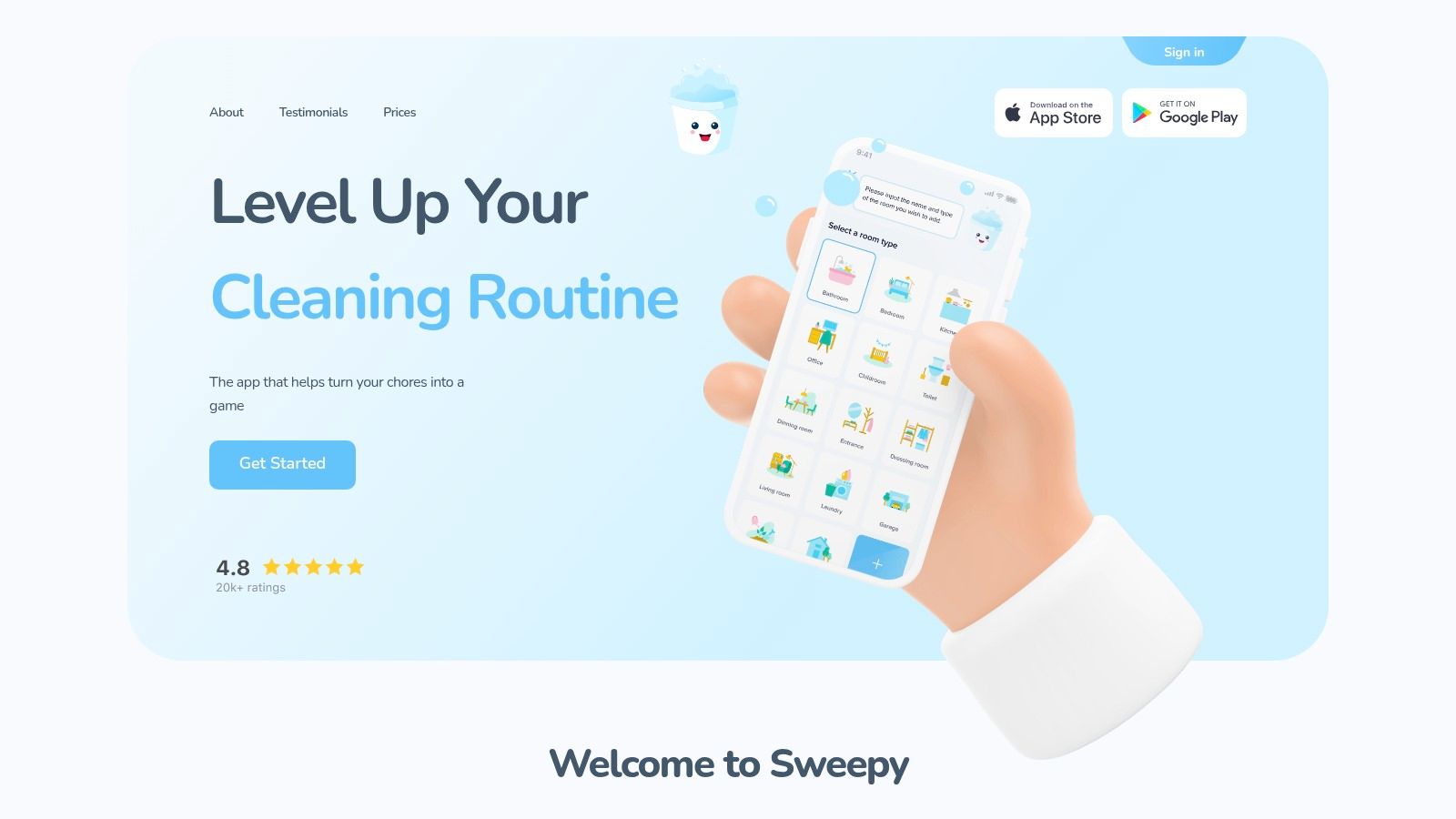
Its headline feature is the Smart Schedule, which generates a daily task list based on the time and effort you say you have available. On a low-energy day you get lighter tasks instead of a backlog of everything you skipped. That's a smarter response to a bad Wednesday than rolling three missed chores into Thursday. The catch is simple. The Smart Schedule sits behind Premium, so the free version tells you the state of each room but does less of the deciding for you.
Where Sweepy fits and where it grates
Shared progress tracking lets household members see what's been done, and task difficulty indicators help you split work by effort rather than by count. That distinction matters. Three quick wipe-downs aren't equal to one full bathroom clean, even though a plain checklist records them as three beats one.
- Best for condition-led cleaning: You care which room is slipping, not just whose turn it is.
- Best for short sessions: You clean in small bursts and want the app to pick tasks that fit.
- Weak spot for competition-averse homes: The family leaderboard can turn progress into scorekeeping.
Setup is the other cost. Sweepy needs rooms and tasks configured before its recommendations mean anything, and if you rush that step the cleanliness ratings feel arbitrary. Give it accurate frequencies for your busiest rooms first. I'd pick Sweepy over a rotation-first app if you live alone or with a partner and your main frustration is deciding what deserves attention today, not dividing work fairly between four people.
3. Tody
Tody rejects the fixed weekday entirely. Instead of "clean the bathroom every Saturday," you set a custom interval based on how often a task needs doing, and visual indicators show how due it's becoming. A bathroom used by four people doesn't follow the same rhythm as a guest room, and Tody's model respects that. You clean because the indicator says the task is ripe, not because the calendar rolled around again.
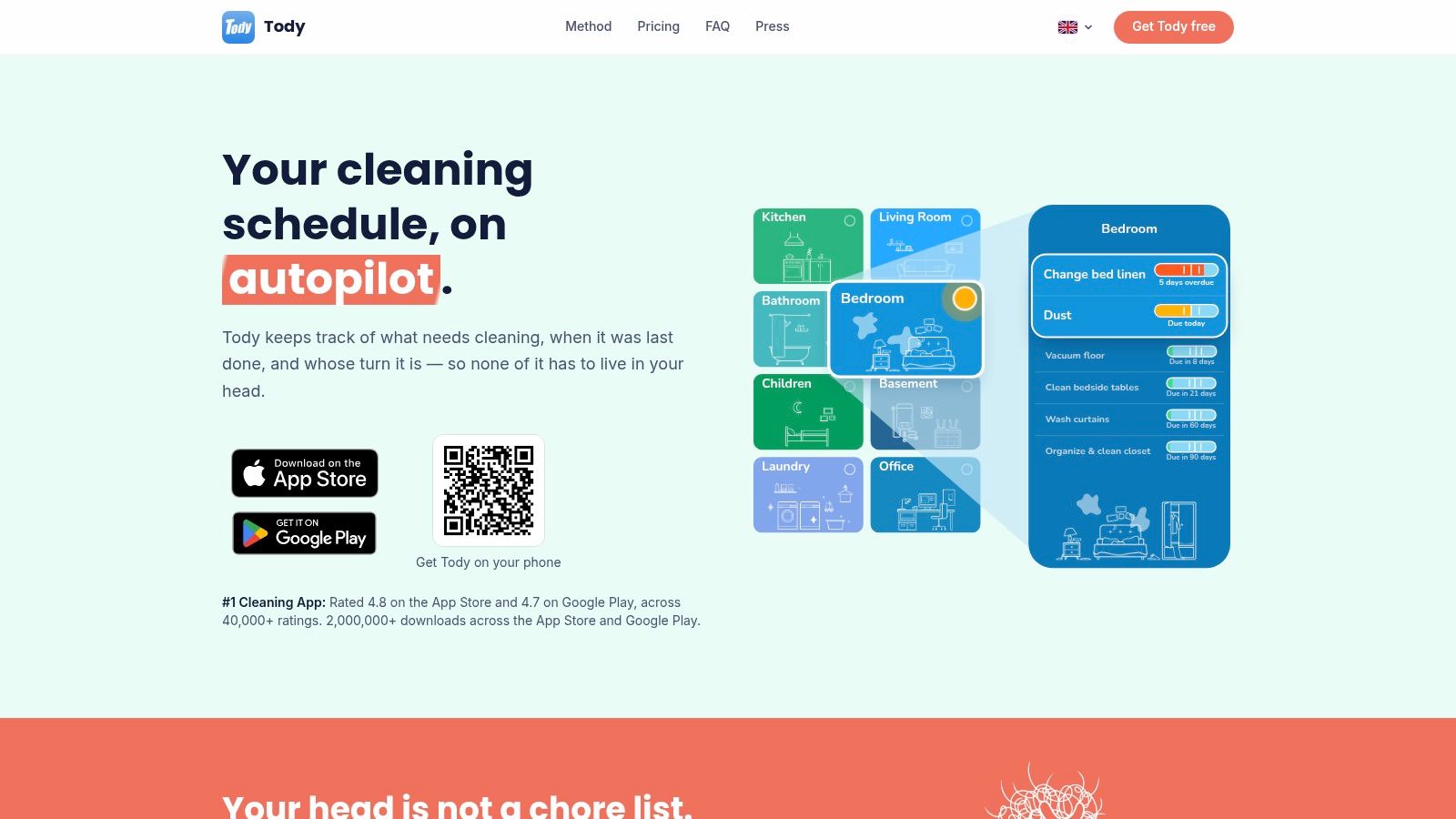
That flexibility handles real life well. If you clean two days late, the next interval counts from when you did it, so you aren't punished with another full clean three days later just to get back on schedule. For households comparing that approach with a date-based routine, a plain chore schedule is easier to predict, while Tody's intervals are easier to keep honest.
Sharing, fairness, and the paywall
Tasks can be assigned or rotated automatically, and the paid tiers add a Focus Timer and support for multiple homes. The top tier adds household syncing and FairShare contribution targets, which track whether each person is carrying an agreed share rather than an identical number of tasks.
Equal counts aren't equal effort. Set intervals and contribution targets by how long and how unpleasant a job is, or the fastest tasks will always look like the biggest contribution.
The free plan is ad-free and covers a core cleaning plan for one person. That's usable if you live alone. But live household syncing isn't included free, which is the exact feature shared homes need most. A couple testing Tody on two phones will hit that wall quickly.
Tody is also deliberately un-game-like. There are no points to chase, which suits adults who find rewards patronizing and frustrates families who need them. Plan names and pricing can be confusing, so confirm which tier includes syncing before you build your whole plan. I recommend Tody for solo users and detail-minded couples who think in intervals rather than weekdays.
4. Nipto
In a household that keeps debating whose turn it is, Nipto makes the rotation visible. Members earn points for completed tasks, track weekly scores and streaks, and work toward rewards the household chooses, such as picking Friday's takeaway.
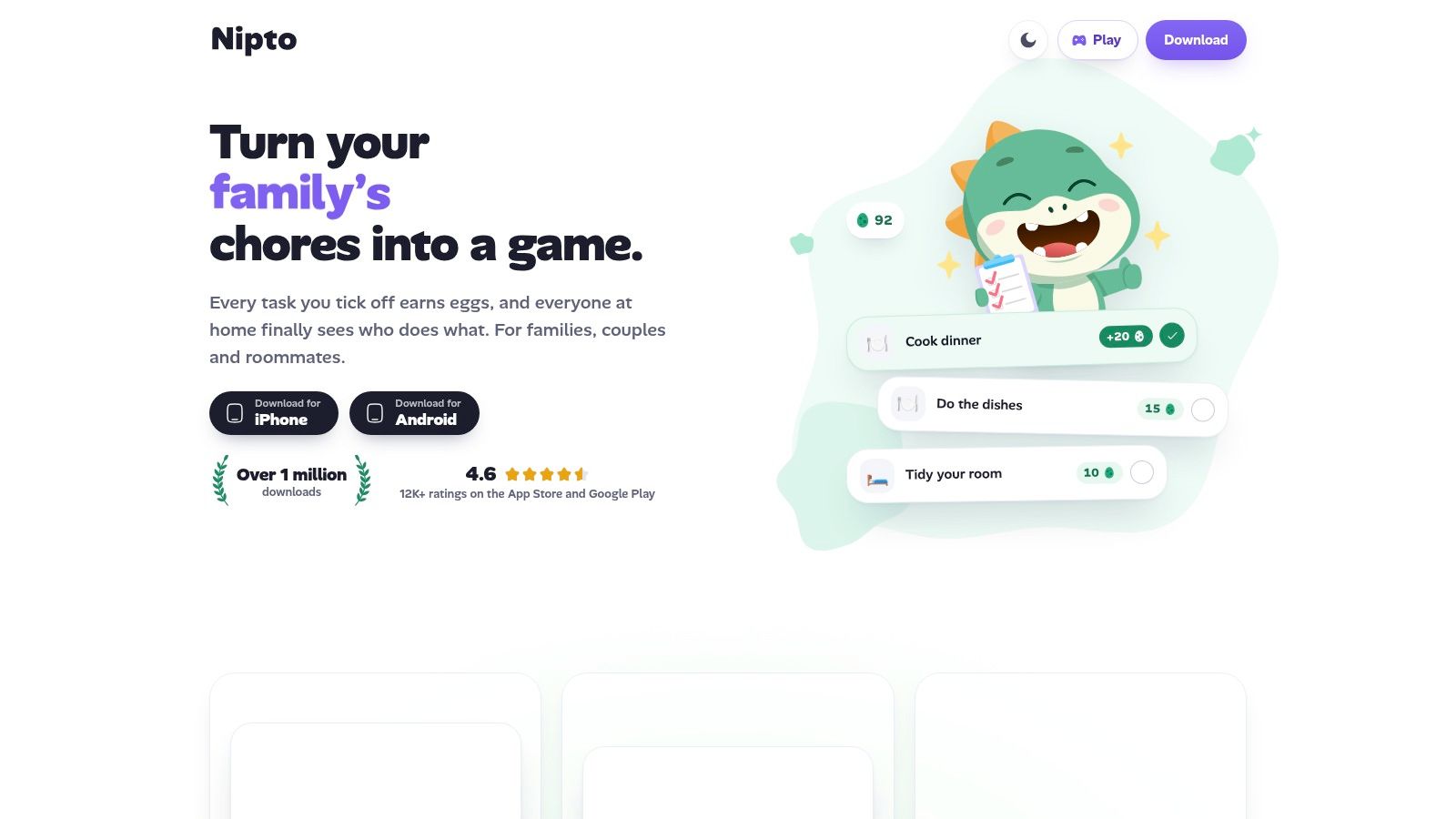
Its main planning feature is automatic turn-taking. When someone completes a shared chore, Nipto records who did it and passes the next turn along. Recurring schedules and reminders keep chores moving, while effort-based point values let a more demanding job count for more than taking out a bag of recycling.
What the free tier limits
The free tier of Nipto includes five schedules. For a couple rotating bathroom, kitchen, bins, vacuuming, and laundry, those five schedules are already accounted for. Unlimited schedules, widgets, and advanced statistics require Premium. Try the free version with the chores that cause the most disagreement, where automatic rotation has the clearest payoff.
- Children without phones: Kids can join as managed members, so a parent can log their tasks.
- Cross-platform access: Nipto runs on iPhone, Android, and the web, which accommodates household members who prefer different devices.
- Limited cleaning guidance: The app tracks who did what, but offers little information about room condition or urgency.
Competition is the main trade-off. Weekly scores can motivate some families and frustrate others, especially when one person's work is less visible. In a household already arguing about fairness, a public ranking may shift the dispute from chore turns to points. Nipto suits families and flatshares that enjoy games and want turn-taking handled automatically; it is a poorer fit when scorekeeping itself could become a source of friction.
5. Flatastic
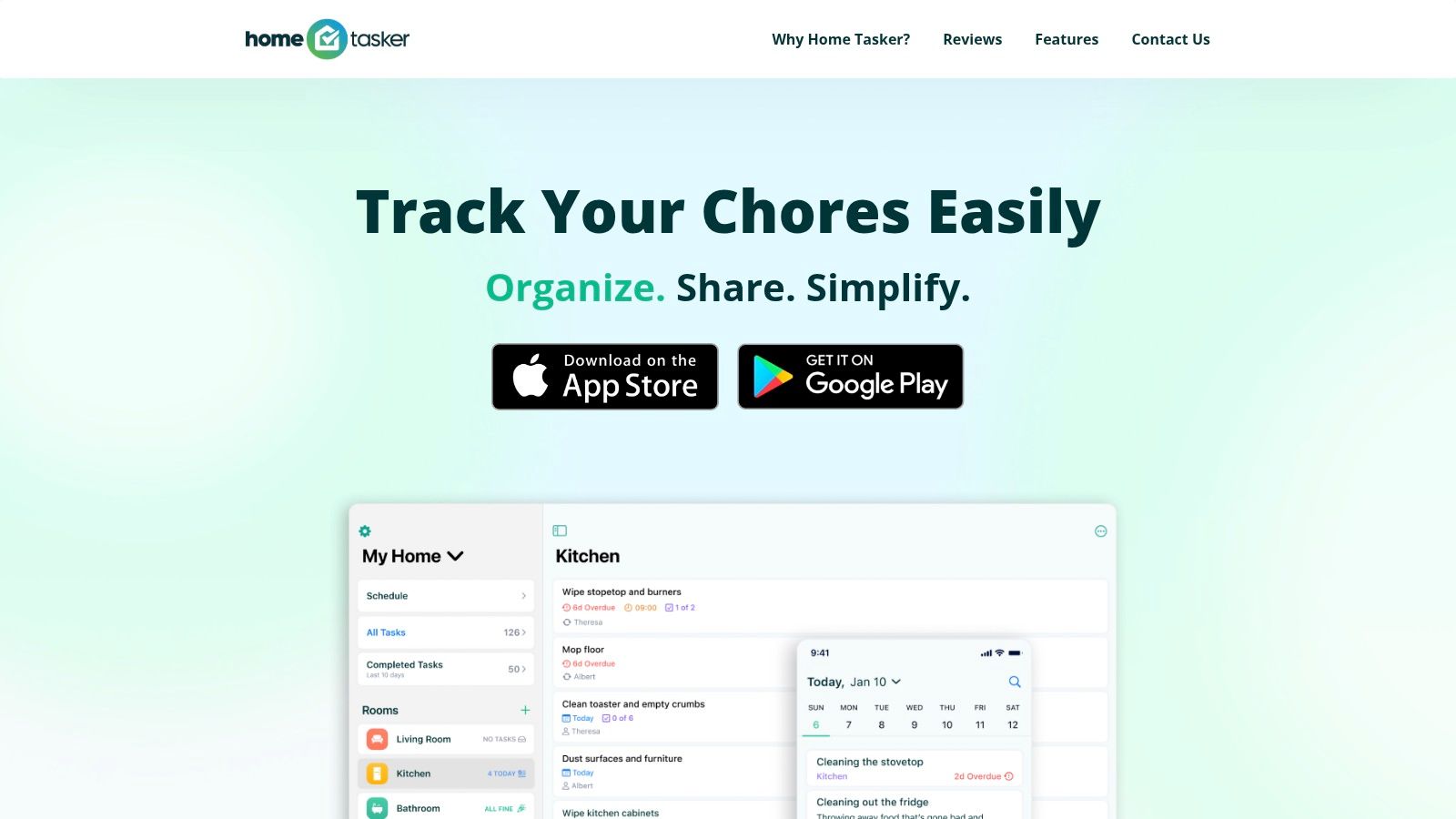
Flatastic puts cleaning alongside the other work of sharing a home. Its chore lists sit alongside shared grocery lists, expense tracking, and household notes. That can help roommates discuss cleaning and shopping in one place, though a dedicated cleaning planner may be simpler if those other tasks are handled elsewhere.
The chore tools support recurring tasks, automatic rotation, reminders, and a completion history. Members can check who finished each job, which gives the household a shared record rather than relying on everyone's memory.
Coordination benefits and limits
Flatastic can make different kinds of household contributions visible. Someone who does less cleaning but handles shared shopping or expenses can still be part of the household picture. The trade-off is that broader tracking adds features to manage if cleaning is your only goal.
The app offers less cleaning-specific guidance than Sweepy or Tody. It has no cleanliness rating to show when a room needs attention, and gamified rewards are not its focus. For a closer look at how shared task lists work in another app, see Benny's shared chores feature.
Roommate absences still need a household rule: decide whether a missing person's turn waits or passes to the next member. Flatastic can record the completion, but the household must agree on how to handle the rotation. It suits shared homes where cleaning, shopping, and expenses all need coordinating. Solo users and couples who keep finances separate may prefer a dedicated cleaning planner.
6. ChoreSplit
ChoreSplit is aimed at parents who are tired of inspecting bedrooms. A child completes a task, submits a photo as proof, and optional AI verification suggests whether it should be approved. Parents can review or override that suggestion, so the AI speeds up approval without having the final word. For families where "I did it" triggers a hallway inspection several times a day, that workflow removes a real daily friction.
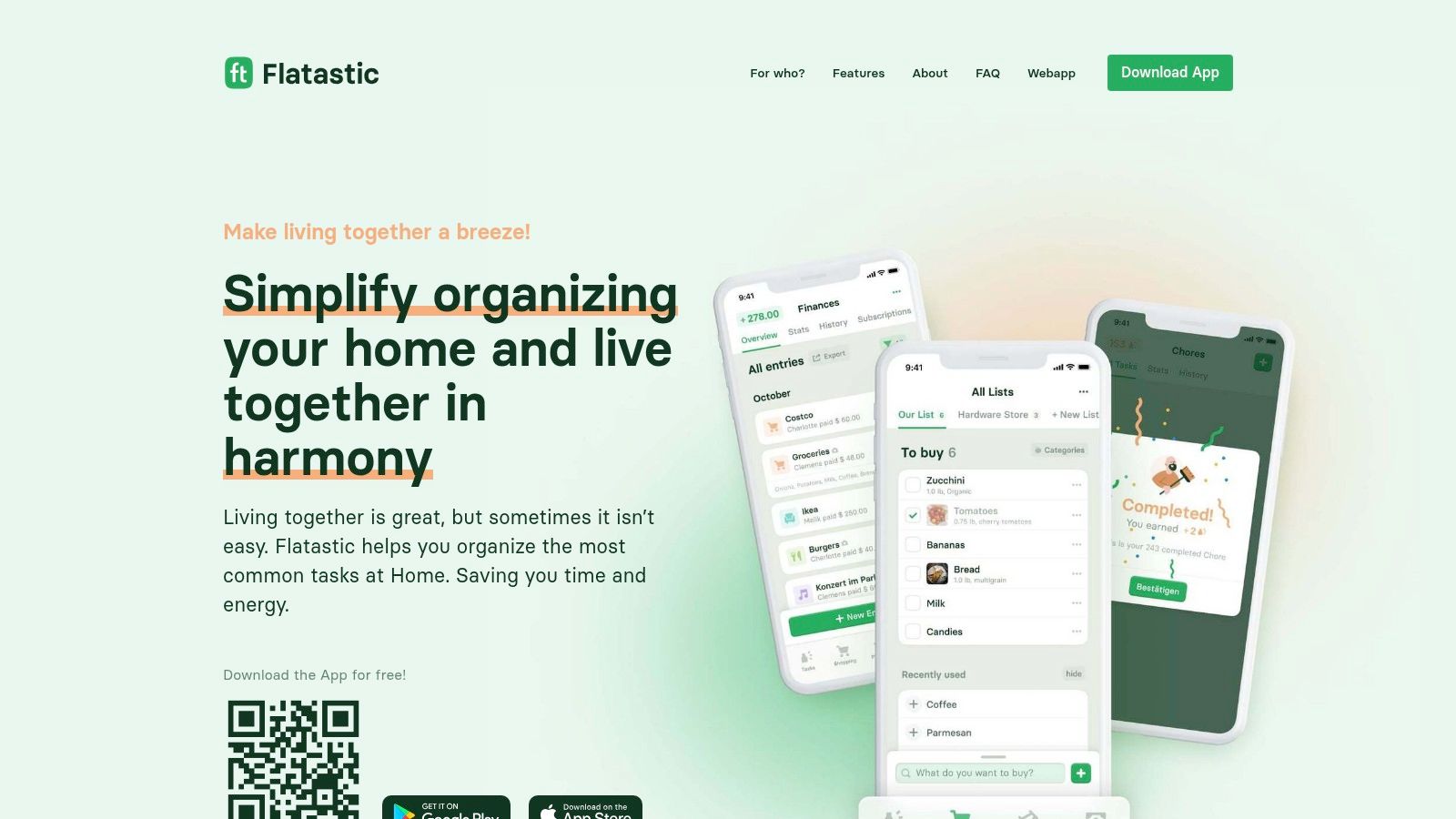
Around that core sit daily or weekly chore schedules, plus points, streaks, leaderboards, and rewards on the paid Plus plan. The free plan supports basic chore tracking with unlimited family members, which suits larger families testing whether the routine sticks before paying. Google Calendar sync and chore rotation also sit on the paid plan, so free users manage scheduling inside the app only.
Questions to settle before you start
Photo verification raises a privacy choice you should make deliberately. You're sending images of your home, taken by your children, to an AI service for assessment. Some families won't mind. Others will want to restrict photos to low-sensitivity tasks like a made bed rather than bathrooms. Decide the boundary before the first upload, not after.
- Flat household pricing: The pricing page describes one household price rather than per-child fees, which keeps costs predictable.
- Approval habit: Parent override only helps if you check borderline approvals instead of trusting every suggestion.
- Scope limit: It's a family chore and approval tool, not a room-by-room cleaning scheduler with urgency indicators.
Adult flatshares dividing work will find better guidance in advice on how to split chores with roommates than in a parent-approval workflow. ChoreSplit earns its place where children, rewards, and verification are the point. If nobody in your home needs a parent to sign off their work, its best feature is solving a problem you don't have.
How the smart cleaning apps compare on planning features
| Item | Recurring schedules | Adaptive suggestions | Free plan | Best for |
|---|---|---|---|---|
| Benny | One-off chores or recurring chores at intervals users choose | Premium mood-based chore suggestions | Scheduling, reminders, timers, and shared assignments | Households wanting room-based chores, shared schedules, and playful rewards |
| Sweepy | Room-by-room cleaning tasks | Premium Smart Schedule adapts to available time and effort | Room cleanliness ratings are free; Smart Schedule requires Premium | Cleaning guidance and deciding what to clean next |
| Tody | Custom cleaning intervals and chore rotation | Visual urgency indicators help prioritize tasks | Free ad-free core plan for one person | Flexible cleaning intervals and chore prioritization |
| Nipto | Recurring schedules; five free schedules | Automatic turn-taking based on who completed a chore last | Five schedules and core chore features are free | Households motivated by team games and rewards |
| Flatastic | Recurring chores and automatic rotation | Cleaning suggestions not emphasized | Recurring chores, automatic rotation, and reminders | Roommates coordinating chores, groceries, and expenses |
| ChoreSplit | Daily or weekly chore schedules and rotation | Optional AI photo verification | Basic chore tracking with unlimited family members | Families seeking chore tracking and approval workflows |
Matching a Smart Cleaning App to How Your Home Actually Runs
Start by naming your actual problem, because these apps solve different ones. If rooms deteriorate until someone snaps, you need a room-focused planner like Sweepy, Tody, or Benny that tracks condition or due dates by space. If the same person always ends up scrubbing while others wait to be asked, you need a rotation-led app like Nipto or Flatastic. Pick a family organizer like ChoreSplit only when children, rewards, and approvals are part of the routine.
Then look past who completes tasks to who plans them. In U.S. research involving 3,000 parents reported by the British Psychological Society, mothers handled 71% of household tasks requiring mental effort. An app that only records completions can hide that imbalance behind an even-looking checklist. So check whether your chosen app rotates ownership of a chore from start to finish, not just the final tap. The person who notices, schedules, and follows up is doing work too, and a fair system shares that load deliberately.
Retention is the other honest test. The UXCam mobile app retention benchmarks put median retention at roughly 25% on Day 1 and 4% on Day 30. Most cleaning plans die the same way, so don't judge an app by setup day. Run a two-week trial with one shared list, a handful of recurring chores, and every household member invited.
During that trial, watch three things. Do reminders arrive when action is still possible? Does a missed chore reschedule sensibly, or pile up? Do suggestions shrink on tired, busy days? Setup friction is where trials fail. In a University of Tokyo chore-allocation app study, about 60% of roughly 120 surveyed users gave positive feedback, but some found data entry too complicated. Presets and a small starting list protect you from exactly that.
Pay only for the friction you've felt. If free sharing and reminders hold your routine together, stay free. If holidays, illness, and low-energy days keep breaking it, features like protected snoozing and mood-based suggestions earn their cost. Benny fits best where room-based presets, free recurring reminders, and shared assignments across iPhone and Android are the priority. Whichever you choose, judge it on week two, not day one.
If your cleaning plan keeps collapsing by Wednesday, Benny gives you room-by-room presets, recurring schedules with due-date reminders, timers, and shared assignments that work across iPhone and Android, all in the free core app. Set up your kitchen and bathroom lists today, invite your household, and let Sponge Points reward the chores you finish.
Produced via Outrank