It's Sunday evening. The bathroom has been on the list for three weeks, and two people in the flat have stopped asking whose turn it is. Nobody is lazy. The system, if there ever was one, died somewhere around week two and nobody called it.
A free cleaner app can fix that, but only if it fits how your household runs. A solo renter needs a plan that bends when a bad week hits. A shared flat needs visible ownership, so the same person isn't scrubbing the shower every single time. A family with kids needs something a nine-year-old can follow without a reminder shouted up the stairs.
The category is crowded, and the free tiers are not created equal. Some hold sharing behind a subscription. Some run ads. Some are really storage cleaners with a chore icon attached. Demand is real: Business Research Insights estimates the mobile cleaner app market at roughly USD 620 million in 2025, with a projection to USD 1.73 billion by 2035 at an 11.2% compound annual growth rate.
Below are eight options worth your time, grouped by the household they suit and by what you get without paying. Each one has a limit, and I've named those too. A free tier that doesn't cover the job you need it for is worth nothing.
Table of Contents
- 1. Benny
- 2. Tody
- 3. Sweepy
- 4. Spotless
- 5. Cozi
- 6. HousIQ
- 7. HouseWork
- 8. Clean My House
- How the leading free cleaner apps compare on platform, free features, and household sharing
- Choosing the Free Cleaner App Your Household Will Actually Use
1. Benny
Benny is the option built around the household. Chores are organized by room, with preset lists for the kitchen, bathroom, bedroom, and living room, plus custom tasks for the jobs presets always miss, like descaling the kettle or wiping the bin lid.
The shared board puts the day's work at the top.
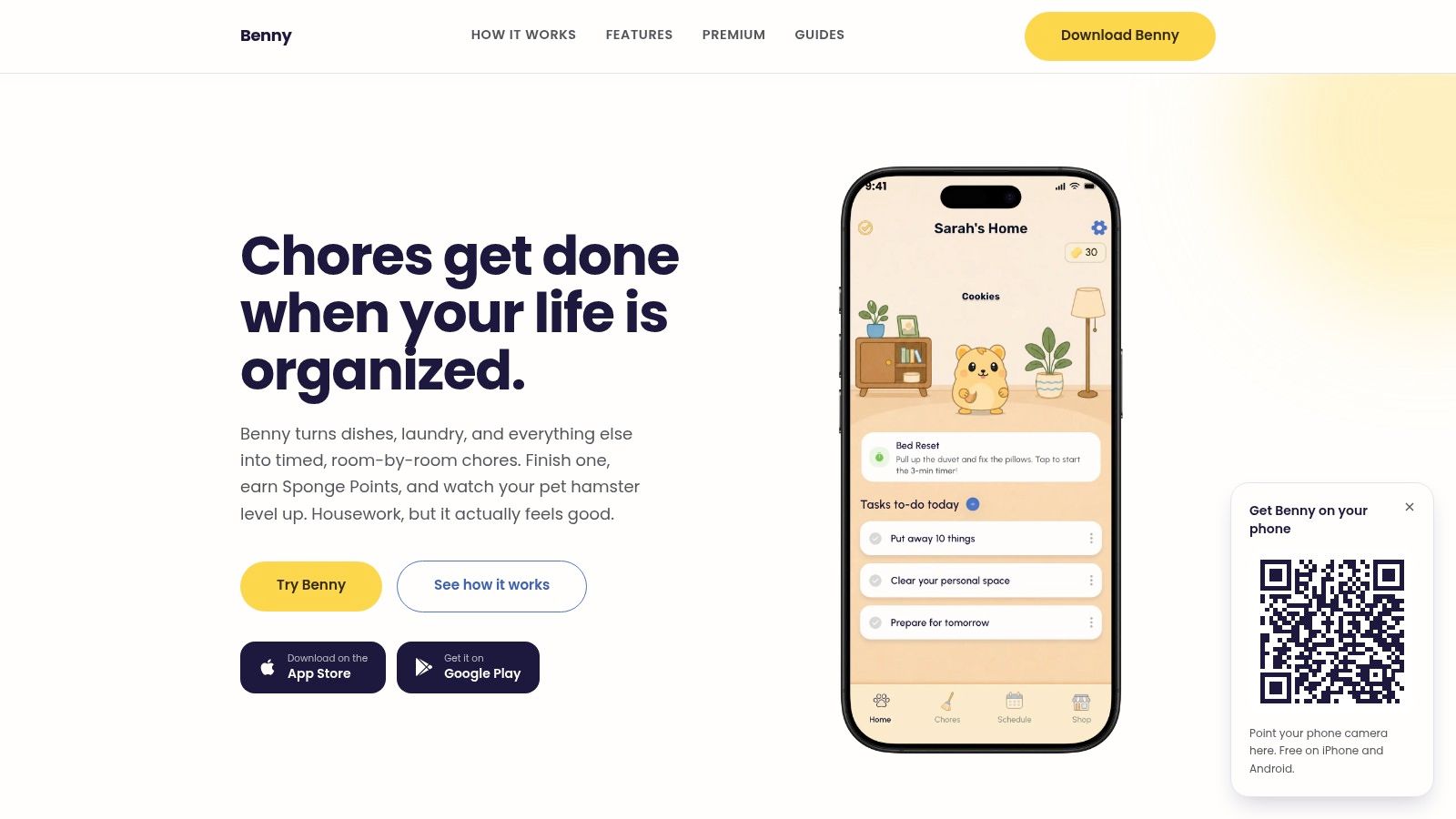
Every chore can carry a timer. You start it, work until it runs out, and tap finished, which is how a 15-minute bathroom clean stays a 15-minute bathroom clean. Chores can be one-off or recurring, scheduled for a future date, and a reminder lands when each one is due.
Why the shared part earns its keep
Unpaid household work takes real hours. Adults in OECD member countries averaged about 116 minutes a day on unpaid non-care household tasks, roughly 8% of available time, per OECD time-use data published in 2021. The same figures put women at about 158 minutes a day against 72 minutes for men, an average gap of 86 minutes daily and more than ten hours a week.
A shared list exists precisely for that gap. Roommates, couples, and families can assign chores in the same free home and see what's due, who owns it, and what's finished, across iPhone and Android.
The practical test: a cleaning system that can't show who owns the bathroom this week is a diary with extra steps.
What the free tier covers
Scheduling, reminders, timers, and shared chores are all in the free version, which carries ads. Premium removes the ads and adds home-screen widgets, room and chore filters, holiday and sick modes, streak protection on snoozed or skipped chores, mood-based smart chores, multiple homes, and custom effort points. Premium bills through the App Store or Google Play.
- Free coordination: recurring schedules, timers, reminders, and a shared home cost nothing.
- A reward loop that fits repetitive work: completed chores earn Sponge Points that level up a virtual hamster and buy accessories.
- The seam to watch: the hamster loop won't motivate every adult in the flat, and running more than one home sits behind Premium.
Benny is free to download on the App Store and Google Play.
2. Tody
Tody is the free app to pick when one person runs one home. Instead of a fixed weekly schedule, it tracks each task's own interval, so the shower comes round every two weeks and the oven every three months. The clock resets from the last time you did the job.
The room view shows how long each task has before it comes due.
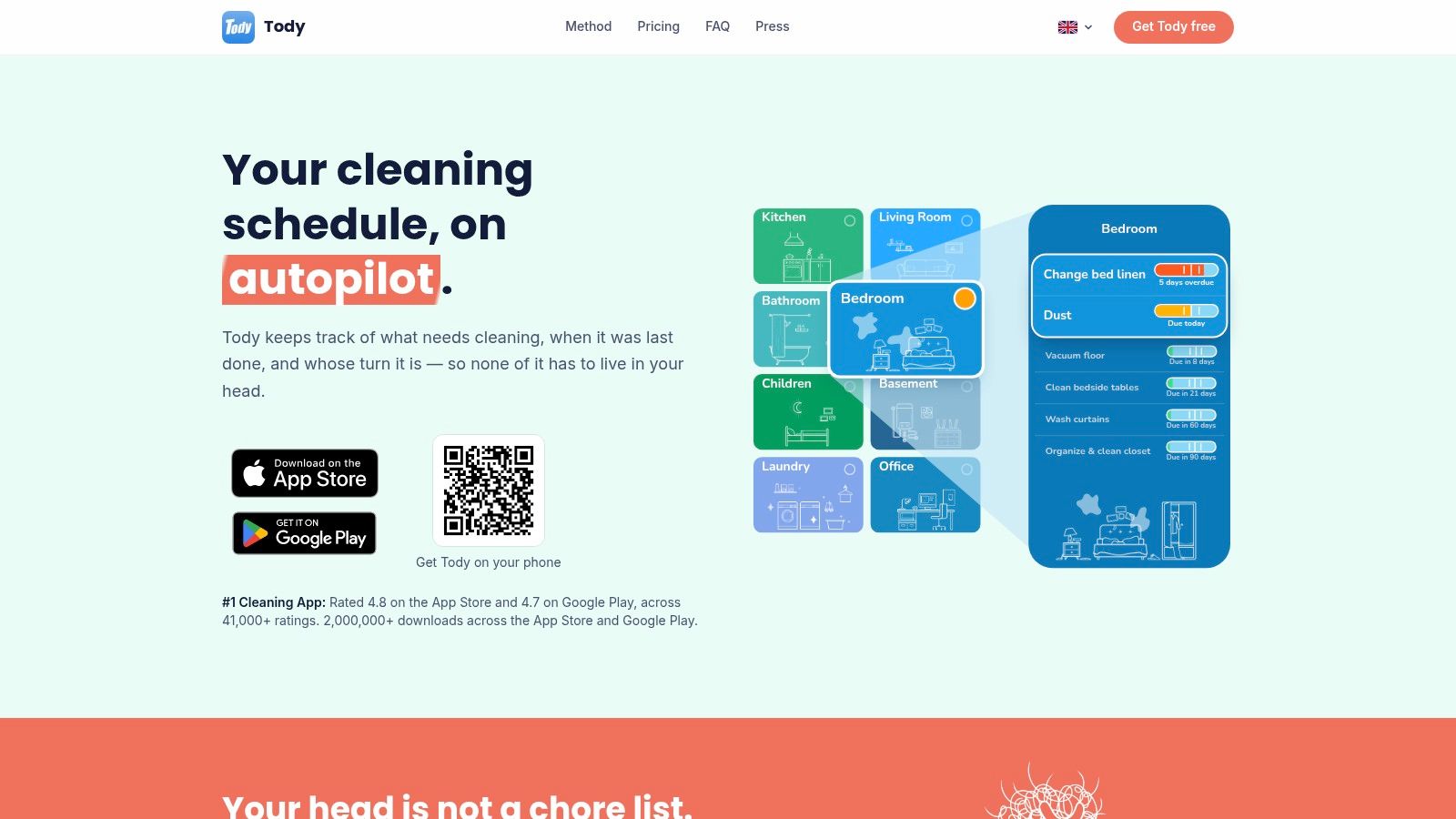
That interval model matters more than it sounds. A fixed Monday-night schedule collapses the first time you're away for a weekend. An interval plan just shifts, and you never feel behind on a job that was never actually late.
What the free plan gives you
- No ads on the core plan: the personal cleaning plan, room setup, and due-date tracking come free.
- Per-task flexibility: every job has its own repeat interval, so changing one chore never means rebuilding a whole schedule.
- Well reviewed on both stores: Tody holds positive user ratings on the App Store and Google Play.
There is a setup cost. You build rooms first, then tasks inside them, before the app tells you anything useful. Budget twenty minutes for a two-bedroom flat and do it once, properly.
Where the free tier stops
Sharing is the wall. Live household plans, chore assignment, automatic rotation, and FairShare contribution targets all sit in Premium+, so a flat of four has to pay before it can coordinate at all. Tody also tracks cleaning without any reward layer, which suits adults and does less for children.
If you're weighing a personal plan against a shared one, read how to split chores with roommates before paying for the wrong tier.
More at todyapp.com.
3. Sweepy
Say four people share a flat and nobody wants to be the one who assigns the jobs. Sweepy takes that decision away by generating a daily schedule, distributing chores across household members, and prioritizing what needs doing first.
Each room carries a cleanliness level and a progress bar, so the flat can see the state of the place without an argument.
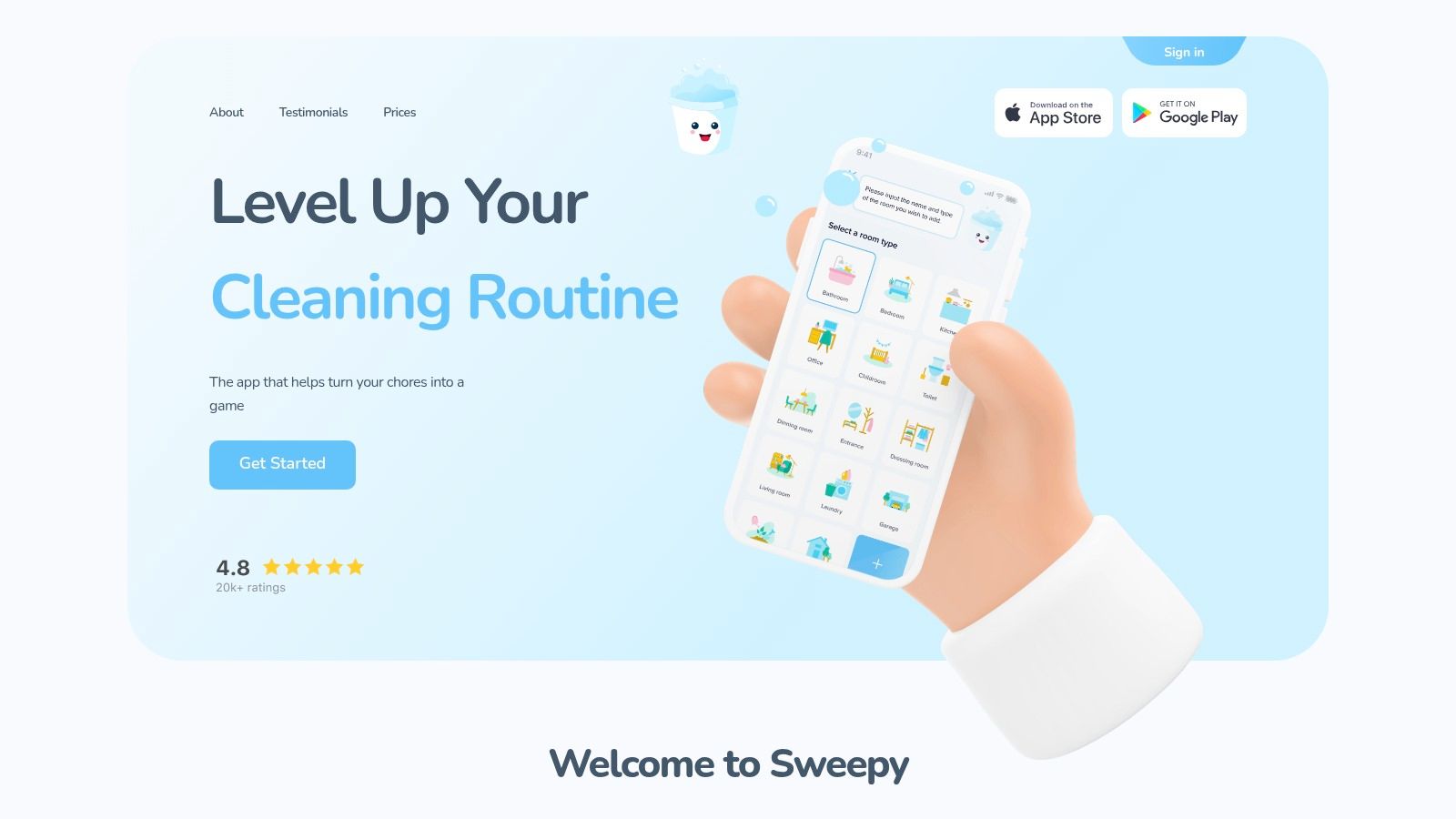
This is the most game-like option here, and the leaderboard is the reason. It works best when everyone is a willing participant and worst when it becomes a scoreboard one person uses to prove a point.
Why assignment beats a checklist
The underlying imbalance is documented. An OECD policy paper reports that women globally spend about three times longer on unpaid care work than men, from roughly 1.5 times longer in North America to 6.7 times in South Asia. In a shared flat, invisible work is what breeds resentment. A schedule that names an owner for every job addresses the cause rather than the symptom.
A leaderboard only works when the same jobs sit on everyone's list. Check that before you sell the flat on the competitive angle.
Where it's uneven
- The free tier is partial: not every feature is included without a subscription, so test the specific screen you need before committing the household.
- Ratings carry the evidence: check the current score and review volume on the store listing before rollout, since the free plan tells you little until the house is set up.
- Privacy disclosures need a look: read what the app collects on its store listing before adding roommates' names and contact details.
- Auto schedules can grate: if you'd rather see one static checklist than a regenerated daily plan, this will feel like churn.
More at sweepy.com.
4. Spotless
Spotless is the smallest tool here, and for a one-person household that's the appeal. You create rooms, give each one a task list, and the app shows what needs cleaning at a glance instead of burying it under statistics.
Each room carries a short list and a status you can read in a second.
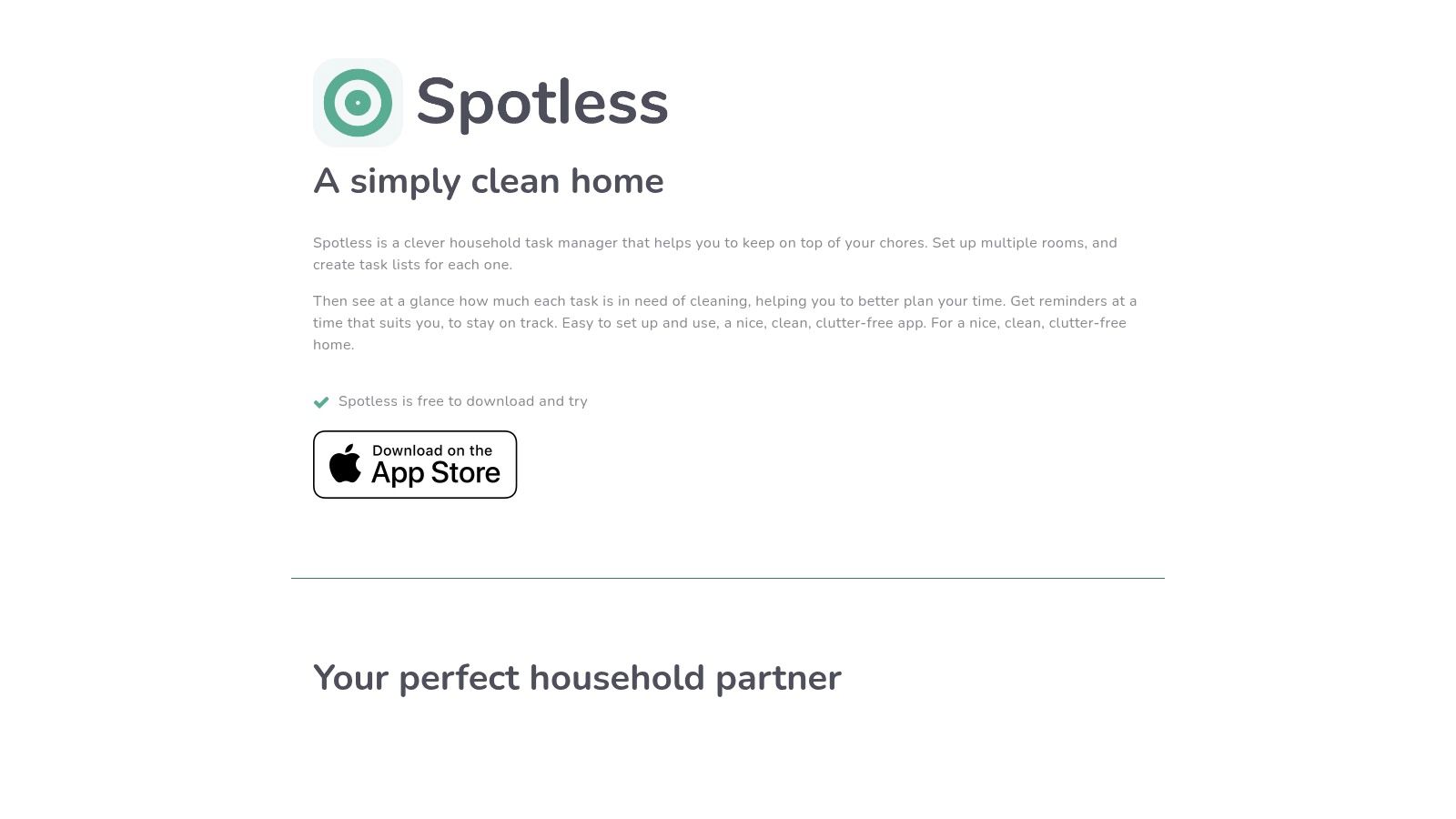
Reminders fire at the time you pick, which matters more than it sounds. A reminder at 7pm on a Tuesday gets acted on. A banner at 11am on a workday gets swiped away and forgotten.
Best for one pair of hands
The App Store listing describes it as easy to set up, and a 4.5 App Store rating across 1,300 ratings suggests the basics work for many users. It's a free download with optional in-app purchases, so the core room lists are usable without paying.
The accessibility gap nobody covers
"At a glance" is a visual promise, and that shuts out part of the audience. Research published in 2025 found few technologies supporting blind and visually impaired people in ensuring home cleanliness, apart from limited live-visual-aid applications. Test whether the room status makes sense with a screen reader, large text, or voice control before you build a routine around it.
Those adaptations help more people than the label suggests: older adults, anyone recovering from illness, and parents managing interrupted days all rely on them.
The honest limits
The listed version is iPhone and iPad, and Android availability wasn't established. Some features sit behind an in-app purchase, and there's no shared assignment or reward system, so it's a personal planner rather than a household one.
More at spotlessapp.net.
5. Cozi
Cozi isn't a cleaning app, and that's the trade you're making. Chores live inside a family organizer that also holds the calendar, shopping lists, to-do lists, and recipes, so the bathroom rota sits next to the dentist appointment and the grocery run.
Chores appear beside the family calendar rather than in their own dedicated space.
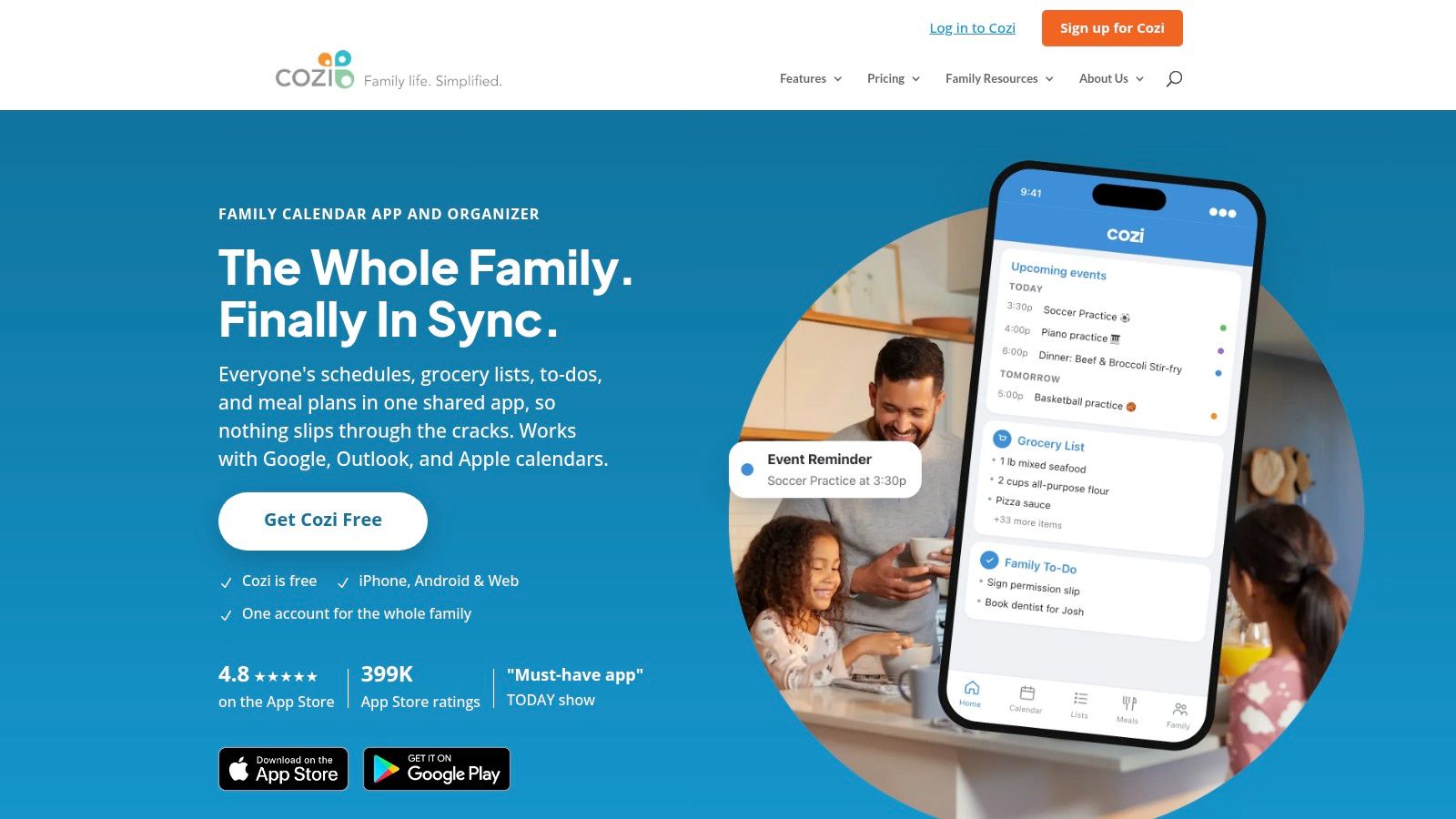
For a household already juggling school pickups and meal planning, one app beats three. For a household that wants per-room cleaning intervals and completion history, it will feel thin.
Where it wins
- Chores are in the free plan: you don't pay to add a chore list, which is the whole test for this guide.
- Repeating tasks: chores can repeat daily or weekly and are visible to everyone on the shared account.
- One source of truth: lists and schedules sync across family members' phones, on iPhone and Android.
- Fewer logins: the same app covers the shopping list and the week's plan.
Where it's thin
The chore tool is basic next to a specialist cleaning scheduler. There's no room-by-room interval logic, no timers, and no completion statistics. Chores are also available in the mobile app but not on the Cozi website, which catches people who plan at a desktop.
The shared-account model is the biggest constraint. Everyone uses the same account, so detailed ownership per person is weaker than a system built around individual assignments. If clear ownership is what your flat is missing, look at shared chore assignments instead of bending a calendar app to do the job.
More at cozi.com.
6. HousIQ
The free plan is specific about its limits: one household and up to 40 recurring chores. That's a clearer allowance than most apps offer, and it tells you immediately whether you fit.
The week is laid out room by room and day by day, which is easier to audit than a flat list of jobs.
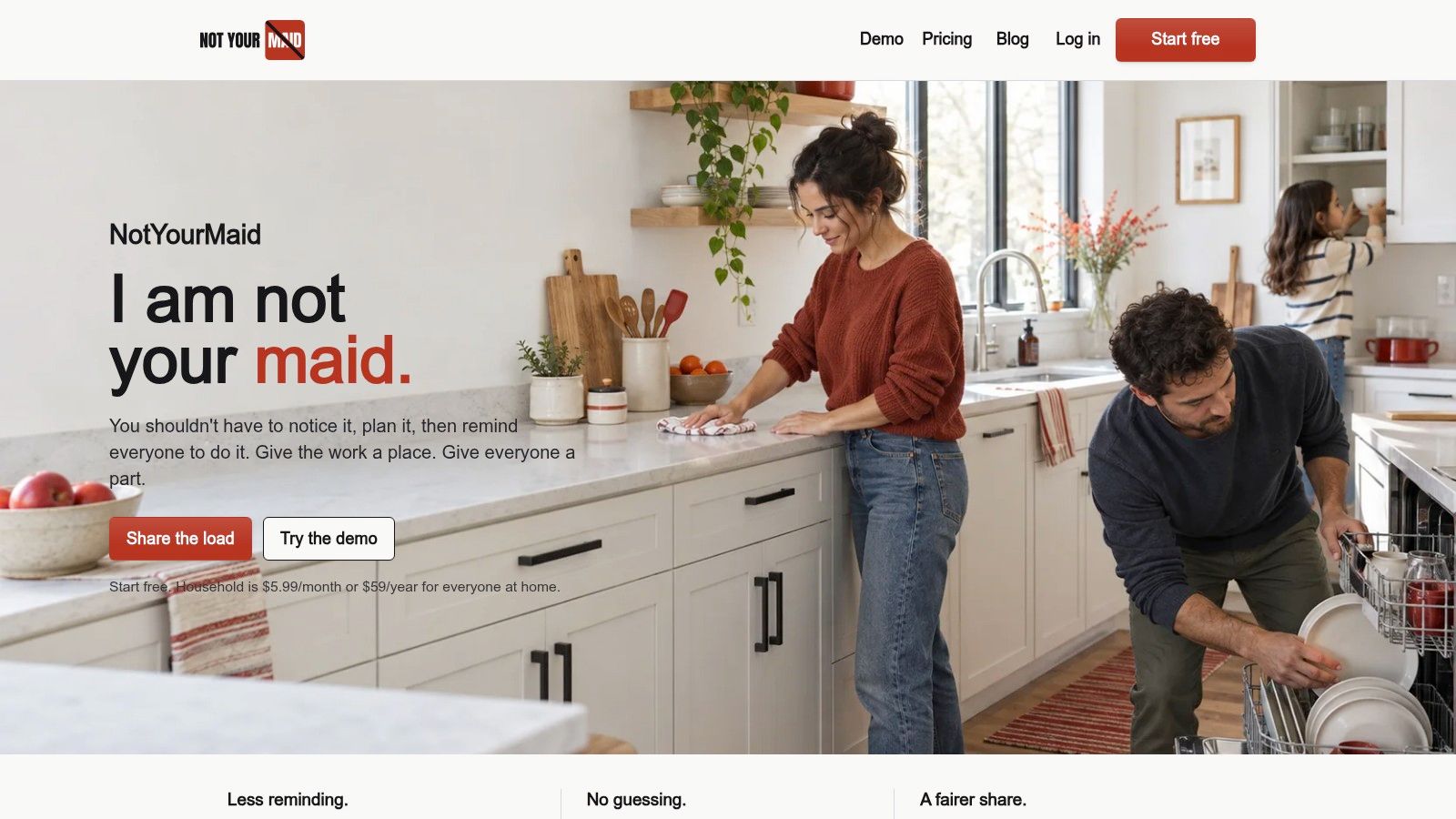
A Today view shows what's due now, and chores are assigned across the household rather than sitting in one person's head.
Who the 40-chore cap suits
A one-bedroom flat with a shared kitchen fits comfortably. So does a couple splitting the main rooms. The cap bites when a household lists every micro-task separately, so bundle them: make "bathroom reset" one chore covering the sink, mirror, and toilet rather than three.
Forty recurring chores is roughly ten per room across four rooms. Most homes don't need more than that, and the ones that do usually need fewer tasks with longer intervals.
The catch for iPhone users
There's no native App Store version listed. Android and web are the supported routes, and iPhone or iPad users go through Safari in a browser, which works but drains the convenience argument. A cleaning app you have to open in a browser tab is a cleaning app you'll skip.
There's also no pet or points reward system here, so the motivation has to come from the shared visibility and the schedule itself. For some households that's enough, and the gamified layer is noise.
More at housiqhq.com.
7. HouseWork
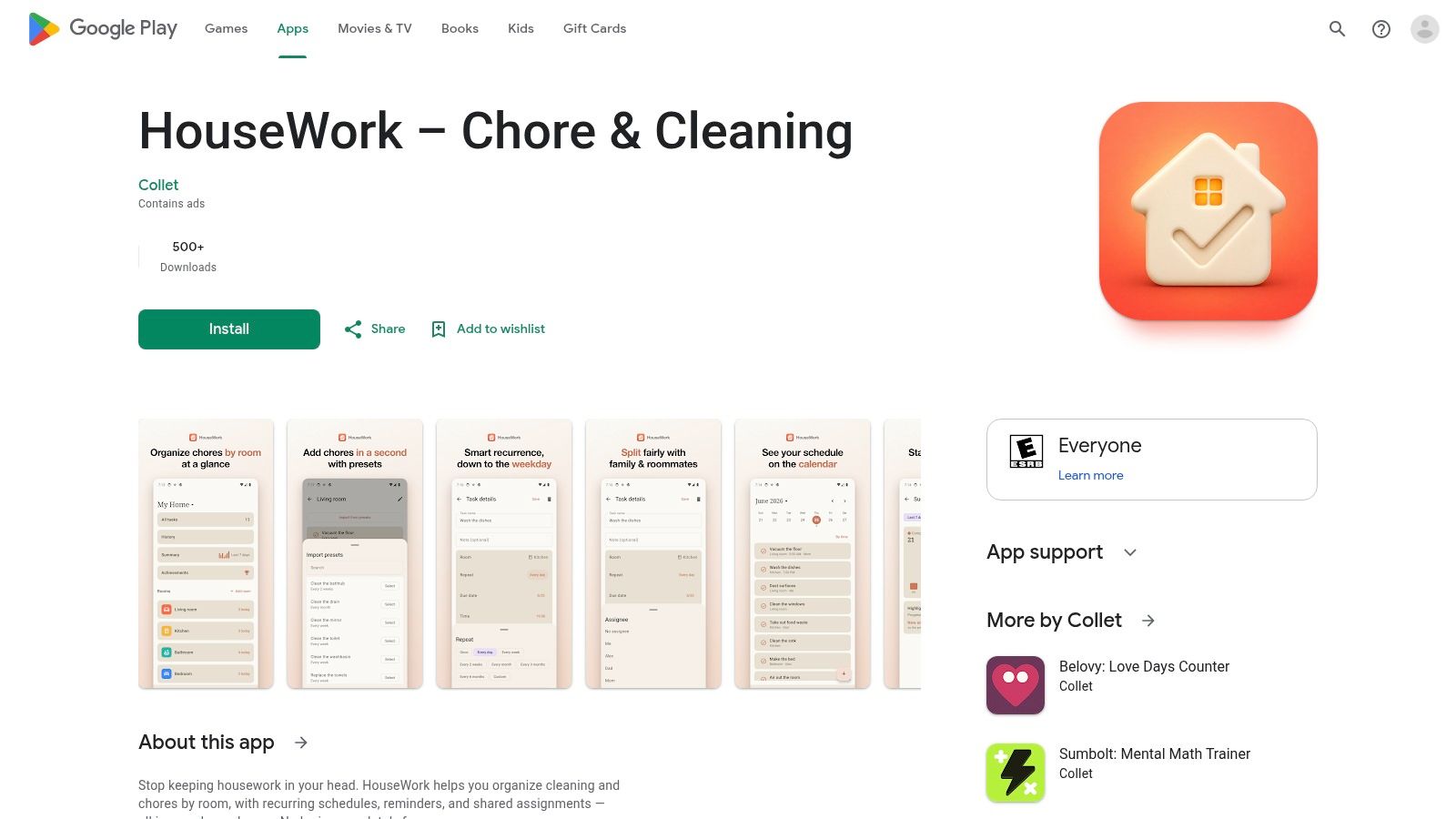
HouseWork is for the household that doesn't want another online account. The Google Play description says it's free, ad-supported, requires no login, and stores household data locally on the device.
Rooms, presets, and custom chores set up fast, and recurrence runs from daily and weekly through monthly and every N days. That last option handles the awkward jobs, like a six-week cycle for windows or the oven.
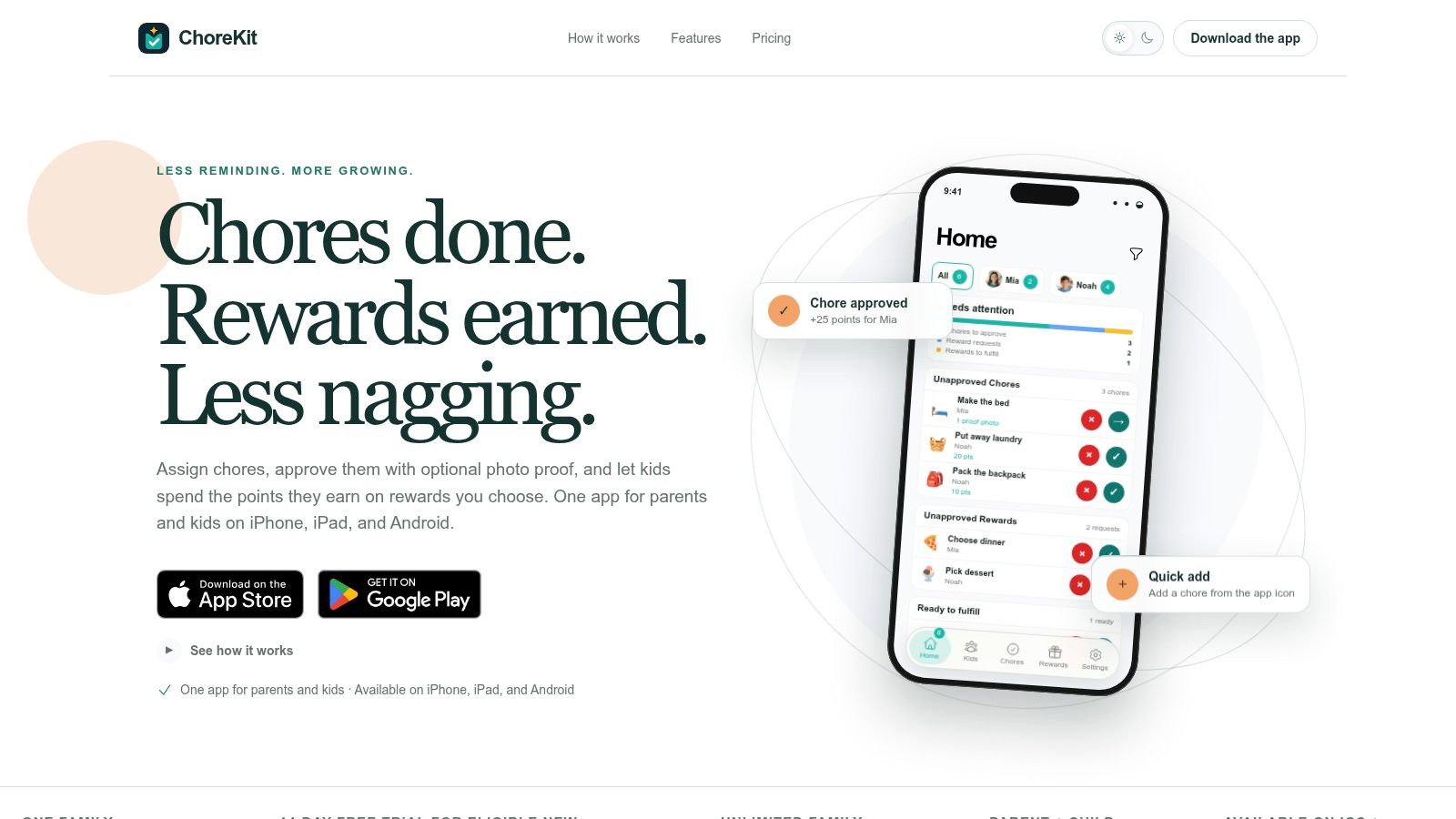
Assignments, automatic turns, reminders, a calendar view, checklists, statistics, badges, and a home-screen widget are all described as free. Automatic turns are the reason a shared flat picks it: the bathroom rota moves to the next person without anyone chasing. A solo flat still gets value from the checklists and the widget, but the rotation is wasted on one person.
The privacy angle worth checking first
"Free" isn't automatically safe, and cleaner apps have a track record. An analysis of 10 popular iPhone cleaner apps found all of them shared user data with third parties, with 90% sharing identifiers such as user or device IDs, 70% sharing those identifiers alongside information like location or purchase history, and 20% sharing location data.
Two questions matter for any free cleaner app: where does the data go, and can you get it back? Local storage answers the first part well, since the household list never reaches a company server. The second part has a catch. An ad-supported free app can still send device identifiers to ad networks, so check the data safety section on the Google Play listing before installing.
Where it stops
Local storage has a flip side. There's no live cross-device syncing, so each flatmate works from their own copy and changes don't reach other phones on their own. The app is Android only, with iPhone availability not established. Ads are present, and the shared rota only works if every person opens their own phone.
More at HouseWork on Google Play.
8. Clean My House
Most cleaning apps are judged on setup. The useful test is week three, when the novelty has gone and the bathroom is due again.
Clean My House is built around repeating jobs: weekly scheduling, room categories with a starter set of cleaning tasks, reminders, task history, insights, and a home-screen widget.
Task history is the part competitors skip. Seeing that the oven was last cleaned five weeks ago is more useful than a badge, and Google Drive backup and restore means a phone upgrade doesn't wipe your history.
Built for the return visit
Retention is the honest measure of any free cleaner app, and the numbers are brutal. A retention benchmark synthesis puts median retention at about 25% on day one, 10% on day seven, and 4 to 6% by day 30.
That's the competition, not the feature list. An app that survives past week three is doing something right, usually because the next job is visible on the home screen without opening anything.
Rule of thumb: judge a cleaning app by what it shows you on day 21, not by how impressive the onboarding was.
The limits
It's Android-focused, and an iOS version wasn't verified. Some features require Premium, which you'll find out when you tap them rather than on the listing. It also isn't a shared live board for several household members, so it suits one person running the schedule for a home rather than a flat coordinating itself.
If coordinating several people is the goal, set the routine up as a recurring chore schedule that everyone can see instead.
More at woohoosoftware.com.
How the leading free cleaner apps compare on platform, free features, and household sharing
| Item | Platforms | Free plan highlights | Shared household use | Best for |
|---|---|---|---|---|
| Benny (Recommended) | iPhone, Android | Free recurring schedules, reminders, timers, and shared chore lists; ads included | Shared assignments and completion tracking across devices | Households wanting shared chores with playful hamster rewards |
| Tody | iPhone, Android | Ad-free personal cleaning plan for one person | Household syncing and contribution tracking require Premium+ | Solo cleaners who want flexible, room-based cleaning plans |
| Sweepy | iOS, Android | Some features are free; others require a subscription | Supports chore distribution and household progress tracking | Households motivated by cleanliness tracking and leaderboards |
| Spotless: A Simply Clean Home | iPhone, iPad | Free download with optional in-app purchases | Limited focus on shared assignments | People wanting a straightforward room-by-room cleaning list |
| Cozi | iPhone, Android | Free chores, to-do lists, calendar, shopping lists, and recipes | Shared account syncs chores and schedules for family members | Families who want chores alongside calendars and shopping lists |
| HousIQ | Android, web | One household and up to 40 recurring chores | Shared assignments and a Today view | Households wanting a structured weekly chore plan |
| HouseWork – Chore & Cleaning | Android | Free, ad-supported features; no account required | Assignments and rotation are available, but no live cross-device syncing | Android users wanting a feature-rich planner without an online account |
| Clean My House: Chore Planner | Android | Some features require Premium; free-plan details are not specified | Not designed as a shared live chore board | Android users managing recurring personal cleaning tasks |
Choosing the Free Cleaner App Your Household Will Actually Use
Start with the household you have, not the feature list. A solo cleaner can go a long way on a personal interval plan. A shared flat needs visible ownership and a record of what is unfinished. A family with children usually needs a simpler board or a reward a child will chase.
Match the tool to that shape. If you live alone, the free personal tiers of Tody or Spotless cover the job without a subscription, and Clean My House is worth testing to see which of its features need Premium. If you share the rent, look for free shared assignments rather than paying for a syncing tier you will resent. If there are children in the house, a leaderboard or a pet that levels up does more work than a well-designed checklist nobody opens.
Then run a two-week test with real chores. Put the bathroom, the kitchen, and the bins on the schedule, use the app for those three things only, and see whether the free tier still covers what you need by day fourteen. The answer usually shows up in the second week, when the reminder fires and the household either acts on it or ignores it.
Check the small print before you pay
Three things to confirm before any upgrade, in any of these apps: whether the ads disappear, whether sharing is included or held back, and whether the free allowance covers your home. A cap of one household and forty recurring chores suits a flat comfortably and runs tight in a five-bedroom house with a garden.
On subscriptions, two rules apply everywhere. Deleting the app does not cancel a subscription, so cancel through the App Store or Google Play first, then delete. Price changes do not apply to the current billing period either, and you are notified in advance under the store's rules, so read the notice instead of assuming the next charge is the same.
One app handles this trade-off well. The free version of Benny shows ads, yet sharing a home with roommates, a partner, or family costs nothing, and room-based chore lists, timers, and due-date reminders all sit in the free tier. Premium adds home-screen widgets, room and chore filters, snooze and skip with streak protection, and an ad-free experience, so the paywall lands on convenience rather than on sharing. Finished chores earn Sponge Points that level up a virtual hamster and buy it accessories, a reward simple enough to keep a child interested in the bathroom rota. It is free to download on the App Store or Google Play.
One last thing. A cleaning app is a coordination tool, not a motivator. If two people in the flat have stopped asking whose turn it is, the app gives them a place to look, but somebody still has to put the chore in the list and name an owner. Do that part together on a Sunday evening, once, and the rest is maintenance.