The bathroom in your shared flat gets cleaned twice in the same week. The oven doesn't get cleaned at all. Someone empties the bins, someone else buys cleaning supplies, and nobody remembers who was supposed to mop the kitchen. By the weekend, you're having another conversation about jobs everyone thought someone else had handled.
A cleaning checklist app can close those gaps, but only if it matches how your household works. A private reminder list won't resolve unclear responsibilities. A leaderboard won't make an unfair workload fair. And an elaborate schedule won't help if everyone except its creator ignores it.
This isn't just about remembering to vacuum. People in OECD member countries spend an average of 116 minutes per day on recurring non-care housework, including cleaning, cooking, laundry, and gardening, according to the OECD's time-use analysis. A useful app should reduce the planning involved, not become another household job.
The options below cover room-based cleaning planners, shared chore systems, personal routine trackers, and family reward apps. The practical differences are who can see the work, how recurring jobs return, what sharing costs, and whether the motivation suits your household. Start with those differences rather than choosing whichever app has the longest feature list.
Table of Contents
- 1. Benny
- 2. Tody
- 3. Sweepy
- 4. Home Tasker
- 5. Spotless
- 6. Home Routines
- 7. Wipzie
- 8. S'moresUp
- 9. Homey
- 10. Cleaning Schedule & Chore List
- How the 10 cleaning checklist apps compare on platforms, free access, and best use
- Matching a Cleaning Checklist App to Your Household
1. Benny
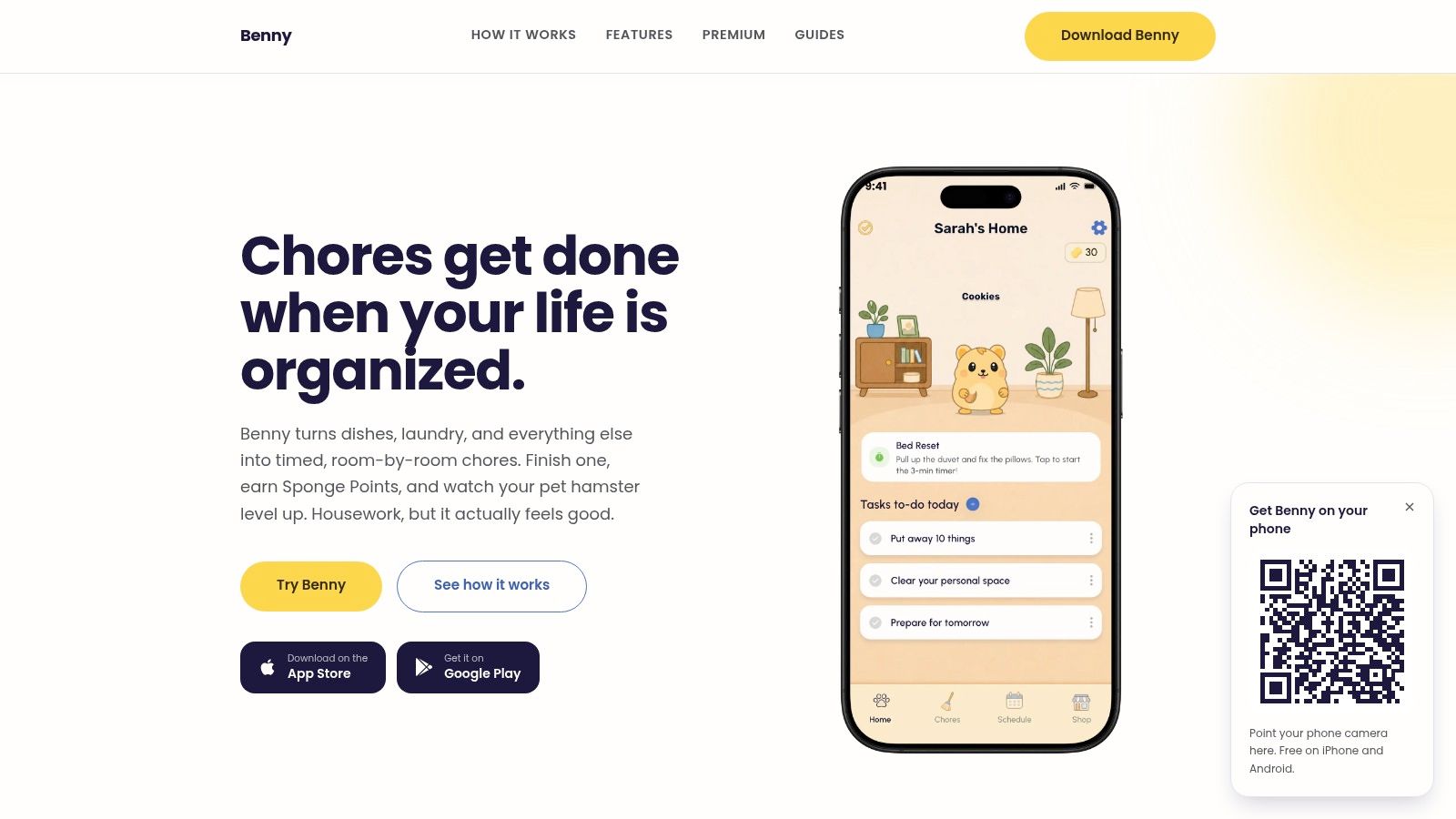
Best for mixed-phone households that want shared cleaning without paying for core coordination. Our app combines room-based chores, recurring schedules, timers, and shared assignments across iPhone and Android.
Start with kitchen, bathroom, bedroom, and living-room presets, or create custom chores. Give each task a room, a timer, an owner, and a one-off date or recurring interval. Everyone in the shared home sees the same schedule, including completed work and jobs still waiting.
That makes a practical difference when a broad assignment such as cleaning the bathroom causes disagreements. Split it into wiping the basin, scrubbing the toilet, and cleaning the shower. Assign the work explicitly rather than expecting someone to interpret a room name.
What's free and what Premium changes
Scheduling, reminders, timers, and household sharing are free. Completed chores earn Sponge Points that help level up a virtual hamster and earn accessories, giving routine work a small, immediate reward.
Premium adds flexibility rather than basic household access:
- Changing capacity: Mood-based smart chores, sick and holiday modes, and protected snoozing or skipping accommodate disrupted routines.
- More control: Widgets, room and chore filters, custom effort points, and multiple-home management support more involved setups.
- Fewer distractions: Premium removes advertising through an optional app-store-billed subscription.
The trade-off is straightforward. The free app includes ads, and pet-based rewards won't appeal to everyone. A subscription price isn't specified here, so don't assume a particular monthly cost.
I'd shortlist this option when your main problem is coordinating recurring work across different phones. Agree on what finished means before assigning tasks, because shared completion records make responsibility visible, but they don't establish cleaning standards for you.
2. Tody
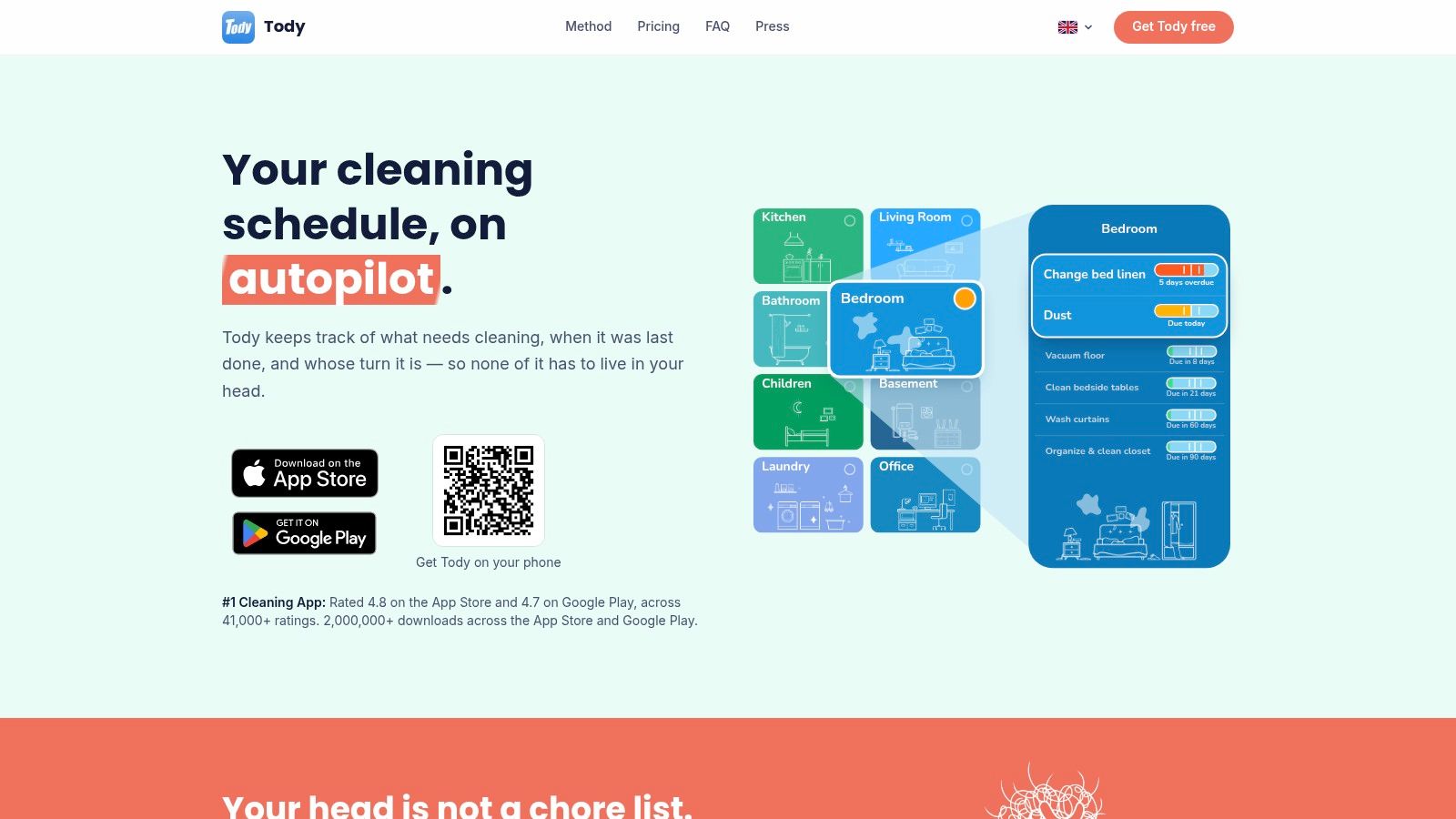
An oven and a kitchen counter don't need the same cleaning frequency. Tody suits people who want to track how due a task is, rather than attach every job to a rigid weekly calendar.
You organize chores by room, adjust their cleaning intervals, and use visual status indicators to decide what needs attention. That approach works well for a personal cleaning routine with occasional tasks that otherwise disappear from memory.
Its flexibility is also the main trade-off. If your household needs a definite agreement that a particular person cleans on a particular day, a needs-based view may feel less concrete than a fixed schedule.
Practical rule: Choose flexible due-status tracking when you need help prioritizing. Choose explicit dates and assignments when you need dependable handoffs between people.
Where sharing changes the value
The free individual plan includes core planning and assignment features without ads. Household syncing and contribution tracking require Premium+, so distinguish between putting names on chores and giving everyone a synchronized view on their own device.
- Useful for forgotten jobs: Adjustable intervals help keep less-frequent cleaning on the radar.
- Useful for motivation: Optional reminders and a dust-bunny character add prompts without making competition compulsory.
- Setup limitation: Detailed room lists still need thoughtful configuration.
Task assignment and automatic rotation can support a shared routine, but rotation needs sensible boundaries. Swapping responsibility for a bathroom works only if everyone understands the same scope. I'd choose Tody for flexible cleaning priorities, then test the paid sharing workflow before treating it as the household's central record.
3. Sweepy
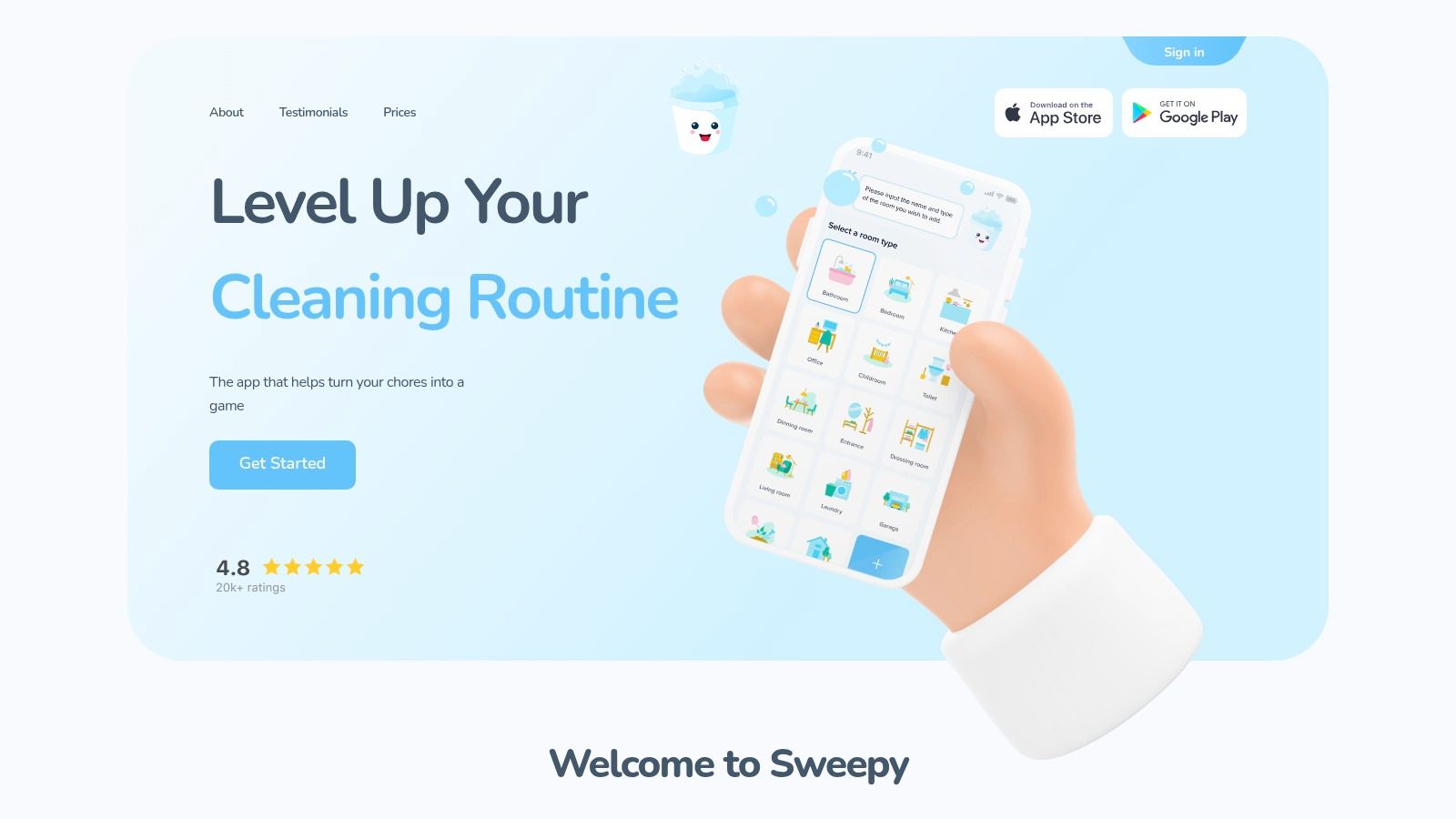
Choose Sweepy when deciding what to clean next is itself a recurring chore. It tracks room cleanliness, prioritizes tasks, and can generate daily schedules for household members.
That puts it closer to a household work planner than a simple checklist. Couples, roommates, and families can use assignments, syncing, and progress tracking to see who has completed what without sending another group message.
Automatic scheduling is useful when household members want direction. It's less attractive when everyone prefers choosing chores around an unpredictable day, especially if generated tasks become suggestions that nobody feels responsible for completing.
Competition is optional in spirit, not a fairness system
Sweepy's leaderboards and game-like rewards may encourage participation among people who enjoy friendly competition. Multiple-home support and Apple Watch availability also broaden its usefulness beyond a basic phone checklist.
The important limitation is how you interpret progress. A completed task count doesn't tell you whether someone handled a demanding shower clean or a quick surface wipe.
- Strong fit: Households that want daily direction and visible shared progress.
- Potential friction: Competitive scoring can irritate people who already feel their contribution is overlooked.
- Cost consideration: Some functionality requires Premium, so test the features your household needs before committing.
I'd use the generated schedule as a starting agreement, not an unquestionable instruction. Adjust task frequency and scope when the suggested workload doesn't fit real availability. Otherwise, you can end up with a tidy-looking app and the same unresolved negotiation about who has time to do the work.
4. Home Tasker
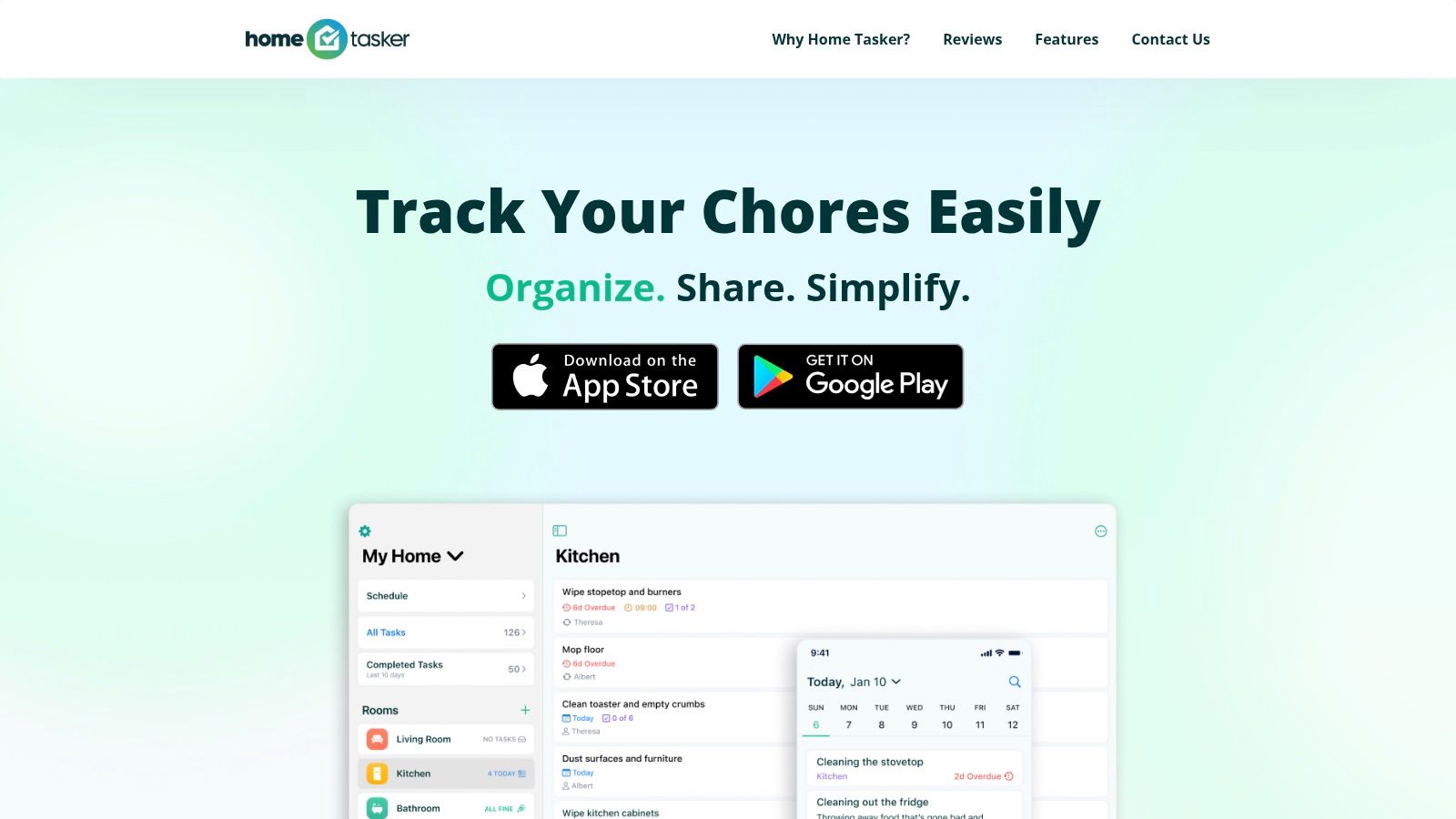
A shared cleaning routine becomes harder to maintain when someone travels, shifts change, or the usual task owner is unavailable. Home Tasker offers room templates, recurring schedules, assignments, automatic rotation, and vacation controls for households managing those exceptions.
Its room-based presets give you a starting structure without requiring you to invent every task. Cleaning history and progress tracking are useful when you need to distinguish an overdue job from one that was completed recently but forgotten.
The appeal is coordination depth. The drawback is administration. AI room scans and achievements may be interesting, but they aren't necessarily useful if your actual need is a shared bathroom schedule.
Test the handoff, not just the checklist
When comparing Home Tasker with our shared chore features, focus on what happens after the original assignment changes. Can household members see the revised responsibility clearly, and do they know whether work has been paused or reassigned?
- Room templates: Helpful for building an initial cleaning plan without starting from an empty screen.
- Rotation and vacation controls: Relevant when responsibility changes regularly.
- History: Useful for checking completed work without relying on someone's memory.
Paid subscription features need to justify their place in your routine. There isn't a supported price comparison here, so judge value by the coordination you'll use rather than assuming a broad feature set is better value.
I'd shortlist Home Tasker for households that want cleaning history and structured rotation. For a solo user who only needs recurring reminders, the additional tools may create more setup than benefit.
5. Spotless
Not everyone needs a household dashboard. Spotless is a more focused option for iPhone and iPad users who want rooms, cleaning tasks, frequencies, and reminders without a wider family-management system.
Create a room, add its chores, and set how often they should return. Cleaning-need indicators help distinguish work that needs attention from tasks you can leave alone for now.
That structure is particularly useful for jobs you don't notice until they become difficult. A shower-door task can include a clear method, such as our guide to removing hard-water stains from glass shower doors, rather than leaving the next person to work out the process.
A reminder tells you when to act. A well-written task tells you what to do and what finished should look like.
Better as a personal tracker
Spotless doesn't have the same emphasis on household sharing and game-based coordination as Sweepy. Don't choose it expecting the room checklist alone to resolve unclear ownership between roommates.
- Main advantage: A cleaning-focused interface keeps attention on maintenance rather than allowances, rewards, or general family planning.
- Manual work: You still need to create rooms and choose sensible task frequencies.
- Access limitation: An Android version isn't confirmed, making it a poor starting point for a mixed-phone household.
There are options to add tasks or access the full feature set, but no specific price is established here. I'd consider Spotless for an individual who wants a dedicated cleaning checklist app and prefers straightforward status tracking over social features.
6. Home Routines
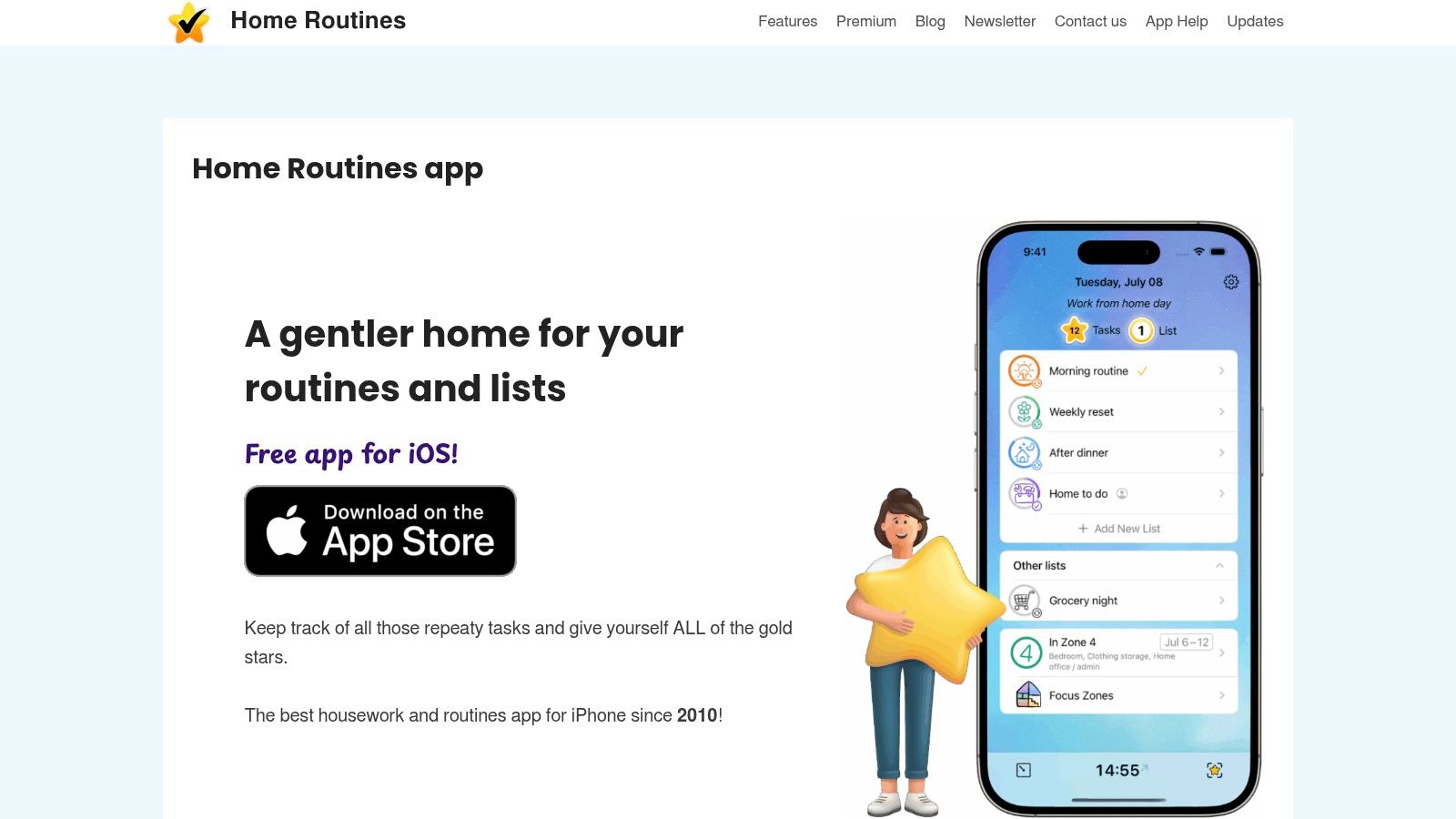
For someone who stalls when faced with a long list, a guided sequence can be more useful than another dashboard. Home Routines supports custom routines, unscheduled checklists, Focus Zones, timers, and a mode that presents tasks individually.
Use it to separate a repeatable routine from occasional reference work. A kitchen closing routine might cover clearing counters, washing dishes, and wiping the sink, while a separate checklist records deeper cleaning.
Focus Zones let you organize attention around parts of the home. This is helpful when your priority is building a manageable personal habit rather than measuring everyone's contribution.
Routines aren't the same as assignments
The free version includes unlimited routines and to-do lists. List sharing and some recurring schedule features require Premium, so the free personal setup shouldn't be mistaken for a complete shared-household system.
- Best feature for getting started: The step-through mode reduces the need to keep choosing the next action.
- Useful distinction: Unscheduled lists can hold cleaning procedures without making every step another overdue reminder.
- Household limitation: This is a general routines app, not primarily a chore-allocation tool.
It's available for iPhone and iPad; Android support isn't confirmed. That matters if you're trying to get partners or roommates onto a common system rather than organize your own work.
I'd choose Home Routines when the obstacle is starting and following through. If the obstacle is someone else not knowing they own the bathroom clean, prioritize explicit shared assignments instead. Better personal habits can help, but they shouldn't turn the most organized person into everyone else's supervisor.
7. Wipzie
Wipzie combines recurring room-based chores with points, streaks, leaderboards, and an optional photo-based AI cleaning assistant. It's aimed at people who want both a cleaning schedule and a little help maintaining momentum across iPhone and Android.
The room, effort, frequency, and assigned-person filters are practically relevant. When you're tired, choosing a manageable task is more useful than scrolling through every job in the home.
Its photo assistant adds a different kind of help: suggestions for dealing with a stain or mess. Treat those suggestions as guidance, not permission to ignore surface compatibility or cleaning-product warnings.
The free and shared experiences differ
Core schedules, reminders, activity history, and game elements are available free, but the free plan has room and chore limits. Shared households, chore rotation, and the AI assistant require Pro, which is the key distinction for roommates comparing it with free-sharing alternatives.
- Good reason to try it: You enjoy streaks and points and want effort-based ways to find suitable chores.
- Reason to pay attention: A personal trial won't show whether the paid household workflow fits everyone.
- Reason for caution: Its review history is less established than Tody's or Sweepy's, so test the workflow rather than relying on familiarity.
I'd assess Wipzie first as a recurring cleaning planner and only then as an AI tool. The assistant may help with an unfamiliar mess, but reliable assignments and completion records matter more to the daily functioning of a shared home.
8. S'moresUp
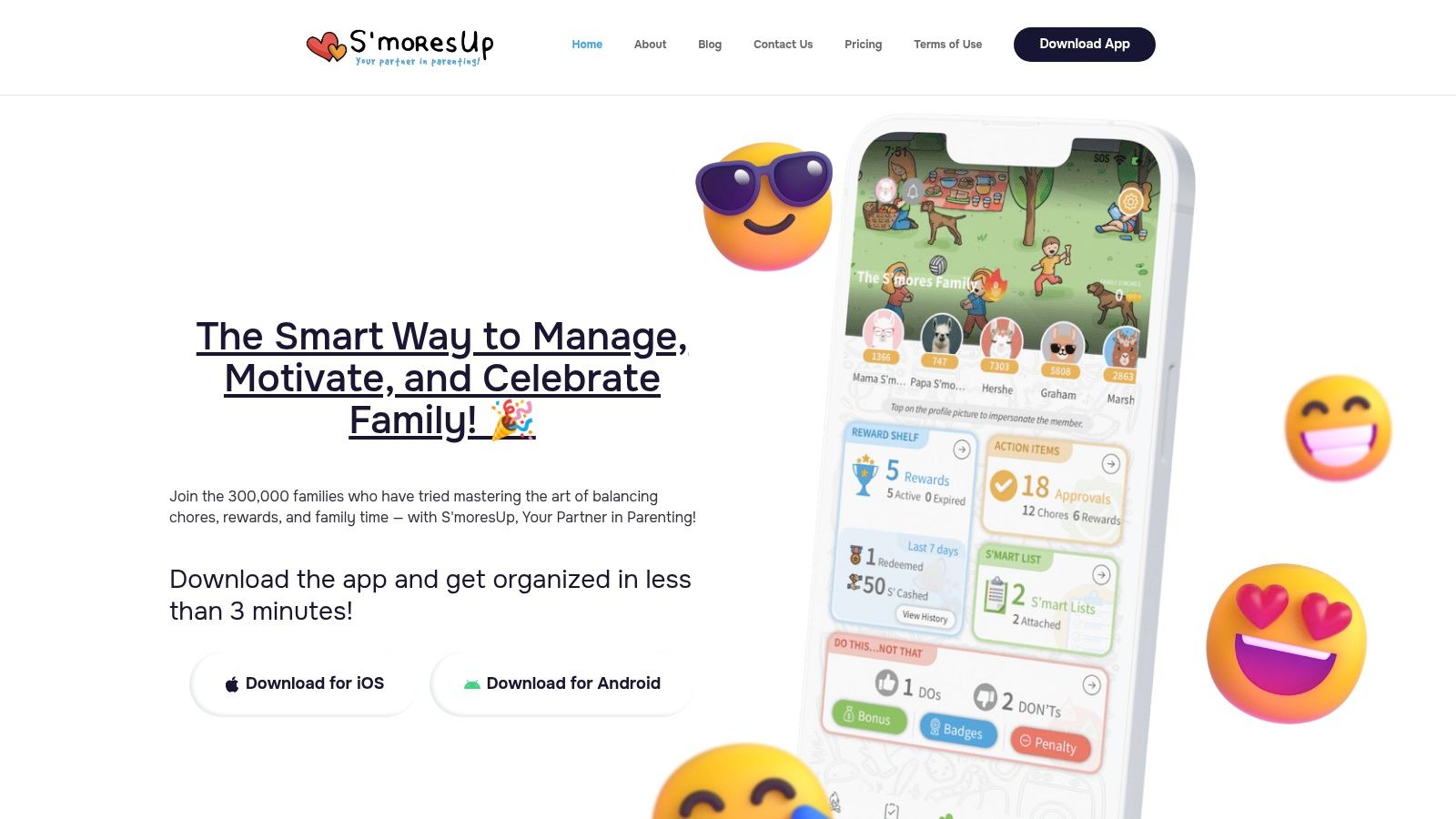
A child's bedroom reset and a roommate's bathroom assignment need different approaches. S'moresUp is family- and child-oriented, with member profiles, assigned chores, points, and rewards rather than a primary focus on room cleanliness.
That makes it a sensible candidate when cleaning is part of a wider conversation about household responsibilities. Parents can connect expectations with incentives and use the same system for tasks beyond cleaning.
It's less compelling for an adult shared flat that wants a neutral record of recurring work. Family reward language can feel unnecessary when the main requirement is knowing whose turn it is to vacuum.
Set the reward rules before assigning chores
Premium includes advanced scheduling, chore allocation, reward approval, and reporting. Those features may be useful, but they also mean the parent managing the system needs clear rules for what earns a reward and when approval happens.
- Helpful setup: Give children concrete tasks, such as putting toys in their bins, instead of broad instructions to tidy everything.
- Potential drawback: Approval and reward management can become another recurring task for a parent.
- Platform check: The US App Store listing is iPhone-only; don't assume every household device is supported.
A reward system works best when children understand the standard before starting. Otherwise, disagreements move from whether the chore was assigned to whether it deserves points.
I'd shortlist S'moresUp for families explicitly seeking chore incentives. For couples or roommates, a dedicated shared cleaning planner is usually the more direct fit.
9. Homey
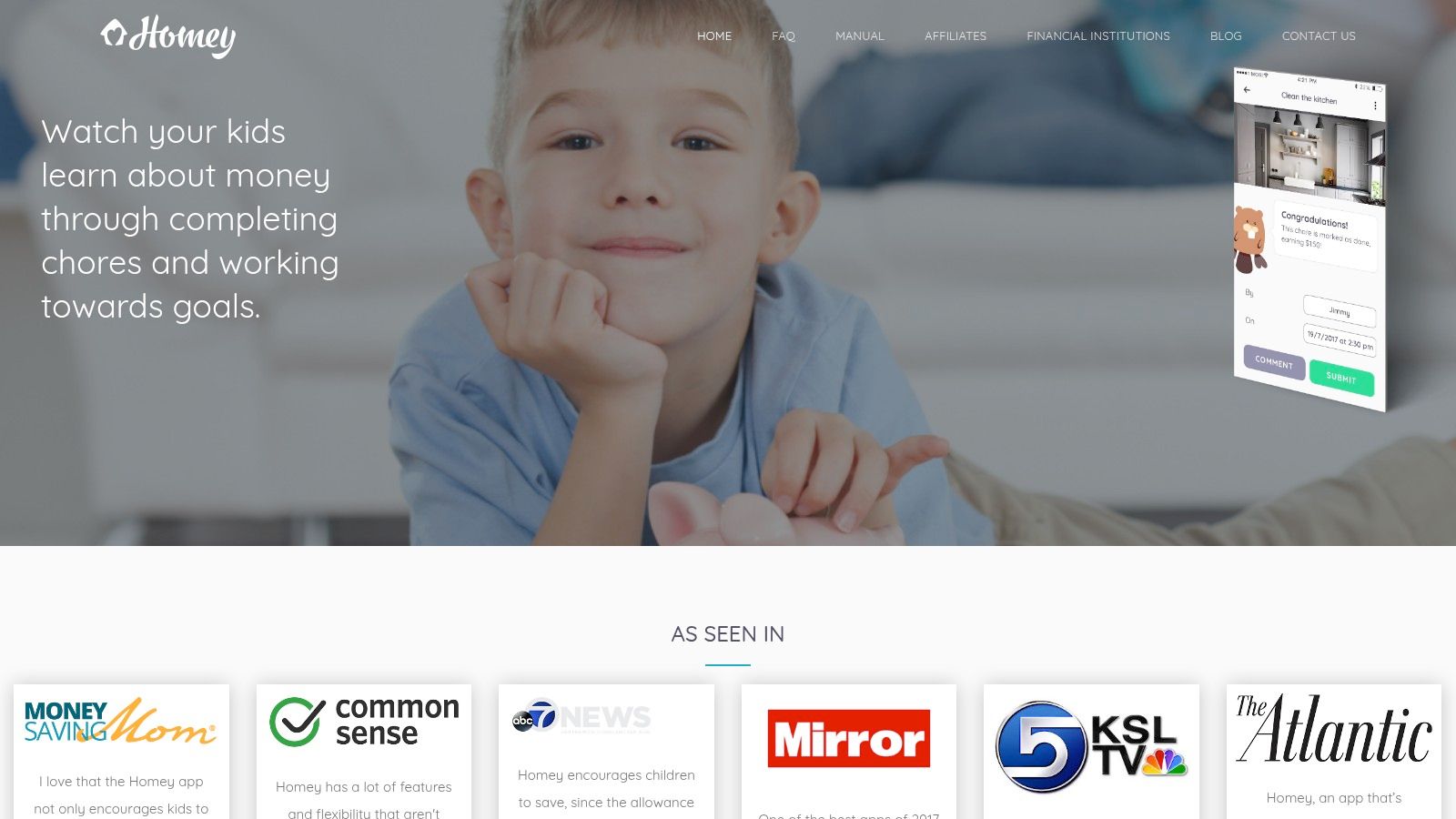
Homey makes the most sense when chores and money are part of the same family system. Homey combines recurring and one-time jobs with allowance, savings goals, rewards, and IOU tracking.
Its useful distinction is between shared responsibilities and paid jobs. Families can make clear that putting away personal belongings is expected participation while an additional cleaning project may earn money.
That distinction needs an agreement before the app is configured. Otherwise, attaching payments to tasks can create arguments about why one job earns an allowance and another doesn't.
Family agreement: Decide which responsibilities belong to everyone before choosing which extra jobs earn rewards.
Financial habits first, room planning second
Homey supports family-wide chore syncing and individual child profiles, but it's less focused on room-by-room cleaning maintenance than Tody, Sweepy, or Home Tasker. Choose it for the allowance connection, not because every home needs financial incentives to stay clean.
- Strong fit: Families teaching children to connect paid jobs with saving and spending decisions.
- Weaker fit: Adults who need recurring room tasks, clear cleaning standards, and neutral accountability.
- Regional limitation: Bank-transfer functionality is described as US-only, so it shouldn't drive a choice outside that market.
No subscription price is established here. Judge any paid access against the financial tools your family needs, rather than comparing it solely with a basic cleaning checklist.
I'd test whether children can understand their responsibilities independently and whether parents can maintain the allowance process comfortably. If a parent must repeatedly explain the same jobs and reconcile every reward manually, the app hasn't removed enough coordination work.
10. Cleaning Schedule & Chore List
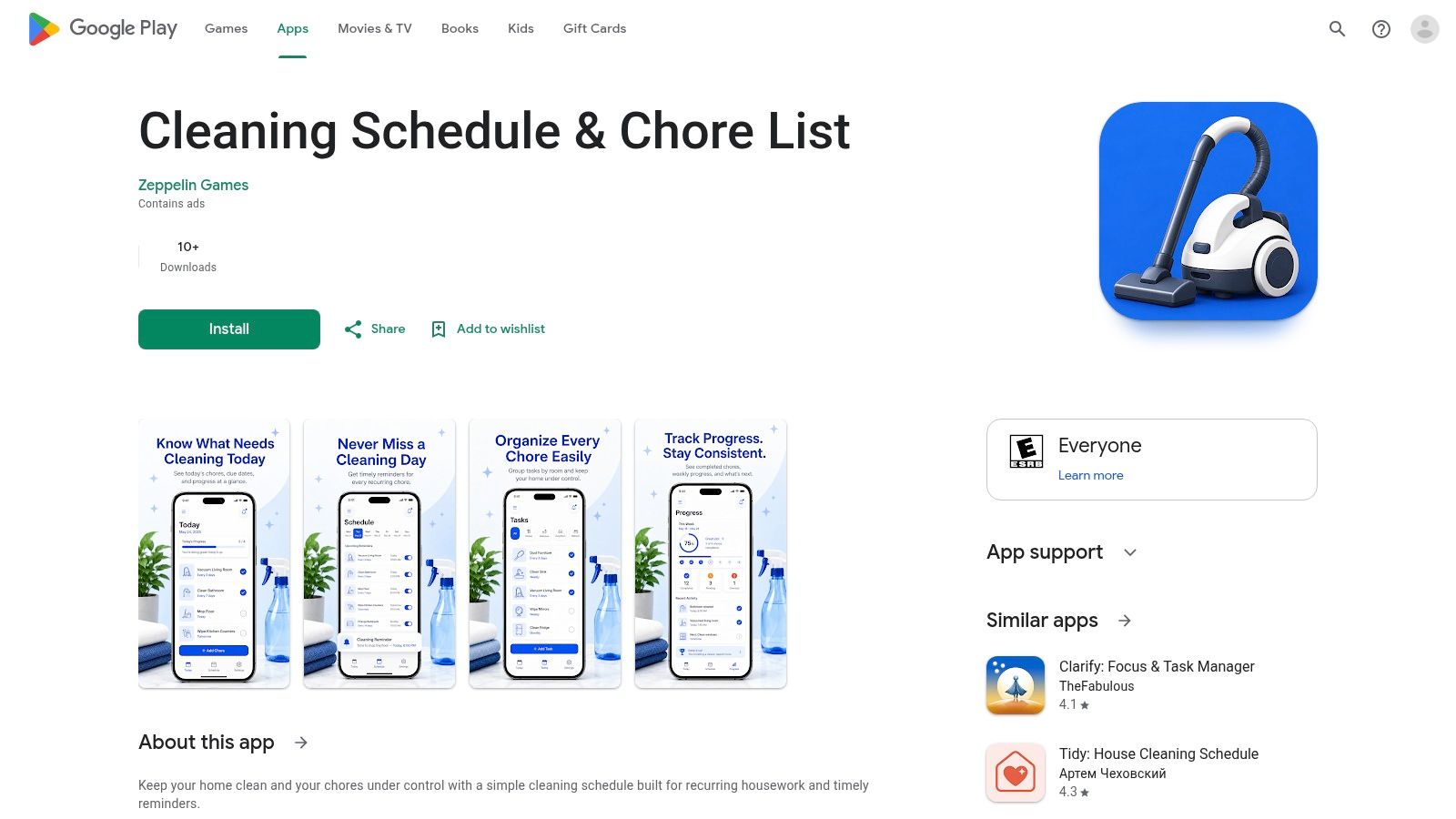
Sometimes the right tool is a plain recurring list. Cleaning Schedule & Chore List is an Android-focused option for organizing cleaning by room or area, adding notes, setting recurrence, and marking work complete.
It supports regular and custom intervals, next-cleaning dates, reminders, and rescheduling. These features suit someone who forgets occasional maintenance but doesn't need household leaderboards or rewards.
The limitation is shared accountability. The listing doesn't advertise household assignments, so don't assume another resident can see or accept responsibility for the tasks you create.
A straightforward personal option
If you're comparing it with a shared chore schedule, distinguish a reminder delivered to your phone from a schedule everyone can use. Personal organization and household coordination solve different problems.
- Useful basics: Room categories, task notes, recurrence, and completion tracking support a simple personal cleaning plan.
- Platform boundary: An Android listing is available; an iOS version isn't verified.
- Privacy wording: The developer's Google Play disclosure says no data is collected or shared, which is a developer statement rather than an independent audit.
The listing offers limited independent review information, so evaluate the actual reminder and rescheduling behavior before depending on it. No supported price is included here.
I'd consider this app for an Android user who wants minimal ceremony. For a shared home, it's a weaker choice unless everyone has already agreed on a separate way to record ownership and communicate completion.
How the 10 cleaning checklist apps compare on platforms, free access, and best use
| Item | Platforms | Free Tier | Best For |
|---|---|---|---|
| Benny (Recommended) | iPhone, Android | Core scheduling, reminders, timers, and chore sharing are free | Households wanting shared chores with playful rewards |
| Tody | Not specified | Free individual plan with core planning and assignments | Flexible, room-based cleaning schedules |
| Sweepy | Not specified; Apple Watch available | Some functionality requires Premium | Shared household cleaning with automatic schedules |
| Home Tasker | Not specified | Not specified | Households wanting checklists, rotation, and progress tracking |
| Spotless | iPhone, iPad | Limited access; full features can be unlocked | Individuals wanting a dedicated cleaning tracker |
| Home Routines | iPhone, iPad | Unlimited routines and to-do lists | Building routines or organizing cleaning by zones |
| Wipzie | iPhone, Android | Core features included; limited to starter rooms and up to 10 chores | Gamified cleaning with shared progress |
| S'moresUp | iPhone listed in the US App Store; check other availability | Premium-feature trial described; ongoing free tier not specified | Families connecting chores with points and rewards |
| Homey | Google Play; other availability not specified | Not specified | Families linking chores with allowance and savings |
| Cleaning Schedule & Chore List | Android | Not specified | Android users wanting basic recurring cleaning reminders |
Matching a Cleaning Checklist App to Your Household
Start with the failure you need to fix. Forgotten recurring jobs need dependable recurrence and reminders. Unclear room tasks need specific descriptions. Uneven responsibilities need visible ownership, while fading motivation may call for shorter tasks, timers, or rewards.
For a personal routine, Spotless, Home Routines, and Cleaning Schedule & Chore List are reasonable starting points. For shared cleaning, prioritize synchronized assignments and completion visibility. For families with children, S'moresUp and Homey address incentives and financial habits that a cleaning-only planner doesn't.
Make ownership include the planning
Counting completed chores isn't enough to assess contribution. A study of partnered US households found that mothers carried an average of 13.72 mental household tasks compared with 8.2 for fathers, according to the Gender & Society study. That distinction matters when someone else completes a task only after a parent or partner notices, schedules, and explains it.
Assign responsibility for recognizing when a job needs attention, maintaining its schedule, doing it, and confirming completion. Otherwise, the household manager still carries the planning even when the app shows an apparently balanced task list.
Fairness test: If one person stopped maintaining the app, would everyone else still know what needed doing?
Fairness also isn't the same as equal task counts. Consider effort, frequency, unpleasantness, caregiving, paid work, and current capacity. Use points to support a discussion, not settle it.
Trial the routine, not just the interface
Shortlist a small group of apps that fit your phones and budget, then run a two-week trial with real household chores. Include ordinary cleaning, an infrequent job, and a task that needs rescheduling.
- Check shared visibility: Everyone should be able to identify their responsibilities and see completed work without asking the organizer.
- Check interruptions: Postponing a chore should produce a clear next step, not an unexplained overdue task.
- Check maintenance effort: Notice who keeps editing schedules, clarifying instructions, and reminding other people to participate.
Begin with tasks your household already recognizes. Don't build an exhaustive inventory before anyone has completed a chore.
Choose the cleaning checklist app your household will still open in month three, not the one with the most impressive feature screen. A modest routine that everyone understands is more useful than a detailed system maintained by the person who was already doing the planning.
Benny brings room-based checklists, recurring schedules, reminders, timers, and free shared assignments together across iPhone and Android, with Sponge Points and a virtual hamster for extra motivation. Visit Benny to set up your shared home, assign a recurring chore, and give everyone a clear view of what's done and what's next.