Three people are standing in the kitchen after dinner. The sink is full, someone asks whether the bathroom was cleaned, and nobody can say who was supposed to do it or whether it ever made the list. A shared chore chart can record jobs, but it won't settle much if nobody can see who owns each task and what's finished.
That's the job of a chore tracking app: make assignments, completion, and follow-up visible to everyone at home, without making one person the household manager. Unpaid domestic and care work takes up more than 16 billion hours every day worldwide, according to the International Labour Organization's overview of unpaid work. The work keeps recurring, so a useful app needs more than a one-time checklist.
The apps below are judged by one practical standard: can household members see who was assigned what and what got done? The first picks focus on shared assignments and rewards, the middle group organizes cleaning by room and due date, and the final apps put chores alongside family calendars or allowance. Pay particular attention to whether household syncing is free or premium. That's often the difference between a handy solo planner and a tool the whole home can use.
Table of Contents
- 1. Benny
- 2. Tody
- 3. Sweepy
- 4. Nipto
- 5. Home Tasker
- 6. Flatastic
- 7. Cozi Chores
- 8. Homey
- 9. S'moresUp
- 10. Tidywell
- How the 10 chore tracking apps compare
- Pick by Household Type, Not by Feature Count
1. Benny
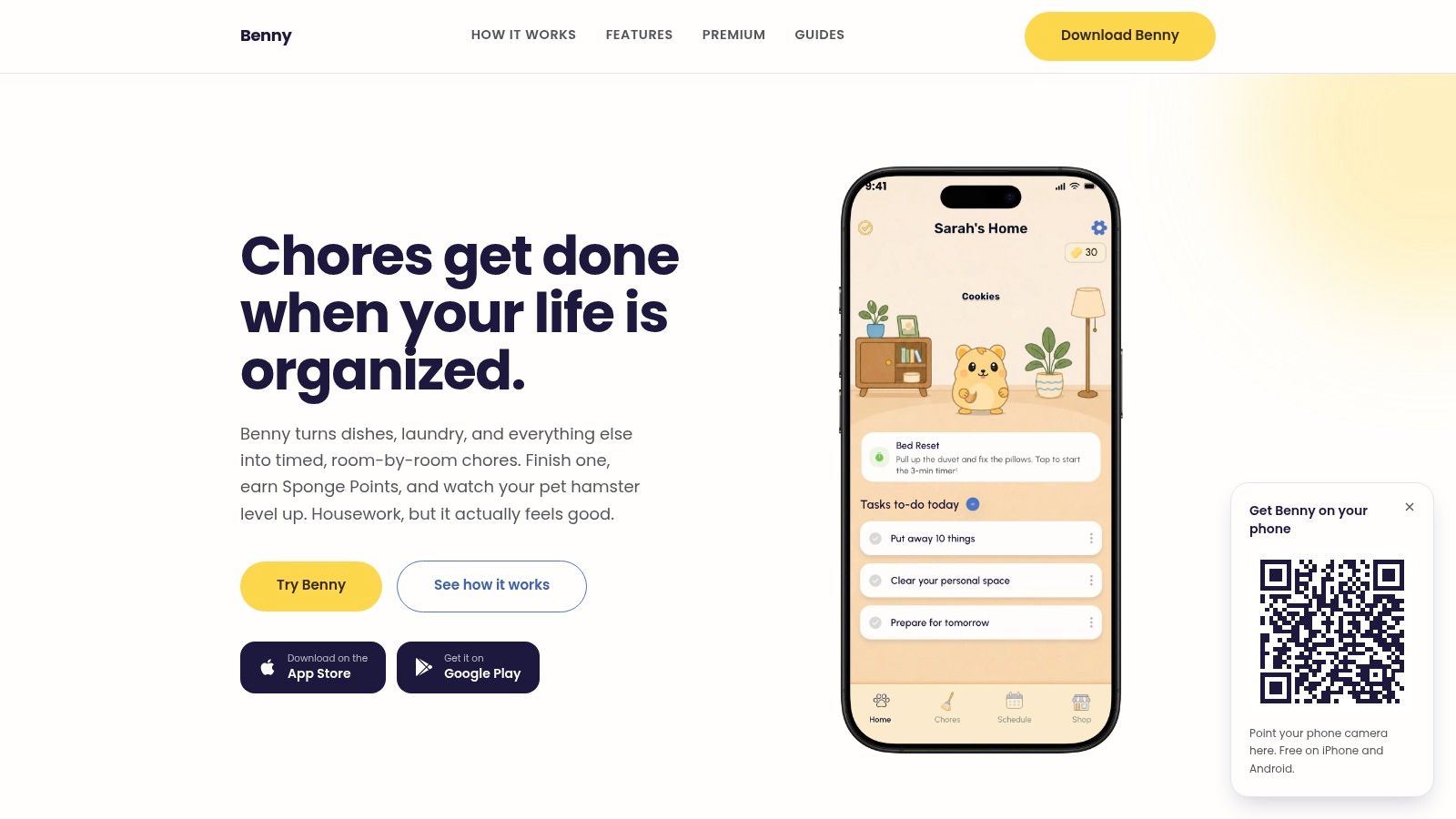
A bathroom chore is easier to share when the schedule shows who owns it and whether it's done. Benny organizes chores by room, lets household members assign each task to a person, and shows the shared list and schedule on iPhone and Android.
Choose a kitchen, bathroom, bedroom, or living room preset, or create a chore from scratch. Set a timer and schedule the task for a future date, as a one-off, or to recur at an interval you choose. Benny reminds users when chores are due, and the schedule shows what's due today and what's coming up.
The chore schedule, reminders, timers, and shared assignments are included in the free app. Everyone in a shared home sees the same list, including assignments and completed work. That makes the cost of coordinating household chores easier to assess: shared syncing isn't behind Premium.
Completed chores earn Sponge Points that help level up a virtual hamster and collect accessories. The game-based reward may suit households that like a small incentive; it won't replace a clear agreement about who handles each job.
Practical rule: Assign the whole job, not just the last step. For example, agree whether the person assigned to the bathroom is also responsible for noticing it's due and marking it finished.
Premium adds home-screen widgets, chore and room filters, mood-based smart chores, and the option to snooze or skip chores while protecting streaks. It also includes holiday and sick modes, multiple-home management, custom effort points, and ad removal. Subscription prices are set through the app stores, so check the current listing before subscribing. Sponge Points add motivation, but they are not clinical support for ADHD or OCD.
Best for: Households that want free shared assignments, reminders, and completion visibility.
2. Tody
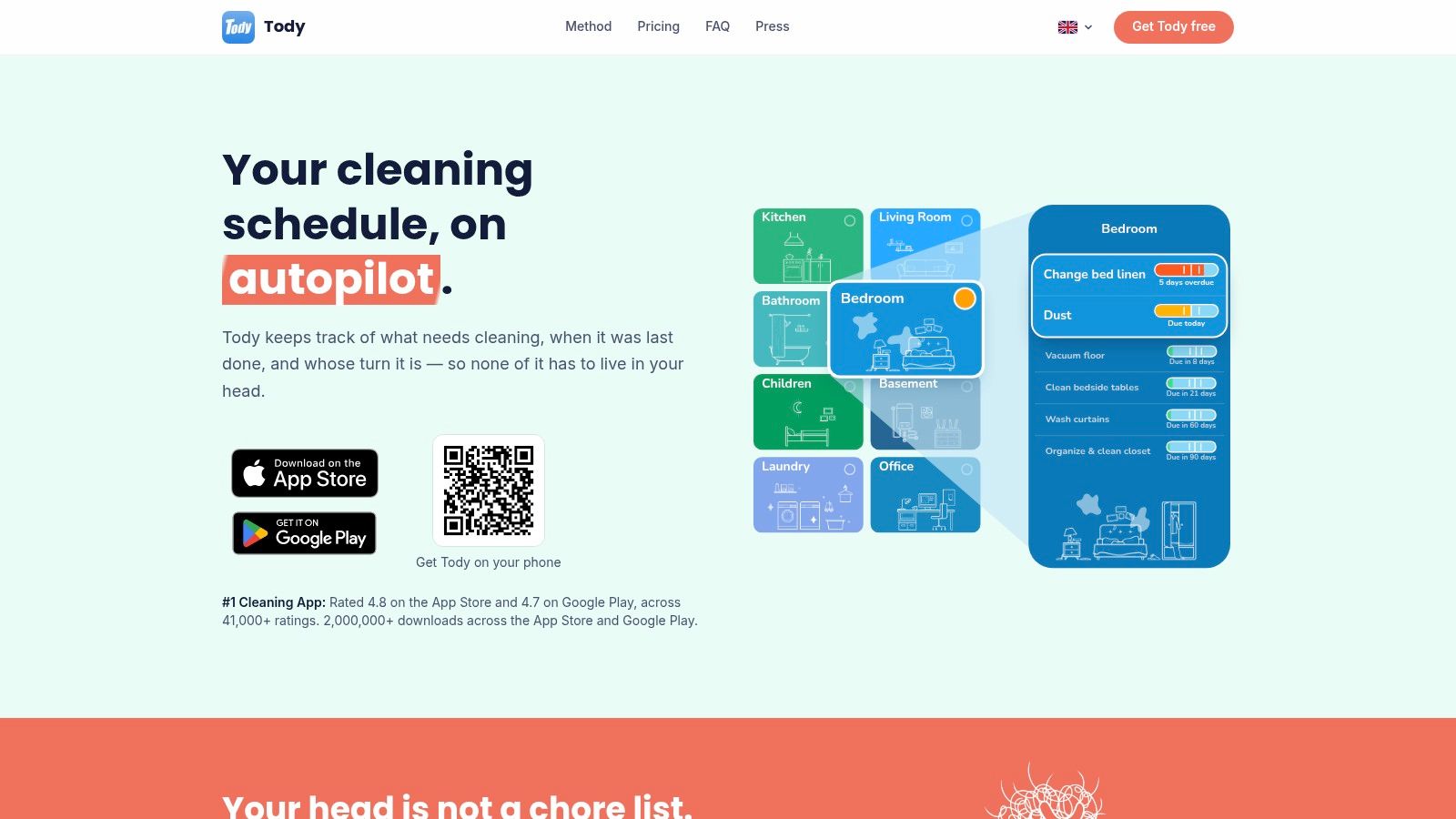
Tody builds a cleaning plan around rooms and how quickly tasks need attention, rather than a fixed daily checklist. Add tasks, set their recurrence, then use the due-ness view to choose what to do first. That can suit a solo cleaner who prefers to vacuum when it's needed, or a household where the kitchen and bathroom get dirty at different rates.
The free plan is ad-free but limited to one person. Household syncing and FairShare, which helps split cleaning responsibilities, require Premium+. For a group that needs to see who owns each task, check the paid syncing terms before setting up a shared rota.
Tody's urgency view can help prioritize neglected jobs, but it may not make responsibility as clear as a daily list with a named person beside each chore. The app's official site reports strong App Store and Google Play ratings, though ratings don't show whether its coordination features suit your household.
For another approach to organizing repeat work, read this guide to setting up a chore schedule.
Best for: Solo cleaning plans, or shared homes willing to pay for syncing and FairShare.
3. Sweepy
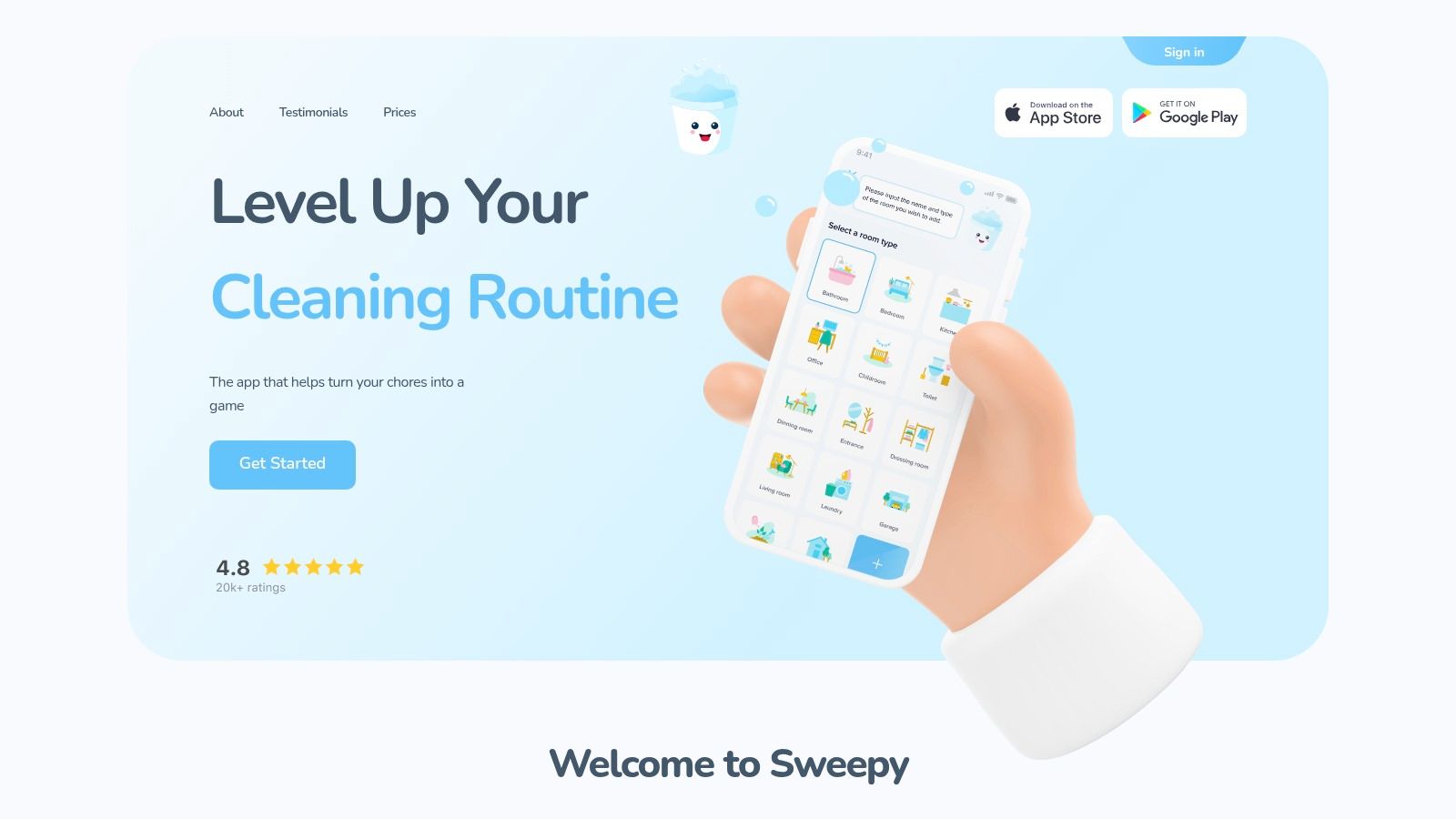
If the hard part is deciding where to start, Sweepy's room-level cleanliness indicators make the choice more visual. The app suggests tasks based on urgency, effort, or the time available, and households can share chores and track progress. Custom chores and adjustable task difficulty help when the preset idea of “clean” doesn't match the way your home runs.
The free version gives you a way to organize and share work, while Premium adds an automatically generated daily cleaning schedule and child task approvals. Before upgrading, check the subscription and trial terms in the app. A generated plan can save setup time, but it's only useful if the suggested tasks match the household's real priorities and availability.
Sweepy also brings points, streaks, and a leaderboard into the routine. That may motivate people who enjoy seeing progress, but competition can distract from the more useful question: are the least popular jobs being shared fairly? A shared list works best when household members agree on what a task includes before points enter the conversation.
For a straightforward overview of dividing work across household members, see this guide to shared household chores.
Best for: Households that want visual room status, shared progress, and an optional generated cleaning plan.
4. Nipto
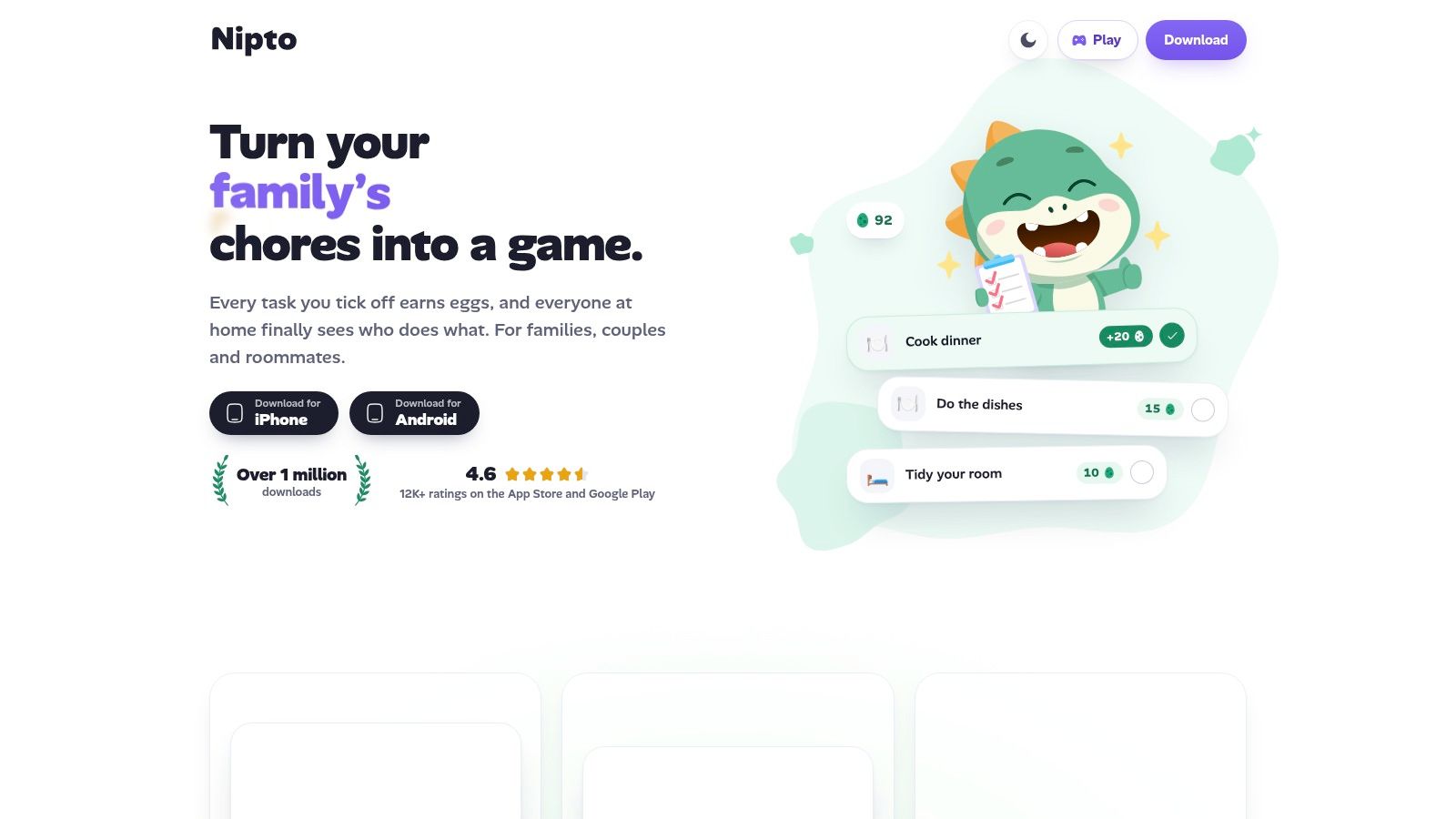
Nipto gives household chores a points-and-rewards structure. Members can build custom task lists, assign point values, set personal goals, and choose rewards for the household. Weekly rankings make contributions easy to compare, which can be motivating when everyone sees the score as a prompt to pitch in rather than a verdict on who's pulling their weight.
The official site describes the core app as free across mobile and web. Some advanced scheduling and household-management features require Premium, so check which parts are included before moving your whole routine into the app.
A points system also demands a little setup. If taking out the rubbish earns the same as scrubbing the shower, members may question whether the score reflects the effort. Adjust point values to match the work, and be clear about whether people are competing for a reward or tracking what's been done. Weekly rankings can feel too score-focused for households that want a neutral record instead.
Best for: Couples and families who want a free entry point and enjoy earning points toward shared rewards.
5. Home Tasker
When the kitchen and bathroom chores keep slipping through the cracks, Home Tasker can help turn a blank list into a routine. It offers room-based chore presets, along with cleaning history and routine tracking. Shared assignments and recurring chore rotation help households keep track of who is responsible for repeat tasks.
Start with the kitchen and bathroom presets, remove jobs that do not fit, then add anything the templates miss. This is more manageable than building a full cleaning routine from scratch.
The history and rotation tools can clarify who completed each task. If your schedule changes often, check how recurrence and early completion work before settling on the app. Check the current in-app price and household-sharing terms too.
Best for: Households that want room-based cleaning ideas and a record of recurring work.
6. Flatastic
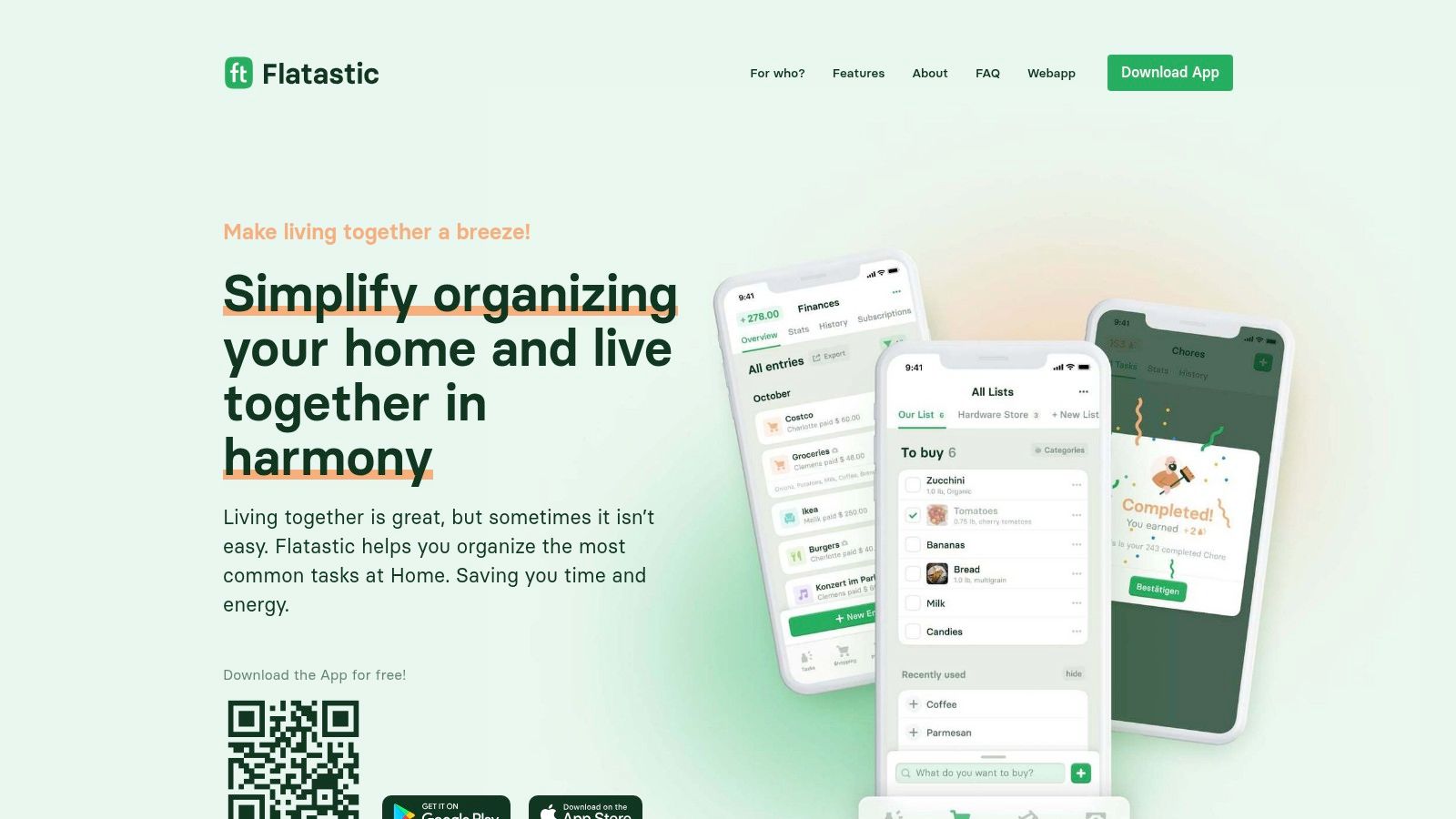
Flatastic treats chores as one part of shared living, alongside a grocery list, household expenses, reminders, and a noticeboard. That combination makes sense in a flatshare: the same people who need to know who cleaned the kitchen may also need to coordinate groceries and bills.
The chore tools include one-time, recurring, and rotating tasks, plus completion history. That can make assignments easier to check later, though the app's points system may feel more like a competition than a shared rota. Some Google Play users have raised concerns about notification volume and ads, and an App Store reviewer reported date or time-zone issues with recurring chores. Test a recurring task before relying on it as the household's only record.
When roommates disagree about who is taking the less pleasant jobs, make the rotation explicit and keep the completed-task history easy for everyone to check. This guide to splitting chores with roommates offers a practical starting point for agreeing on responsibilities.
Best for: Roommates who want chores, shopping, and expense tracking under one roof.
7. Cozi Chores
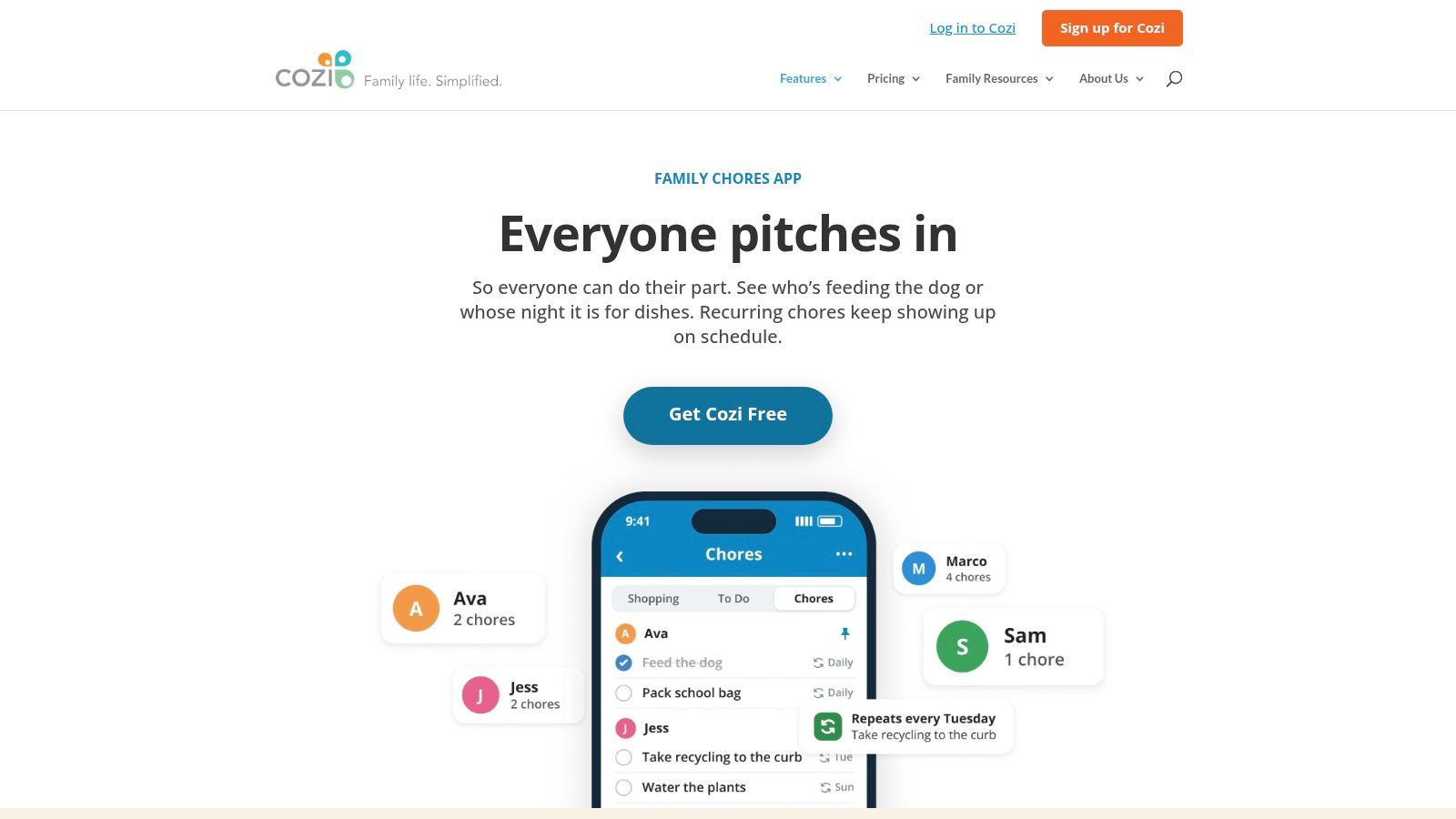
Cozi makes the most sense when chores are one item in a larger family schedule. Each family member can have a chore list, and daily or weekly recurring jobs can sit alongside shared calendars, shopping lists, and meal planning. If your household already opens Cozi to check the week, chores don't need to live in a separate app.
The chore feature is included in the free plan. That gives families a way to assign tasks and see completion without paying just to coordinate. The approach is familiar, but it's a list rather than a cleaning-first planner: it doesn't organize jobs around room condition or prioritize which space needs attention most.
There's a platform limitation to keep in mind. Chores are available in the iPhone and Android apps, not on the Cozi website. That may be awkward for a household member who expects to manage the list from a computer. The official site reports a large user base and a high App Store rating, but the important fit question is whether the family wants a general organizer or a dedicated cleaning tool.
Best for: Families already using Cozi for calendars and groceries who want simple chore lists in the same app.
8. Homey
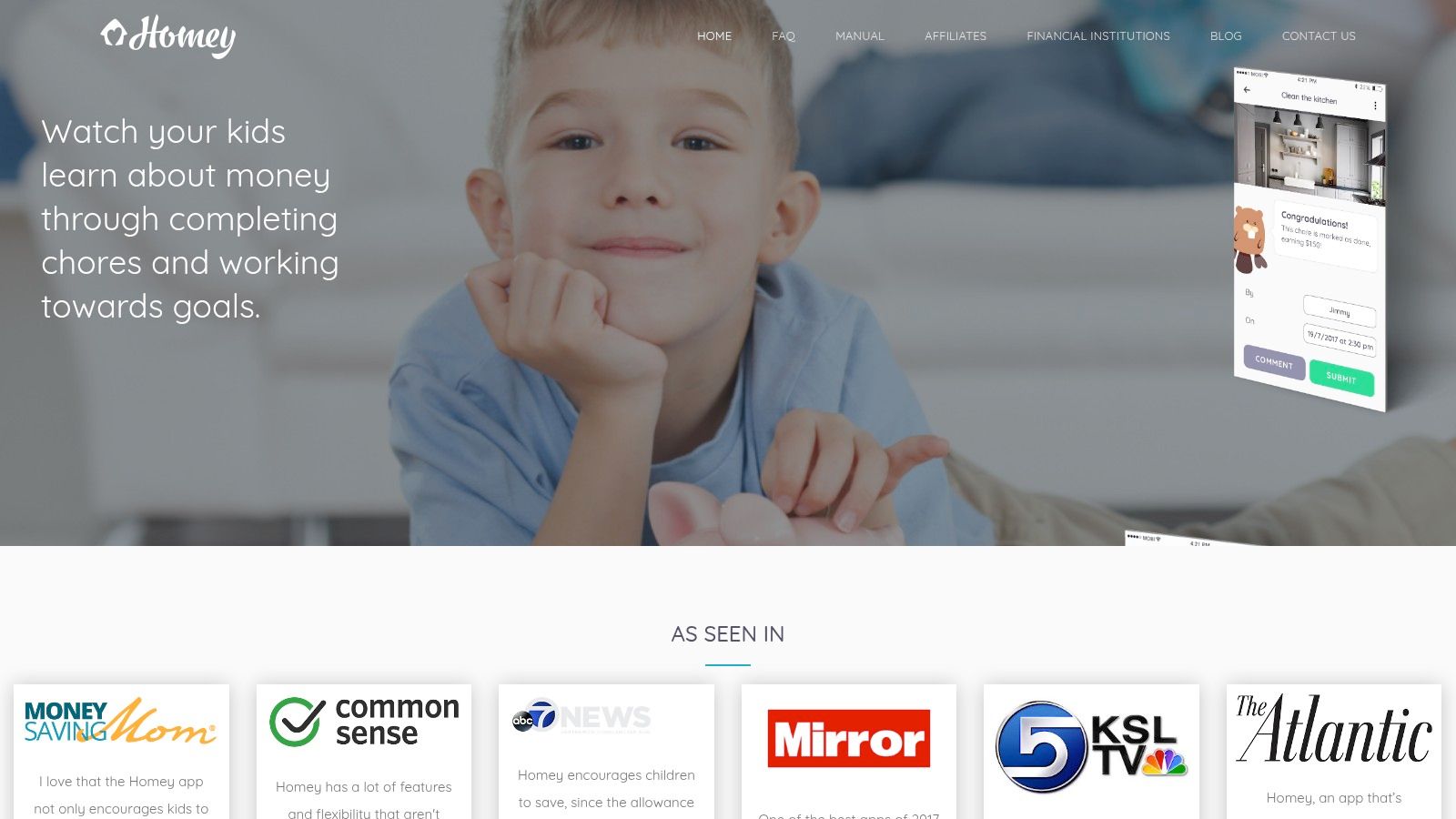
Homey is a family chore-and-money app, not a neutral roommate rota. Parents can distinguish unpaid responsibilities from jobs that earn allowance or rewards, while children can track balances and savings goals. That makes it more useful for teaching kids how chores connect to money than for settling whether two adult housemates have split the bathroom fairly.
Household syncing lets family members access the chore plan across devices, and the app offers a free starting point. Some money-management features require Premium, including US bank transfers. Subscription prices differ between app stores, so check the price and included features on your own device before signing up.
The main trade-off is the reward model. If a child can earn money for some jobs, decide which responsibilities are ordinary parts of family life and which are paid extras. Without that distinction, the app can turn every request into a negotiation. App Store reviews describe Homey as helpful for reminding children about responsibilities, but the family still needs to agree on what counts as done.
Best for: Parents who want chore assignments tied to allowance, balances, or savings goals.
9. S'moresUp
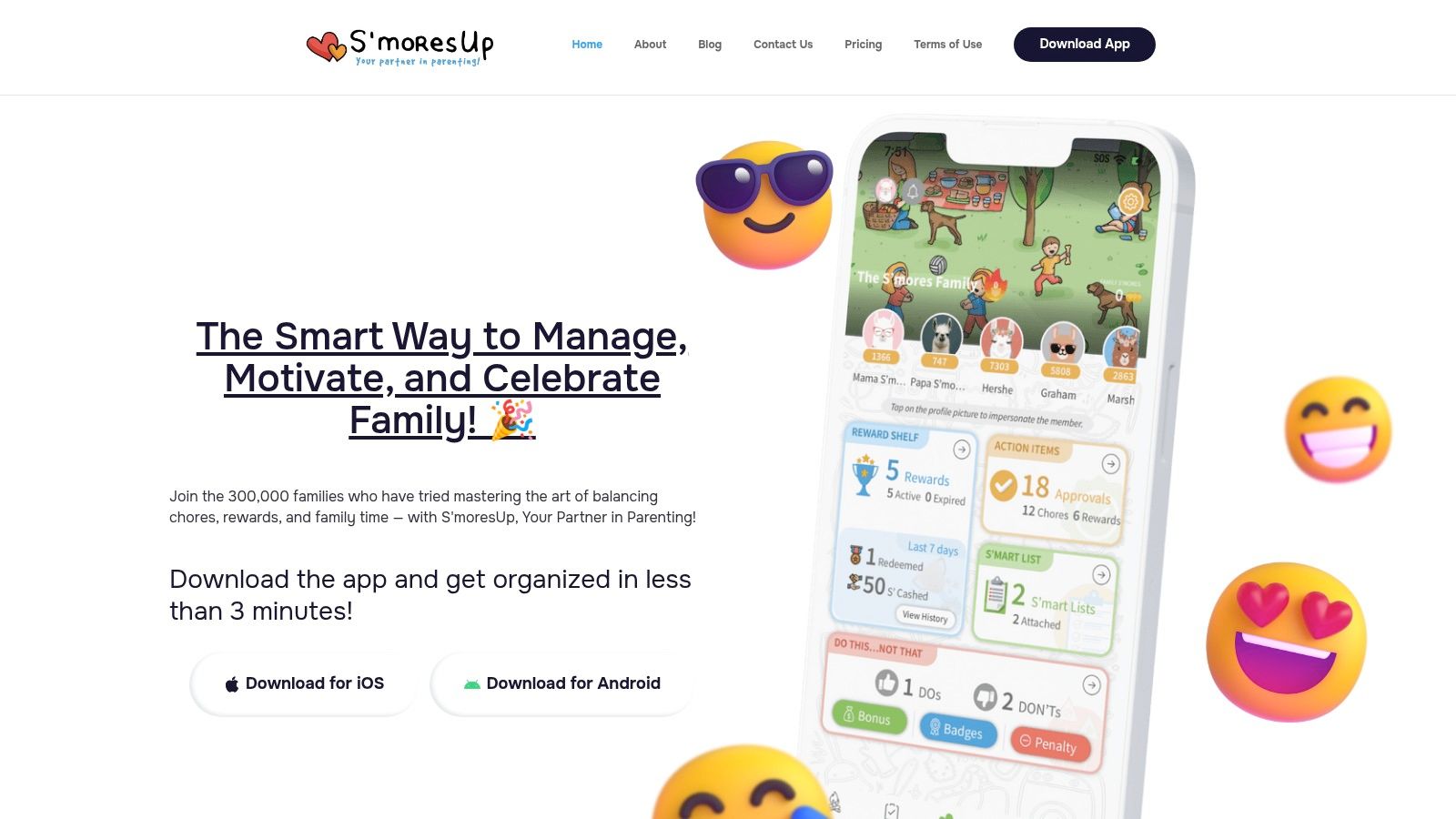
S'moresUp offers family profiles, chore allocation, rewards, approvals, and reports. Its broader set of controls can suit parents who want to review children's work before marking it complete, or who want chore tracking and rewards managed in one place.
The cost of that flexibility is complexity. Advanced scheduling, automatic chore allocation, and reporting require Premium, and the free-use limit is based on time or chore completions. Review the in-app terms before setting up a long-term routine. The US App Store listing shows paid monthly and annual plans, but no specific price is provided here.
For a family that wants a straightforward list, this may be more system than it needs. For a household that wants profiles, approval steps, and reward options, those controls can help make ownership and completion visible. The key is to avoid adding an approval step to every small chore unless someone needs to verify the result.
Best for: Families who want detailed chore controls, child profiles, and optional rewards.
10. Tidywell
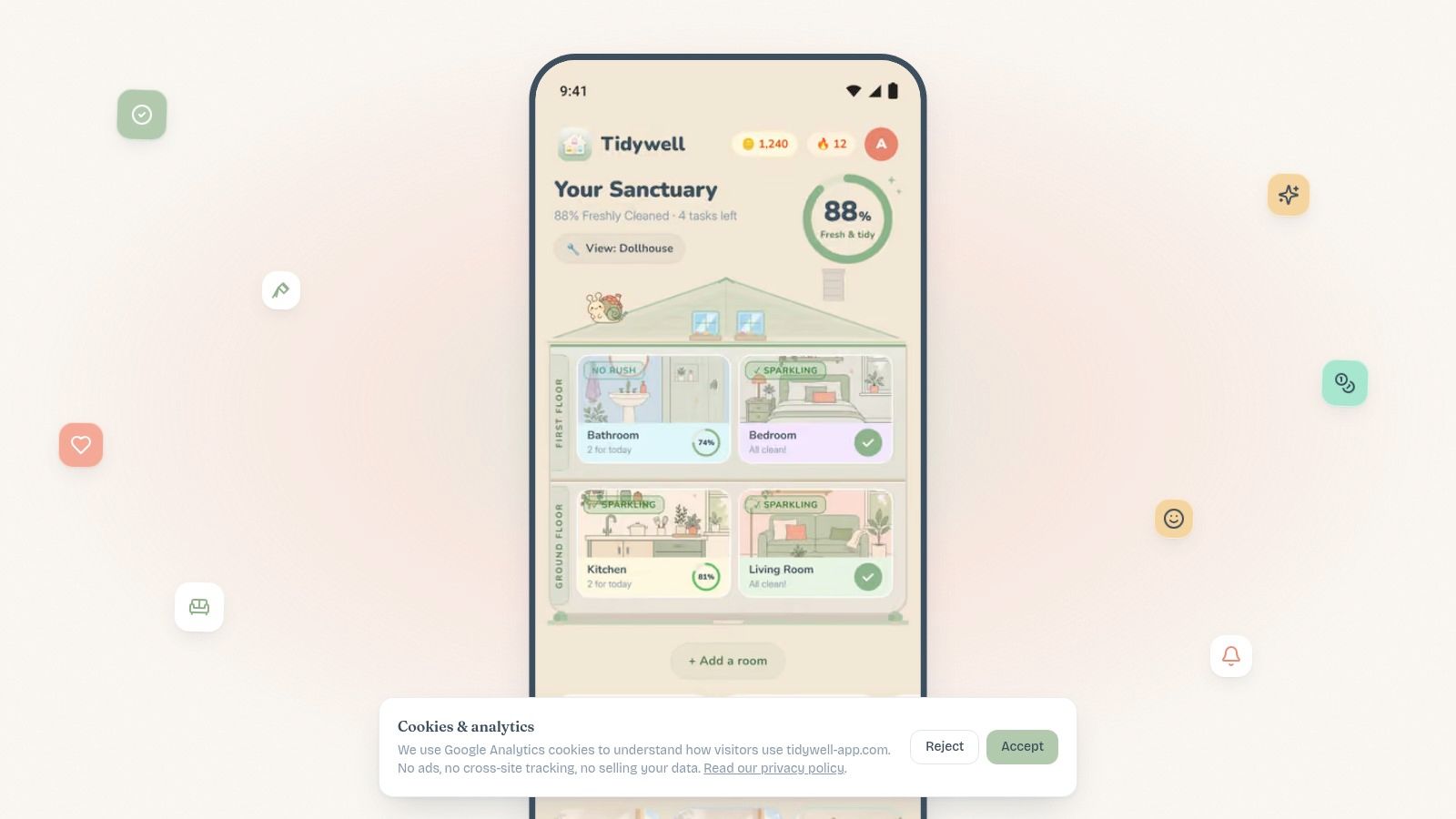
Tidywell is designed to make cleaning tasks feel more manageable. Room-based lists, Focus Mode, timers, energy-based suggestions, and AI-assisted task breakdowns can help someone turn “clean the kitchen” into smaller actions they can start. Flexible, seasonal, recurring, and one-off chores give households options beyond a rigid weekly rota.
The free tier includes many core tools, including unlimited rooms and tasks. Premium is required for unlimited household members and some advanced features, though its subscription is described as covering the household rather than requiring a separate plan for every member. Check the current app-store terms before you rely on those details.
Its family tools include child profiles, approvals, and household sprints, but the review history is still limited. A 2025 European pilot tested a routine-support app with 14 young people with autism and/or ADHD over 14 days, combining visual and time-based organization, timing, progress tracking, and rewards, according to the AccessibleEU Centre's summary of the pilot. That supports treating flexible structure as a design consideration, not claiming that a chore app is clinical treatment. Tidywell's ADHD-friendly positioning may offer practical scaffolding, but it isn't a substitute for clinical care.
Best for: People who want smaller task steps, focus support, and flexible routines, and don't mind trying a newer app.
How the 10 chore tracking apps compare
The useful comparison is whether people can see assignments and completed work, and whether sharing costs extra. Rewards matter too, but they do not replace a clear record of who is doing what.
| App | Best for | Free plan | Household sharing | Reward system |
|---|---|---|---|---|
| Benny | Playful, room-based chore routines | Free app includes scheduling, reminders, timers, and shared assignments | Shared list and schedule show assignments, completed chores, and what remains | Sponge Points level up a virtual hamster |
| Tody | Flexible, cleaning-focused prioritization | Free, ad-free solo plan | Syncing and FairShare require Premium+ | Cleaning progress and task prioritization |
| Sweepy | Visual room-cleanliness tracking | Free plan | Shared chores and household progress | Points, streaks, and leaderboard |
| Nipto | Points-based chore sharing | Core app is free | Supports couples, families, and roommates | Points, weekly rankings, and household rewards |
| Home Tasker | Routines with a large library of chore presets | Free plan | Shared assignments and chore rotation | Chore tracking and routines |
| Flatastic | Roommates seeking a household hub | Free plan | Shared chores, shopping lists, and expenses | Points system |
| Cozi Chores | Families using shared lists and calendars | Chore tracking included | Shared lists and completion status | Shared chore lists and calendar |
| Homey | Teaching children about chores and money | Free starting point | Family syncing across devices | Allowance, rewards, and savings goals |
| S'moresUp | Families wanting detailed chore controls | Free use available with limits | Family profiles and chore allocation | Rewards and allowance |
| Tidywell | Smaller steps and flexible cleaning routines | Free tier includes core tools | Family features; unlimited members require Premium | Task breakdowns and flexible routines |
Pick by Household Type, Not by Feature Count
Choose based on who needs to see the work, not how many features the app can list. A reward system won't help if the people responsible for cleaning can't see the assignments, and a detailed room planner won't fix a family that needs chores beside its calendar.
Start with how many people live in the home. For one person building a routine, Tody's due-based cleaning plan or Tidywell's task breakdowns may be enough. For roommates or couples who need shared assignments, compare Benny, Sweepy, Nipto, and Flatastic. For families with children, Cozi, Homey, and S'moresUp put chores into a family-focused context, while Tidywell adds child profiles and approvals.
Then ask whether your priority is person-by-person assignment visibility or room-by-room cleaning guidance. Benny, Cozi, Homey, and S'moresUp make household responsibilities central to the setup. Tody, Sweepy, Home Tasker, and Tidywell lean more toward planning cleaning by room, urgency, or task structure. Nipto and Flatastic sit between those needs, with shared work plus points or other household tools.
Finally, check whether the shared features you need are free or premium. Benny includes shared assignments in its free core app, while Tody requires Premium+ for household syncing and FairShare. Cozi includes chores in its free plan, while Sweepy's generated daily schedule is a Premium feature. For the other apps, check the current in-app terms for the specific sharing, scheduling, and reporting tools your household plans to use.
Don't compare an app's free tier with another app's paid plan by feature count alone. Compare the exact coordination your home needs, including who can see assignments and completion.
Try your shortlist for two weeks using one shared space, such as the bathroom or kitchen. Add a small set of recurring jobs, assign each one to a named person, and check whether everyone can tell what's due and what's finished without asking the same questions in the group chat. If you're considering a subscription, test the free features first and confirm the current price and renewal terms in the app store before paying.
The app won't maintain the rota for you. Review it weekly and adjust assignments when someone is away, sick, or overloaded. A fair plan needs room to change, and the record should help the household talk about the work rather than turn every missed task into a scorecard.
Benny includes free shared chore assignments, recurring schedules, reminders, and timers, with room-based presets and Sponge Points for a playful reward loop. If you want a chore tracking app that makes it easier to see who owns each task and what's done, visit Benny and try it with one shared room.