
What if the problem isn't laziness, but a chart that stopped matching your home three weeks ago? Most printed charts fail when a work shift changes, a child swaps chores, or a roommate travels and nobody edits the sheet. A good chore chart editable system fixes that by letting you change tasks, names, frequencies, and owners without starting over.
That flexibility matters because housework is not a small side task. Adults in OECD member countries spend approximately 116 minutes per day on unpaid household tasks, according to the OECD cross-country time-use analysis. Women spend about 158 minutes per day on non-care housework compared with 72 minutes for men.
This list groups 10 tools by the job they do best. Pick a template builder if you want a polished fridge sheet. Pick a kid-focused generator or app if pictures, stars, or rewards get traction. Pick a shared scheduling app if the problem is forgotten recurring work, unclear owners, and chores that need reminders rather than another printable grid.
Table of Contents
- 1. Canva
- 2. ChoreMonster
- 3. ChoreWorth
- 4. Chore Pad
- 5. Benny
- 6. Tody
- 7. Sweepy
- 8. Cozi
- 9. Homey
- 10. Todoist
- Editable chore chart tools compared
- Picking the Right Chart and Getting It Set Up
1. Canva
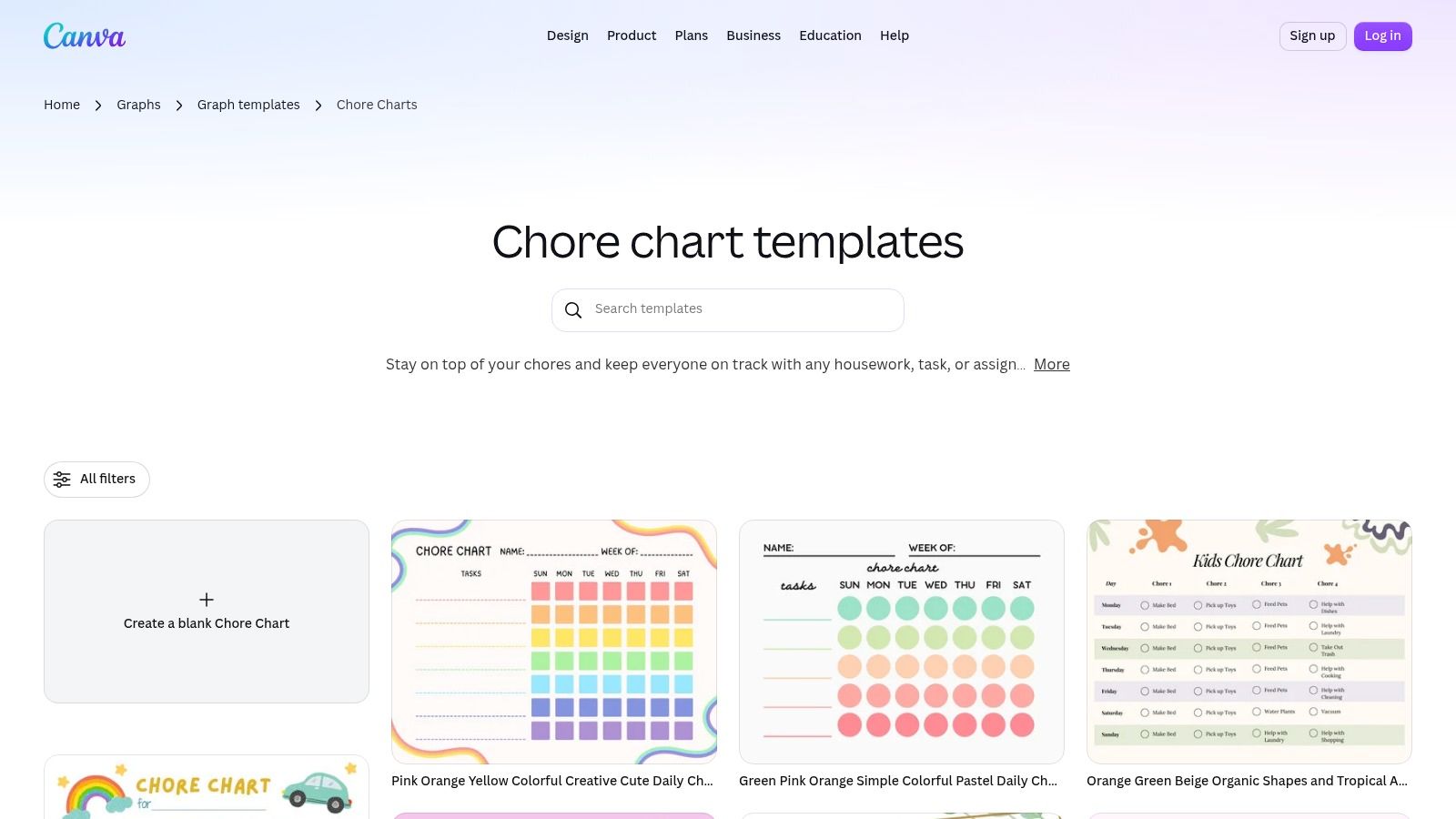
Canva's chore chart templates are the fastest route to a chart that looks intentional. Start from a weekly grid, kids' layout, or roommate board, then edit chores, names, days, colors, fonts, and graphics. You can also begin with a blank canvas if the templates feel too decorated.
Canva works best when visibility is the main problem. Put the chart where people already pause, usually the fridge or entryway, and leave enough white space for checkboxes. Avoid tiny fonts and decorative icons that make daily scanning harder.
- Strongest point: You control the layout completely, so columns can follow people, rooms, or days.
- Sharing option: Household members can help update a shared design before you print it.
- Main limit: Canva won't create recurring tasks or send household reminders for you.
Some design elements and features may require a paid plan, so check before building a whole set around premium graphics. I recommend Canva for households that will use a printed sheet and don't need the chart to chase anyone.
2. ChoreMonster
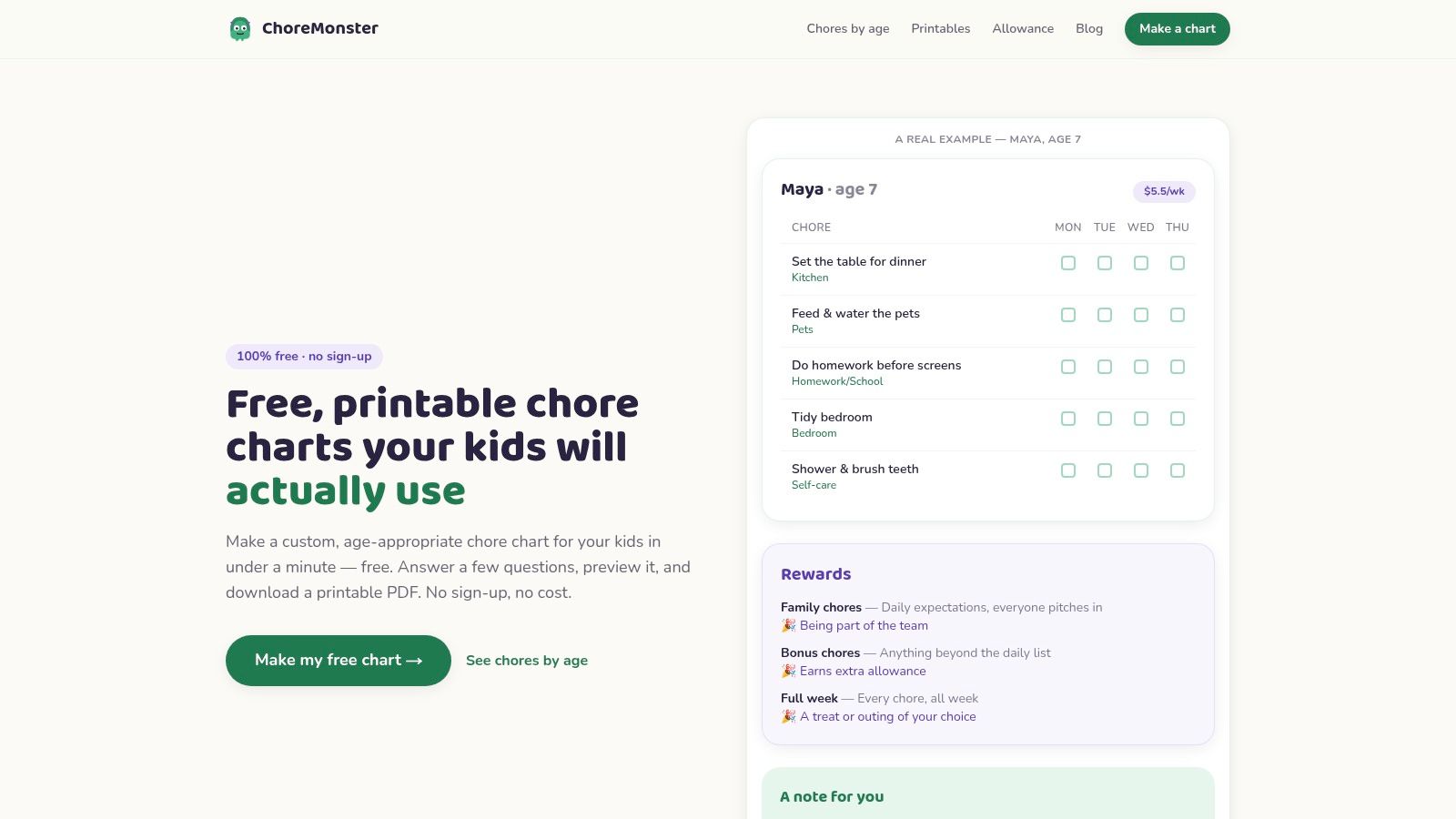
Don't confuse this one with the older mobile app. ChoreMonster is now a web generator for printable children's charts. You enter ages, choose chore areas and rewards, preview the result, and download a PDF.
Where It Fits
It's built for parents who don't want to invent age-appropriate chores from scratch. The age-based suggestions save setup time, and the three themes give children some visual choice without turning chart design into a project. There's no account required to generate and download a chart, and the site says children's names and ages are used to generate the PDF and aren't stored on its servers.
The trade-off is simple. You get a static printable, not a shared digital schedule with live updates. If your household has already outgrown paper and needs assignments to move between adults, compare it with a tool built around a shared chore schedule instead.
ChoreMonster is free and supported by ads. It's a sensible first chart for younger children, but it's not designed for adult cleaning routines or roommate coordination.
3. ChoreWorth
ChoreWorth sits between a printable and an app. You enter chores, add pictures, choose a chart style, then either print it or use an on-screen mode where children tap chores as complete.
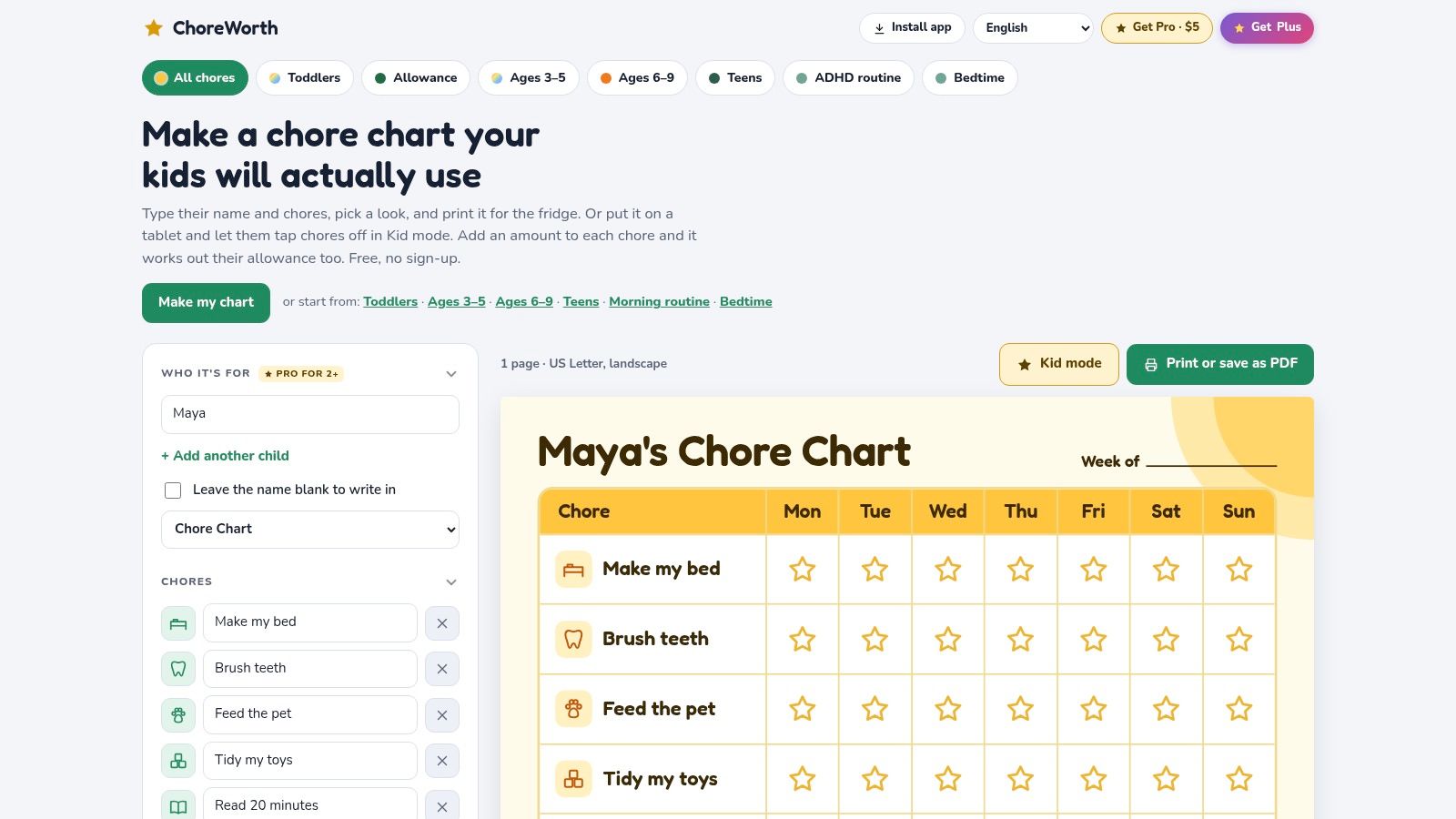
Pictures are the reason to choose it. A child who can't yet read "wipe bathroom sink" can still recognize the photo, which reduces how often an adult has to translate the chart. Several chart styles are free, and the site says chart details stay in the browser unless family sync is enabled.
Practical rule: Use one clear picture per chore and keep the wording to a short action, such as "Feed cat" or "Shoes away."
Pricing on the ChoreWorth site lists free options, a one-time Pro purchase, and Plus with optional reminders and calendar features. Don't pay for extra styles until you've tested whether your child uses the basic chart.
Its focus stays firmly on children. Adult households dividing shared spaces will get more from guidance on splitting chores with roommates and a shared scheduler.
4. Chore Pad
Reward charts either motivate your child or become another thing you manage. Chore Pad works when visible progress toward a specific reward is the motivator. Parents tailor chores for each child, add icons or photos, set repeat schedules and star values, and create rewards such as screen time or an outing.
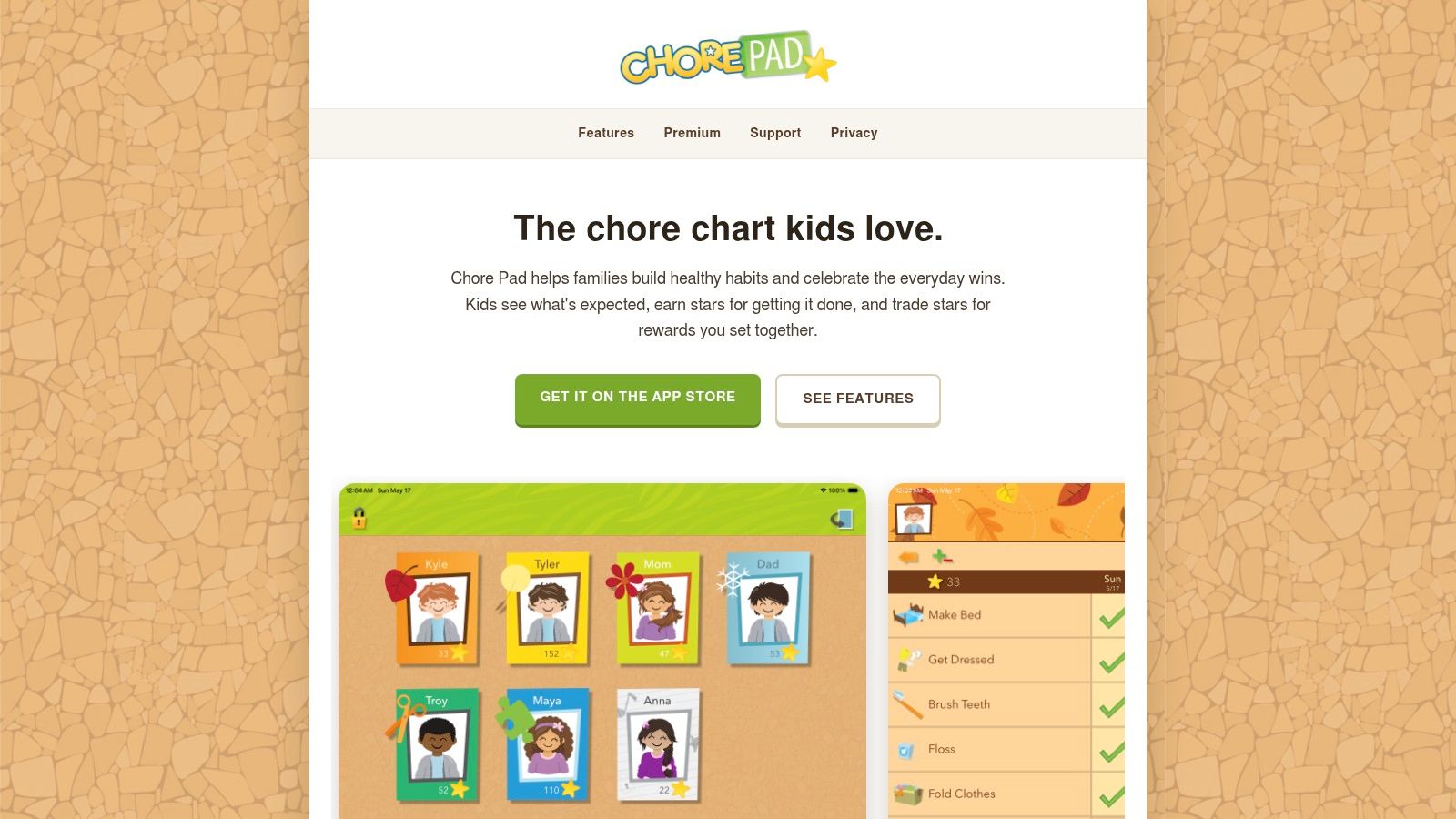
The passcode-protected Parent Mode matters because children can see their progress without editing star values themselves. Keep rewards close enough to reach. A distant prize turns an early missed day into a reason to quit.
This kind of structure also helps adults stop carrying every reminder in their heads. In 2024, mothers of young children reported responsibility for 73% of cognitive household labor, compared with 27% for their partners, according to USC Dornsife.
The core experience is free and has no ads, according to the company. Premium adds more themes, icons, Dropbox sync, and automatic backups, with pricing shown on the Chore Pad website. Choose it for child-specific motivation, not whole-house coordination.
5. Benny
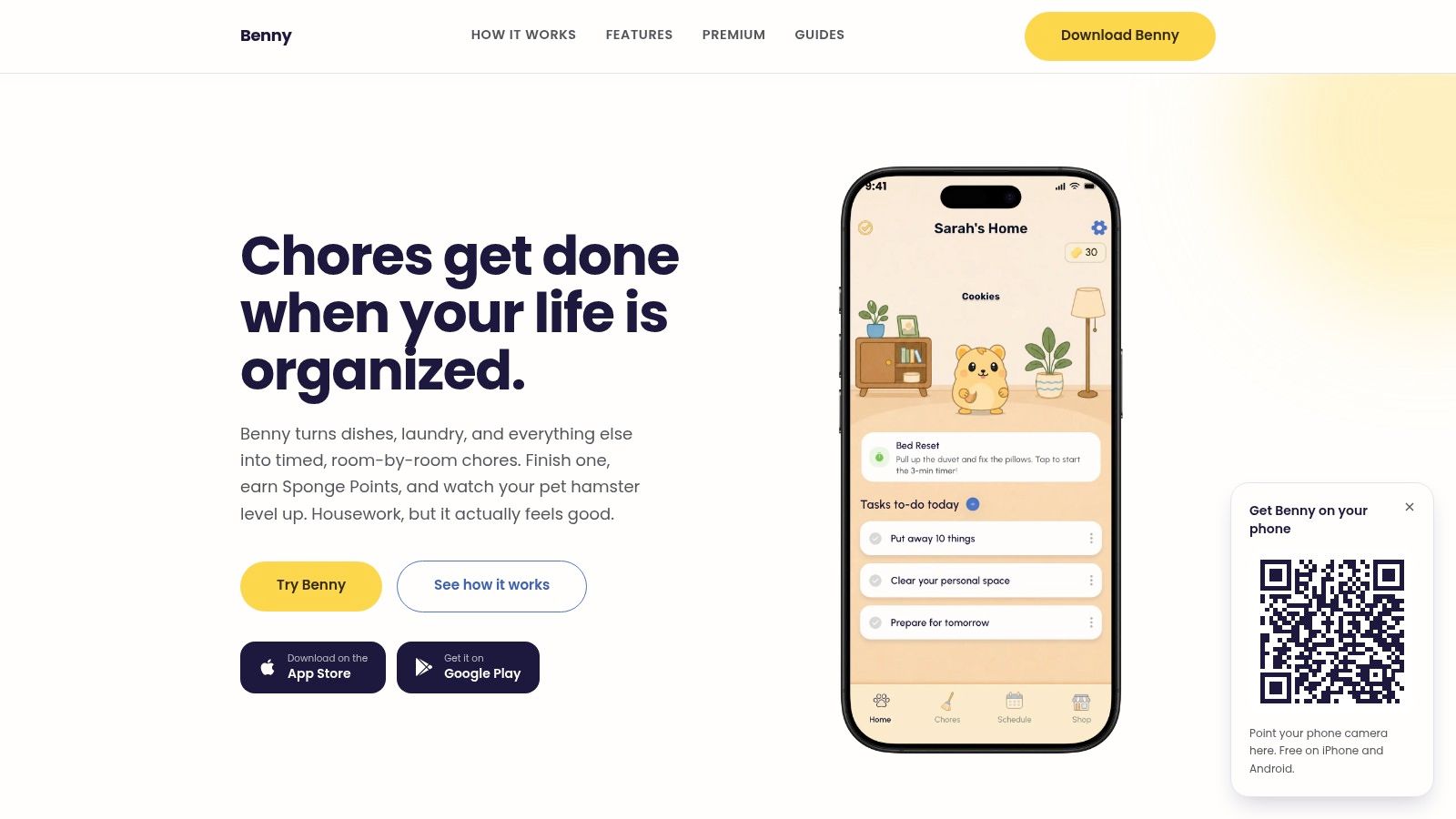
Benny is built for households where the chart needs to keep running after setup day. It's an iPhone and Android app organized room by room, with preset lists for the kitchen, bathroom, bedroom, and living room, plus custom chores you create from scratch.
How Setup Works
Pick a room, add a preset or your own chore, set a timer, then make it one-off or recurring on an interval you choose. Recurring chores come back on the schedule by themselves, and Benny reminds you when each one is due. Timers, reminders, recurring schedules, and shared assignments all sit in the free app. In a shared home, every member sees the same list and schedule, including who each chore is assigned to and what's done.
In a 2024 study of 322 mothers with young children, mothers carried 72.57% of household cognitive labor versus 27.43% for their partners. A schedule the whole household can see moves that planning work out of one person's head, instead of leaving it with whoever notices first.
The timer does real work here: you start it, work until it runs out, and tap finished. Chores completed before their timer runs out earn Sponge Points, which level up a virtual hamster and can be spent on accessories in the in-app shop. That's light enough for many adults and families, though it won't suit people who dislike gamification.
Premium adds home-screen widgets, room and chore filters, holiday and sick modes, snoozing and skipping that keeps streaks intact, mood-based smart chores, multiple-home management, custom effort points, and ad removal. The free version includes ads. I recommend Benny first for couples, families, and roommates who need one shared, editable system rather than separate lists.
6. Tody
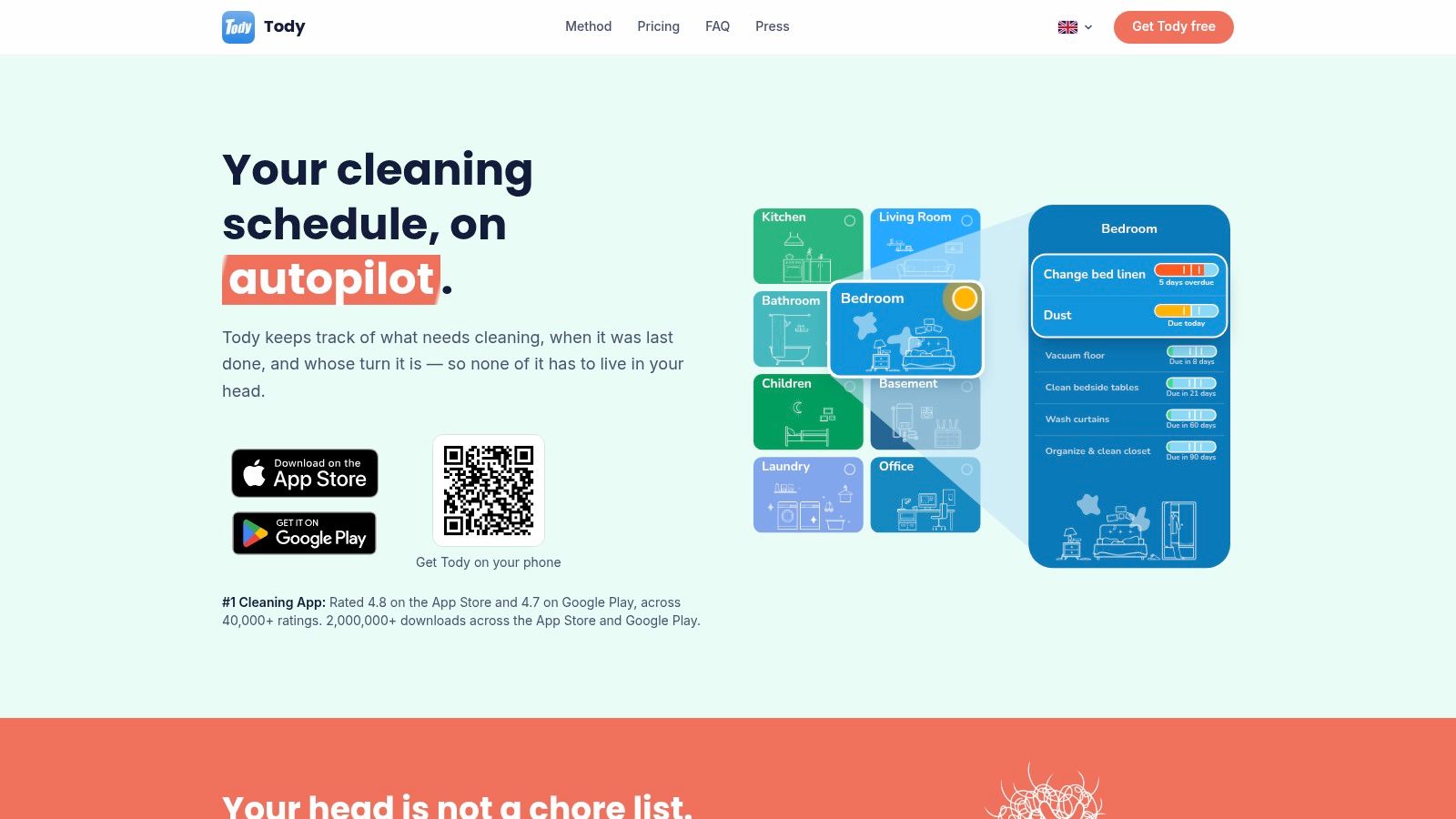
Some chores don't belong on a weekday grid. Descaling a kettle, washing curtains, and cleaning a fridge depend on elapsed time, not whether it's Tuesday. Tody organizes cleaning by room and individual interval, then shows how due each task is.
Its visual dueness indicator helps you prioritize without reading a long list. Tasks can be assigned or rotated, and generated cleaning plans reduce decision fatigue on busy weeks. That suits a solo home especially well because the system nudges the next useful job instead of demanding a full cleaning day.
Americans reported spending an average of 7.5 hours per week cleaning their homes in the American Home Shield survey. Spreading that work by interval can feel more manageable than compressing it into weekends.
The free plan includes a personal cleaning plan and no ads. Household syncing and contribution tracking sit in Premium+, with plan pricing listed by Tody. It's a cleaning planner, not a designed printable, so don't choose it if a fridge chart is the point.
7. Sweepy
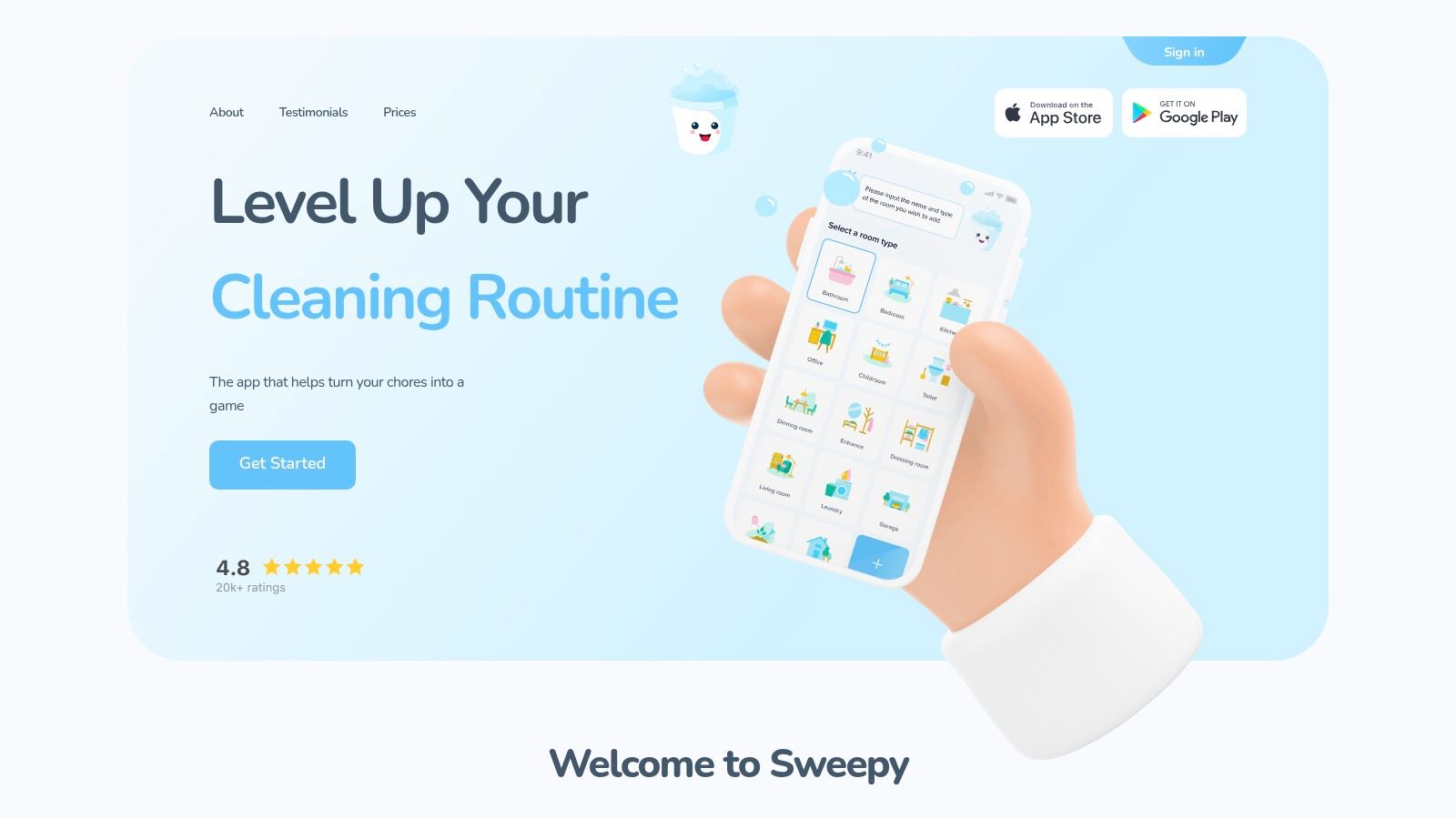
Sweepy starts with rooms, then tracks the condition of each space as tasks are completed or left undone. You define custom cleaning tasks, share the household plan, and use its Smart Schedule to generate a daily list based on available time.
That room-condition view answers a different question from a standard chart. Instead of asking who was supposed to clean on Friday, you're asking which space needs attention now. It's useful when household members have uneven availability and can contribute in short windows.
- Motivation tools: Points, streaks, and a leaderboard reward consistency.
- Family control: Parent approval lets an adult check children's tasks before they count.
- Sharing: Household members can distribute work rather than keeping separate lists.
Some scheduling features, including the automatically generated daily checklist, are premium, with plans shown by Sweepy. Setup may feel excessive if you only need six weekly chores on paper. Choose Sweepy when shifting availability is the reason fixed schedules keep breaking.
8. Cozi
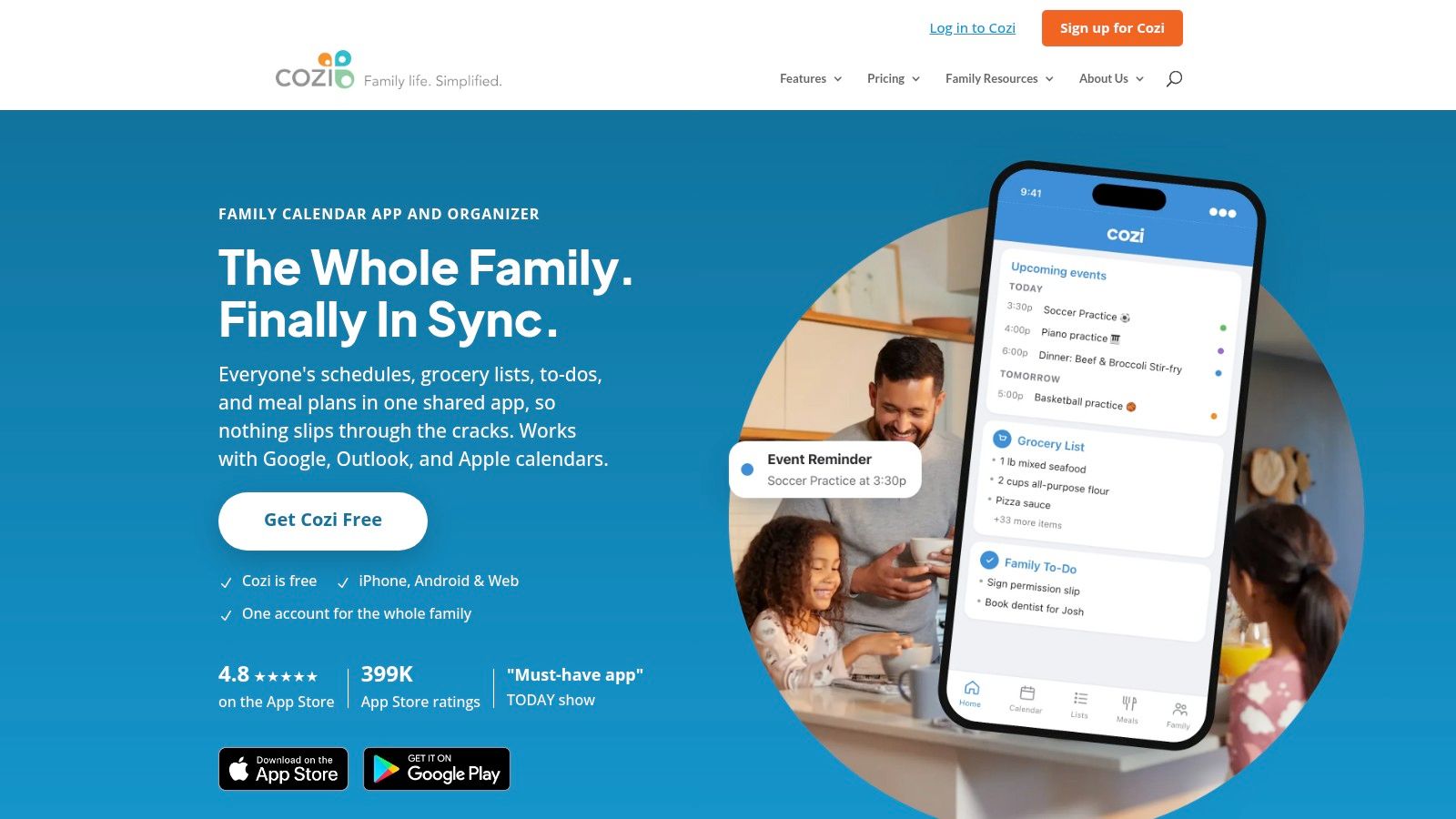
If chores are only one part of your family coordination problem, Cozi may be enough. Its Chores feature creates customizable lists for each family member alongside a shared calendar, shopping lists, and general to-dos.

Chores can recur daily or weekly, which covers lunchboxes, bins, pet feeding, and other predictable routines. The advantage isn't deep cleaning logic. It's that a parent checking Saturday's calendar sees related household tasks in the same system. Families comparing it with a dedicated shared chores feature should decide whether calendar integration or chore-specific scheduling matters more.
A basic shared list beats a powerful app nobody opens. Put chores where your household already checks plans.
Coordination tools carry real weight when care work affects paid work. The International Labour Organization estimates for 2023 put 748 million people aged 15 and older outside the labor force because of care responsibilities.
Cozi offers a free service and paid Cozi Gold. Its FAQ says Chores is accessed through the mobile apps. Pick it for broad family organization, not interval-based cleaning.
9. Homey
Allowance changes the chore conversation. Homey combines assignments with allowance tracking, rewards, notifications, and progress tracking, so children can see what they're responsible for and what completed work earns.
Best Use Case
Use Homey when money is already part of your family system and you want fewer side negotiations about what was finished. Household accounts work across multiple devices, which helps when a child checks tasks on a tablet and a parent reviews progress on a phone.
Visibility can reduce the need to renegotiate every task. In a three-week diary study of eight households, participants completed 226 of 241 shared errands, according to the shared household errands study.
The company says core chore, allowance, and reward features are free for households of up to three accounts, with subscriptions for premium features and more users shown through Homey and the app stores. Its child and allowance focus makes it a poor fit for adult roommates who need neutral workload sharing.
10. Todoist
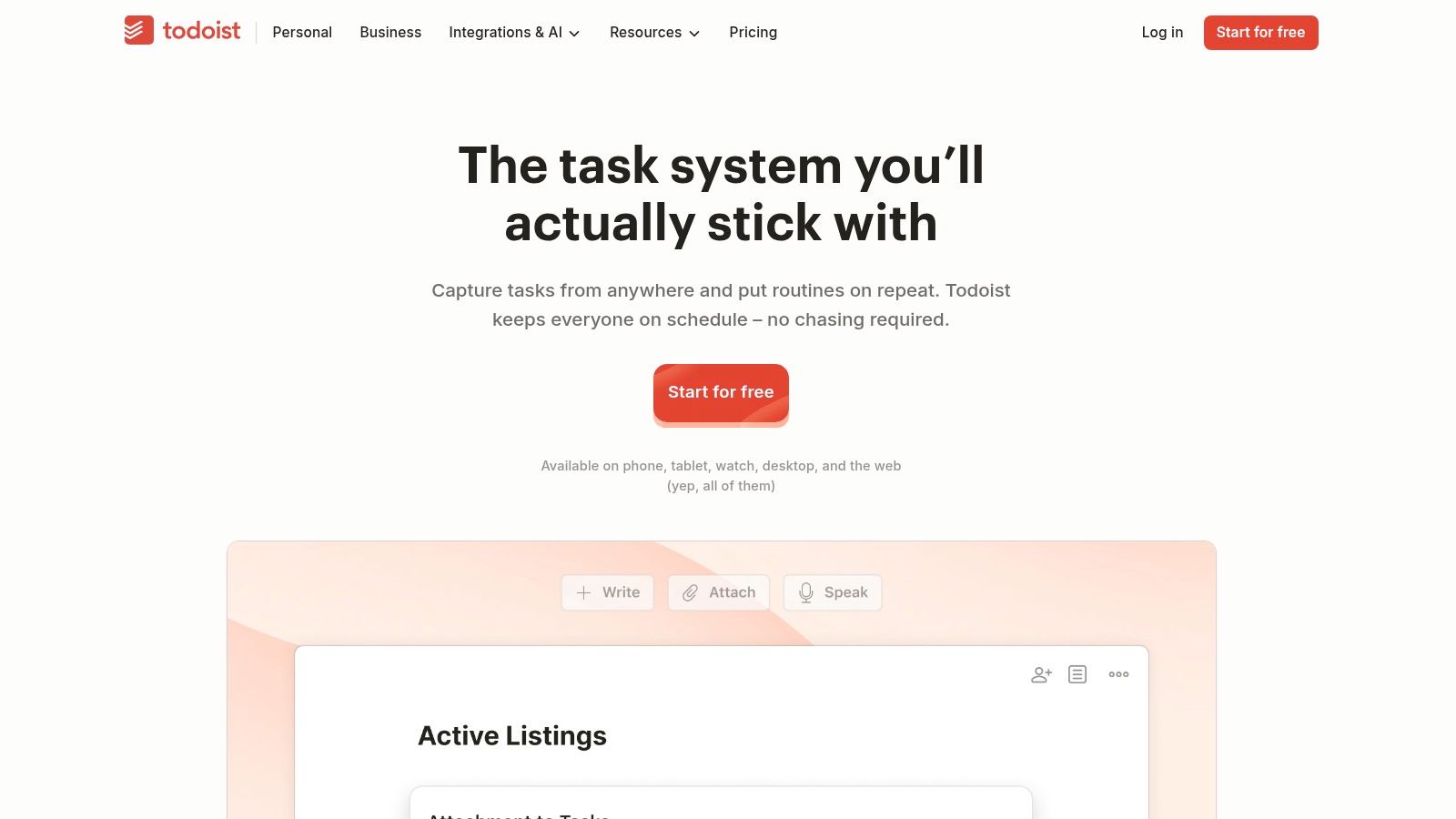
Todoist isn't a chore app, and that's exactly why some adults prefer it. You create a shared household project, group tasks into sections by room or person, assign owners, and set recurring due dates and reminders.
This setup handles errands and maintenance that chore-specific tools often ignore. "Replace HVAC filter," "book plumber," and "buy dishwasher tabs" can sit beside vacuuming without forcing every item into a cleaning category. List and board views also make it easy to rebalance work during exams, travel, or a heavy work period.
Don't mistake equal task counts for fairness. A 2025 study of 3,000 U.S. parents found mothers reported handling 71% of household cognitive-labor tasks, according to the British Psychological Society research digest. Add planning tasks explicitly or they'll remain invisible.
A free Beginner plan is available, with paid plan pricing listed by Todoist. You'll do more setup than with a ready-made chart, and there's no cleaning-specific room prioritization or built-in reward system. I recommend it for adults who already live in task managers.
Editable chore chart tools compared
| Best for | Format | Free tier | Recurring scheduling | Shared household view |
|---|---|---|---|---|
| Canva: customizable chore charts | Editable templates and printable downloads | Free options; some elements may be paid | No automatic recurrence | Shareable designs |
| ChoreMonster: children's printable charts | Printable PDF | Free; no account required | No live scheduling | No shared digital view |
| ChoreWorth: visual charts for children | Printable and interactive digital charts | Several free styles | Optional reminders and calendar features | Optional family sync |
| Chore Pad: reward-based charts for children | Digital chore chart | Core chart experience is free | Repeat schedules | No shared view stated |
| Benny (recommended): shared household chores and routines | iOS and Android app | Free core features | Recurring schedules and reminders | Shared schedule and assignments |
| Tody: room-based cleaning plans | iOS and Android app | Free personal plan | Recurring intervals and chore rotation | Premium+ household syncing |
| Sweepy: room-based cleaning and task sharing | Mobile app | Free download; in-app purchases | Smart Schedule; some features are premium | Household sharing |
| Cozi: family chores alongside calendars and lists | Family organizer app | Free service | Daily and weekly recurrence | Shared family lists |
| Homey: family chores, allowance, and rewards | Family chores app | Core features free for up to three accounts | Not specified | Household accounts across devices |
| Todoist: flexible chores, errands, and maintenance | General task manager with list and board views | Free Beginner plan | Recurring due dates | Shared projects and task assignments |
Picking the Right Chart and Getting It Set Up
Start by matching the tool to the behavior you need. Choose Canva or ChoreMonster if your household responds to a visible sheet on the fridge and one person is willing to reprint it when routines change. Choose Chore Pad, ChoreWorth, or Homey if pictures, stars, allowance, or parent approval drive your children. Choose Benny, Tody, Sweepy, Cozi, or Todoist if recurring chores and reminders keep getting forgotten.
Don't build the perfect chart on day one. List only the chores that happen weekly or more often, assign one clear owner to each, and write the completion standard in plain words. "Clean bathroom" invites disagreement, while "wipe sink and mirror, clean toilet, empty bin" gives the next person something checkable.
- Name the invisible work: Add planning, restocking, reminders, and quality checks as tasks or rotating ownership.
- Weight effort fairly: A bathroom deep clean and watering one plant shouldn't count as equivalent chores.
- Plan for capacity changes: Make pausing, swapping, and reassigning normal before illness, travel, exams, or deadline weeks happen.
Household type changes what fairness looks like. German representative survey data cited in a 2025 Demographic Research analysis show men primarily responsible for repairs in about 80% of couples, while women were primarily responsible for laundry in 71%. A chart grouped only by person can preserve that segregation, so review task types as well as totals.
Run your chosen system for two weeks, then hold a short check-in. Move chores that were assigned to the wrong day, split jobs that took longer than expected, and delete tasks nobody values. Solo users should use that review to set realistic intervals rather than copying a family schedule.
Setup test: If someone is away for a week, can another person see what's due, take over, and mark it done without a group chat? If not, the chart isn't editable enough.
Benny is a strong free starting point for shared homes because the schedule shows what's due today and what's coming up, recurring chores return on the schedule by themselves, and every member sees the same list, assignments, and completion status. Start with one room, invite the household, and expand only after the first review. The best chart isn't the prettiest one. It's the one your household can adjust without an argument and still trust on an ordinary Tuesday.
Stop rebuilding your chart every time routines change. With Benny, you can create room-based chores, set timers and recurring schedules, assign work in a shared home, and earn Sponge Points as tasks get finished. Download the free app, set up your first room today, and let the schedule handle the remembering.