Sunday evening, the bathroom still hasn't been cleaned, and it's been three weeks. You thought the other person had it. They thought you did. The app on the phone never sent a reminder, so the argument starts from memory instead of a list. That's how most cleaning apps die, not because the house is impossible to clean.
This comparison looks at ten options for a best cleaning schedule app using four tests. Recurring tasks have to come back on their own. A reminder has to arrive when the chore is due. Every person in the home has to see the same list. And the app still has to feel worth opening after a month of ordinary weeks. I'll also say what sits behind Premium or a phone limit, because the download screen rarely shows that.
The workload is large enough that a private note on one phone won't hold it. The U.S. Bureau of Labor Statistics reported that, in 2024, 80% of people engaged in household activities on an average day, spending approximately 2 hours on those activities. Participation was 87% among women and 74% among men. A schedule only one adult can see will keep failing that split.
I'm not scoring badges or store screenshots. Each pick below is judged on whether the four tests survive real rooms, missed days, and more than one phone.
Table of Contents
- 1. Benny
- 2. Tody
- 3. Sweepy
- 4. Home Tasker
- 5. Cozi
- 6. Home Routines
- 7. Home Chores
- 8. ChoreSplit
- 9. Tidied
- 10. NeatNook
- How the 10 cleaning schedule apps compare on free access, recurring schedules, shared households, and platforms
- Choosing the Right Cleaning Schedule App for Your Household
1. Benny
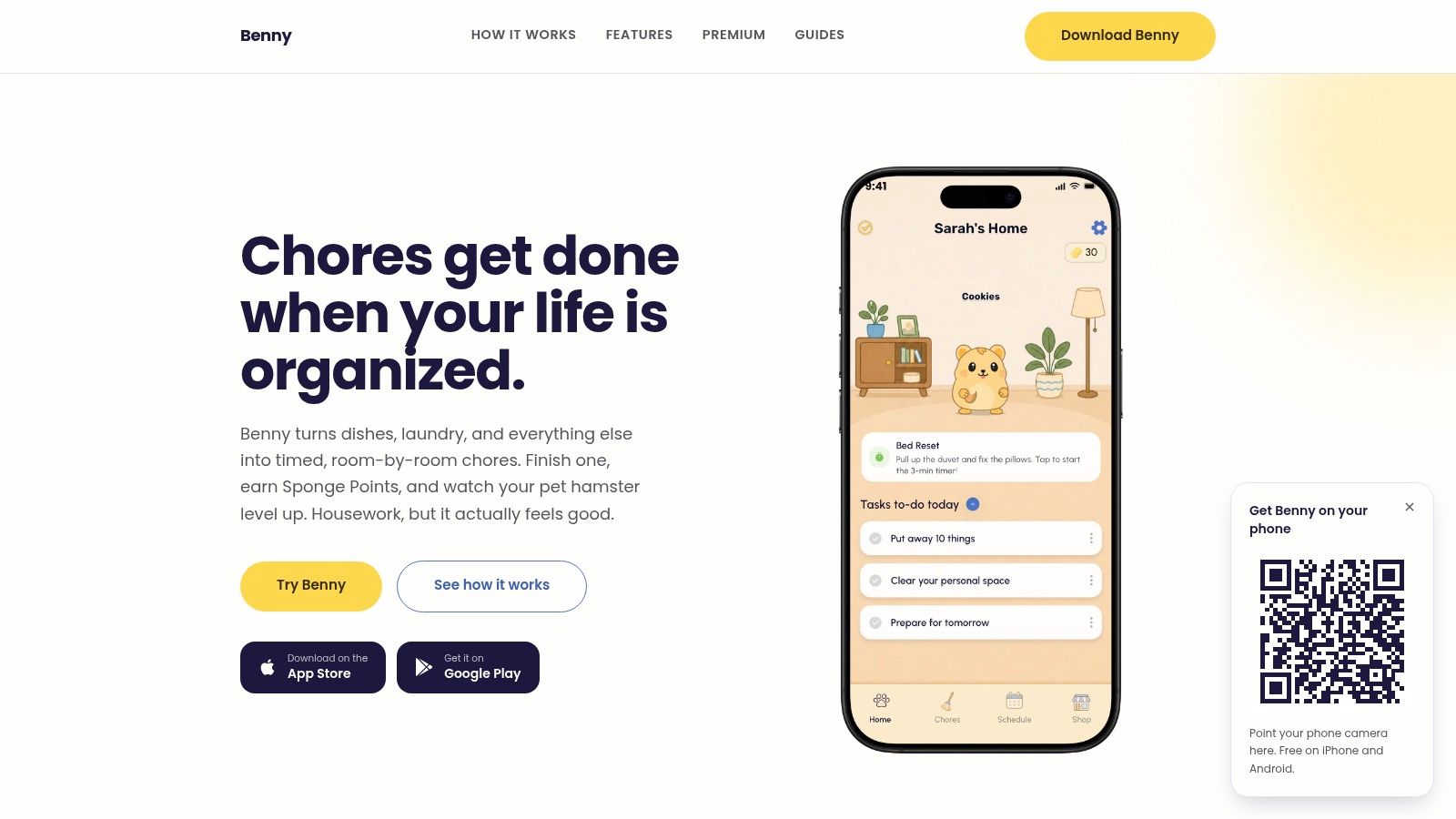
If you want room presets, a timer on every chore, and a shared list on both iPhone and Android without paying first, I'd start here.
You pick a room, add a preset or your own chore, and set a timer. A bathroom clean can be 15 minutes. You start the timer, work until it ends, and tap finished. Each chore is one-off or recurring, and a recurring chore returns on any interval you choose. Benny reminds you when it's due, and the schedule shows today plus what's coming up. In a shared home, everyone sees the same list, who owns each chore, and what's still waiting. You can share that home with roommates, a partner, or family at no cost. Finished chores earn Sponge Points that level up a virtual hamster and buy accessories.
Intervals need that flexibility. In YouGov's survey across 17 markets, 51% of respondents cleaned kitchen sinks daily, 51% cleaned toilets weekly, and 40% cleaned shower units weekly, while fridges and wardrobes were more often every few months.
What stays free
The schedule, reminders, timers, and shared assignments are in the free app, which includes ads. Premium adds widgets, chore and room filters, snooze and skip with streak protection, holiday and sick mode that pauses without losing streaks, tokens, or XP, mood-based smart chores, multiple homes, custom effort points, and no ads. The site doesn't list a price, so check the store listing. Deleting the app doesn't cancel a subscription. Price changes don't hit the current billing period, and the store notifies you first.
Practical rule: Assign the chore when you create it. A shared list still leaves one person as project manager if they write every task and chase the rest.
The hamster and timers won't suit you if you want a plain, untimed list. For mixed-phone homes that quit apps when reminders never fire, the free core covers the four tests.
2. Tody
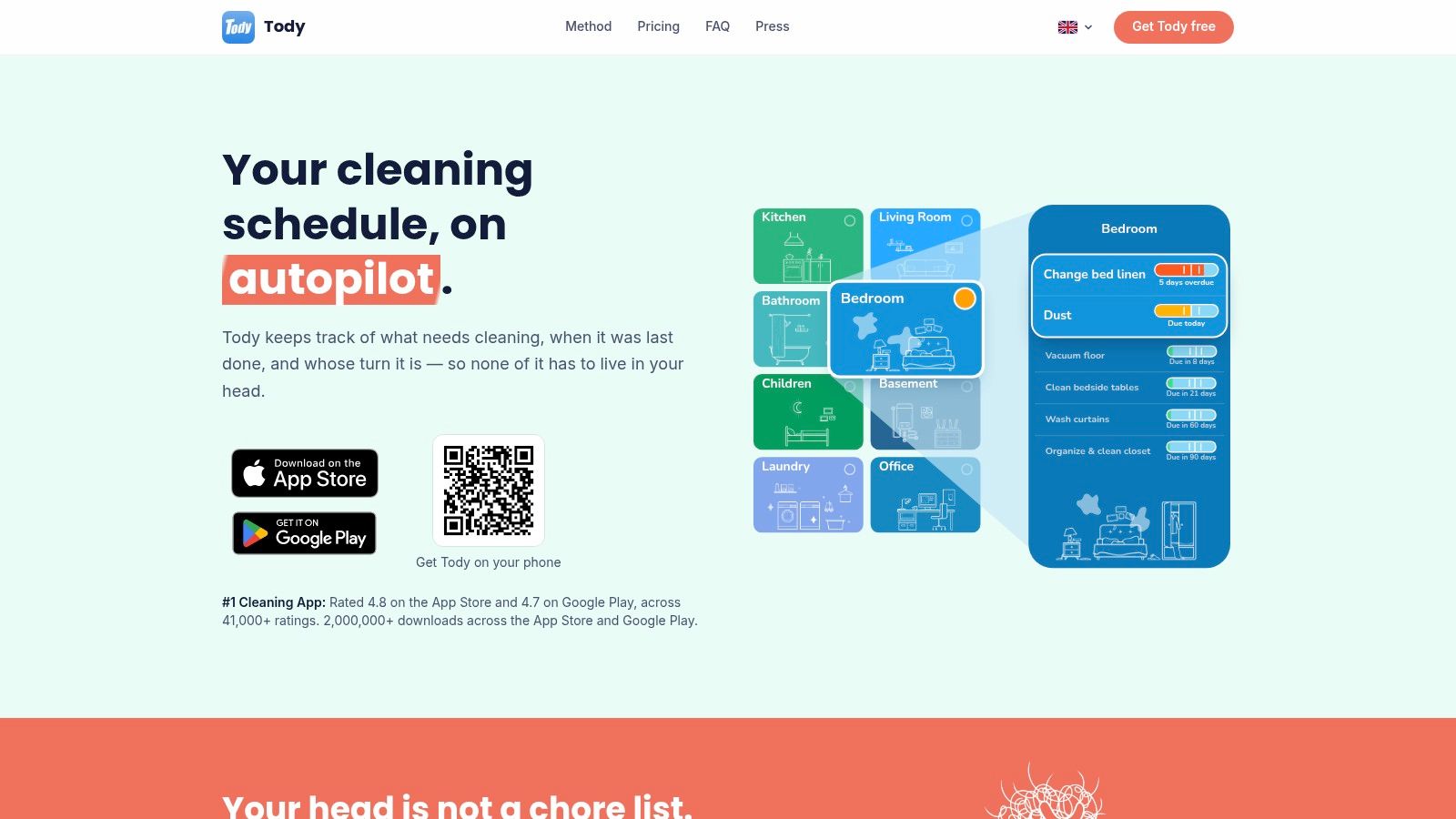
Tody ranks room-based chores by how long it has been since they were done. That makes it easier to spot what needs attention, such as a shower door that has gone too long without cleaning. It suits people who need help choosing a task more than remembering a fixed weekday routine.
The free plan is for one person and has no ads. You can set custom intervals by room and use a focus timer for a short cleaning session. Household syncing, chore assignment, automatic rotation, and FairShare require Premium+. There is no web app, so household members need to use the iPhone, iPad, or Android app.
Tody's store ratings are generally positive, but the app's urgency colors may feel vague if you want chores tied to a specific calendar day and time.
For shower upkeep, use a guide to removing hard-water stains from glass shower doors to turn the job into a task someone can see and complete.
Tody fits solo cleaners who prefer flexible intervals to fixed weekdays. For roommates, the trade-off is clear: the shared list and assignment features sit behind Premium+, so the free plan does not meet the test of giving everyone the same chore list.
3. Sweepy
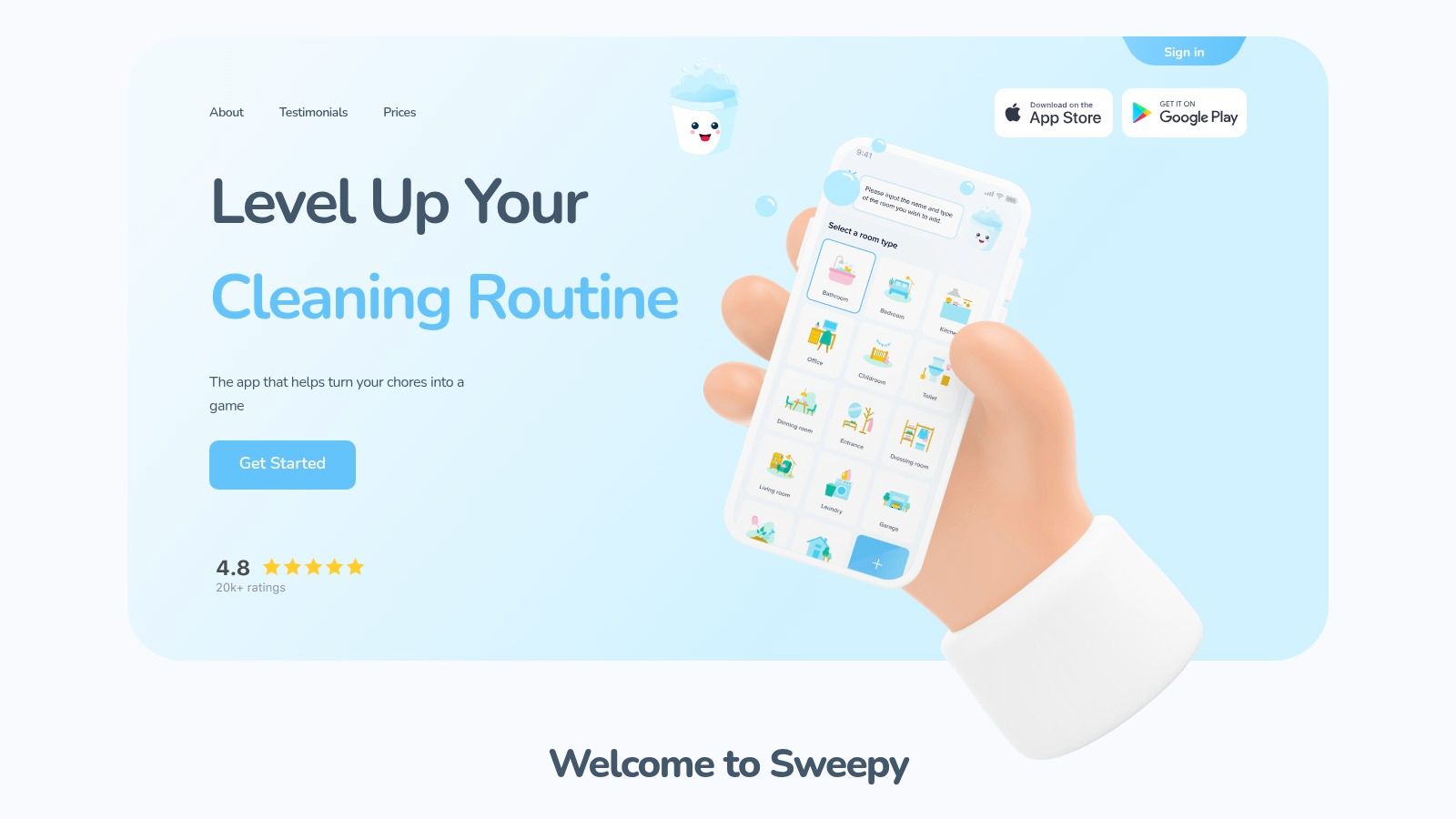
Sweepy organizes chores around how dirty each room has become rather than a family calendar. You can track cleanliness, prioritize tasks, and share chores across iPhone and Android. Points, history, and a household leaderboard add a game layer, though competition can feel like pressure rather than motivation.
The daily checklist generated from available effort is a Premium feature. Free use can still show rooms and shared work, but the personalized day plan is paid. There's no web app. Store ratings don't guarantee Sweepy will still feel light in week five.
Who cleans is uneven before any app opens. In 2023, the Bureau of Labor Statistics found that 48% of U.S. women did housework such as cleaning or laundry on an average day, compared with 22% of men. A leaderboard won't fix that if one person still sets every standard.
What works: Effort levels can turn a large cleaning session into a smaller block.
What doesn't: A leaderboard isn't a fairness system. If skipped days feel like losing, the game layer may become another reason to stop using the app.
Sweepy makes the most sense if your household will pay for the generated day plan. If you only need a shared recurring list, check what the free version covers before committing.
4. Home Tasker
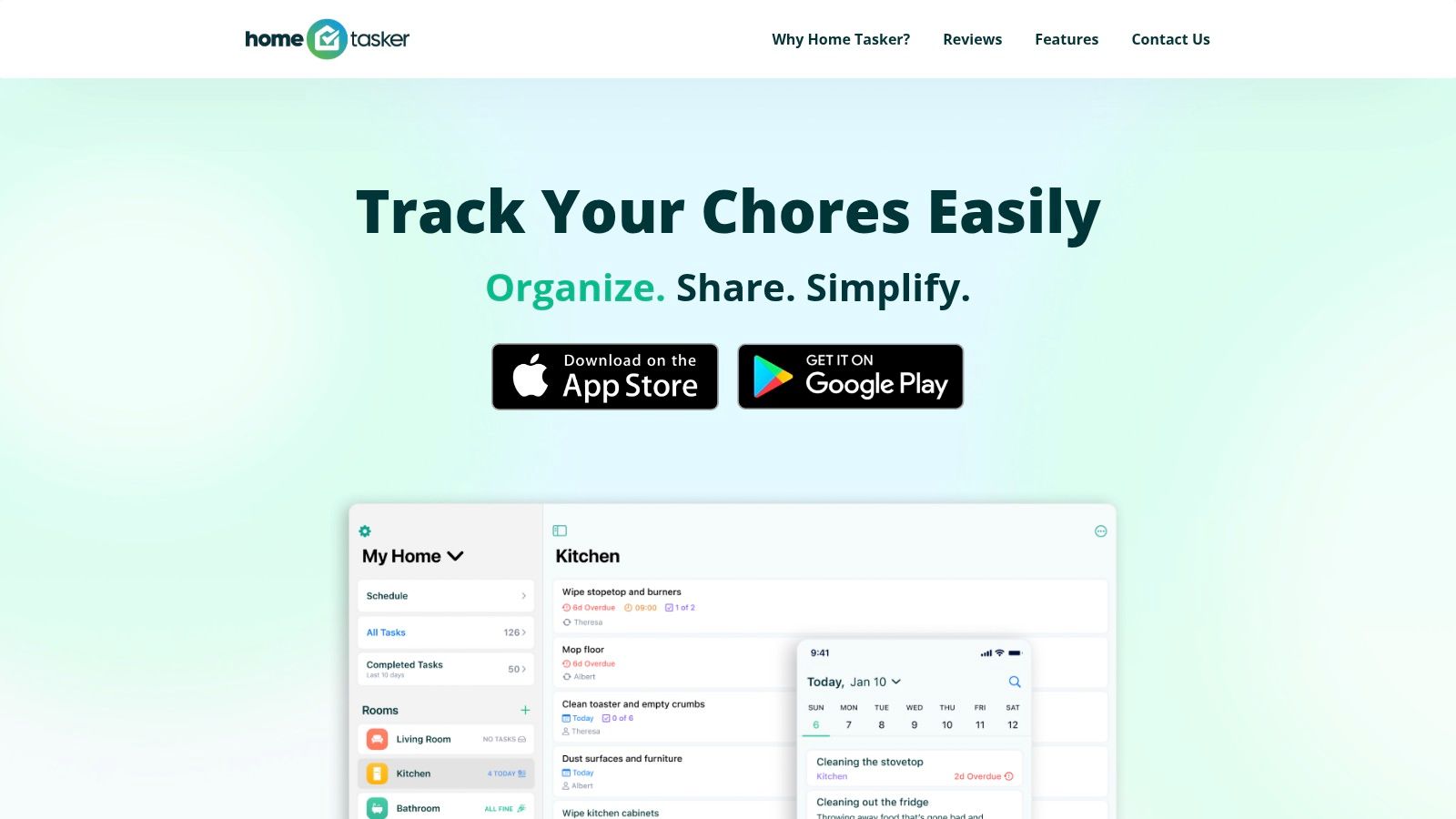
Home Tasker offers room-based presets, editable checklists, notes, and task history. Starting with a preset can make it quicker to draft a cleaning plan than building every list from scratch. It runs on iOS and Android, supports more than one space, and can share tasks with a household. Widgets are also part of its feature set, though availability may depend on the phone and app version.
The app's store ratings are generally strong, but ratings don't show whether its schedule fits your household. The exact free features and pricing aren't clearly listed, so check the in-app paywall before setting up the whole household.
Presets help define the work; they don't settle who owns it. In a shared home, check whether members can see the same list, assignments, and completed chores. For comparison, shared chore lists with visible assignments make responsibility explicit.
Home Tasker may suit households that want a preset-led starting point. If you rely on irregular recurring chores, confirm that the app can schedule them as needed and that the feature is available on your plan before committing.
5. Cozi
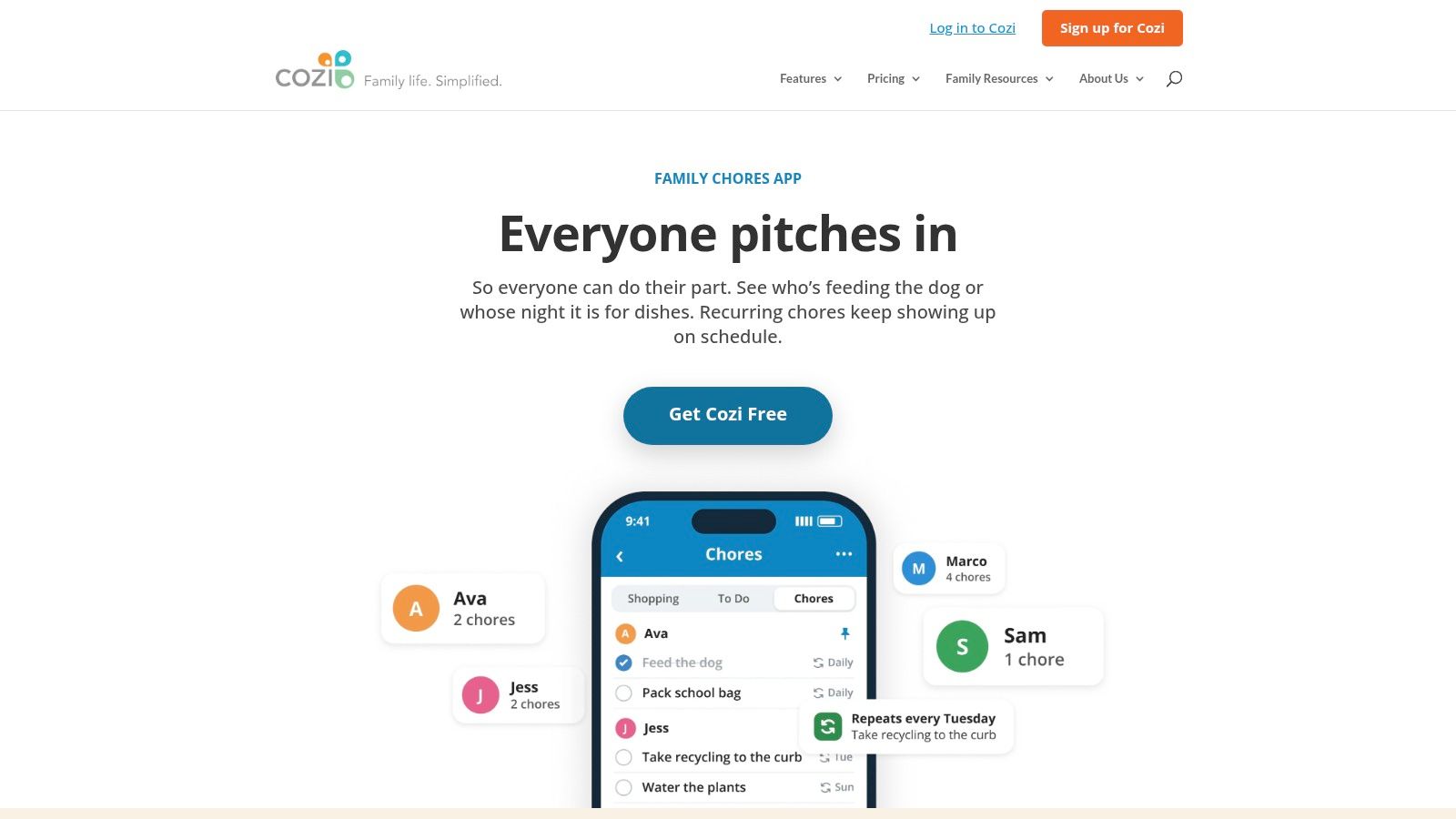
Cozi is a family organizer first. Chores sit next to a calendar, shopping lists, and meals, which is the right shape if cleaning is one job among school runs and groceries. Each person can have a list, repeats can be daily or weekly, and the household can see tasks and completions. Chores are on the free plan.
The company reports a 4.8 App Store average from 399,000 ratings. That's a large store sample, and it mostly tells you the broader organizer is familiar, not that room-level cleaning is deep.
Where it passes: shared visibility for families already living in Cozi, plus reminders tied to simple repeats.
Where it fails the cleaning tests: repeats are daily or weekly, so "every three weeks" or "every few months" is a poor fit. It isn't a room-by-room cleanliness tracker. The chore feature is in the iPhone and Android apps, not on the website, so a laptop-only planner can't run the list there.
A shared family calendar doesn't assign the toilet. If repeats can't match the room, someone will still be nagging.
I'd keep Cozi if the household already plans life there and chores are daily or weekly. I wouldn't make it the only cleaning system when intervals vary by room.
6. Home Routines
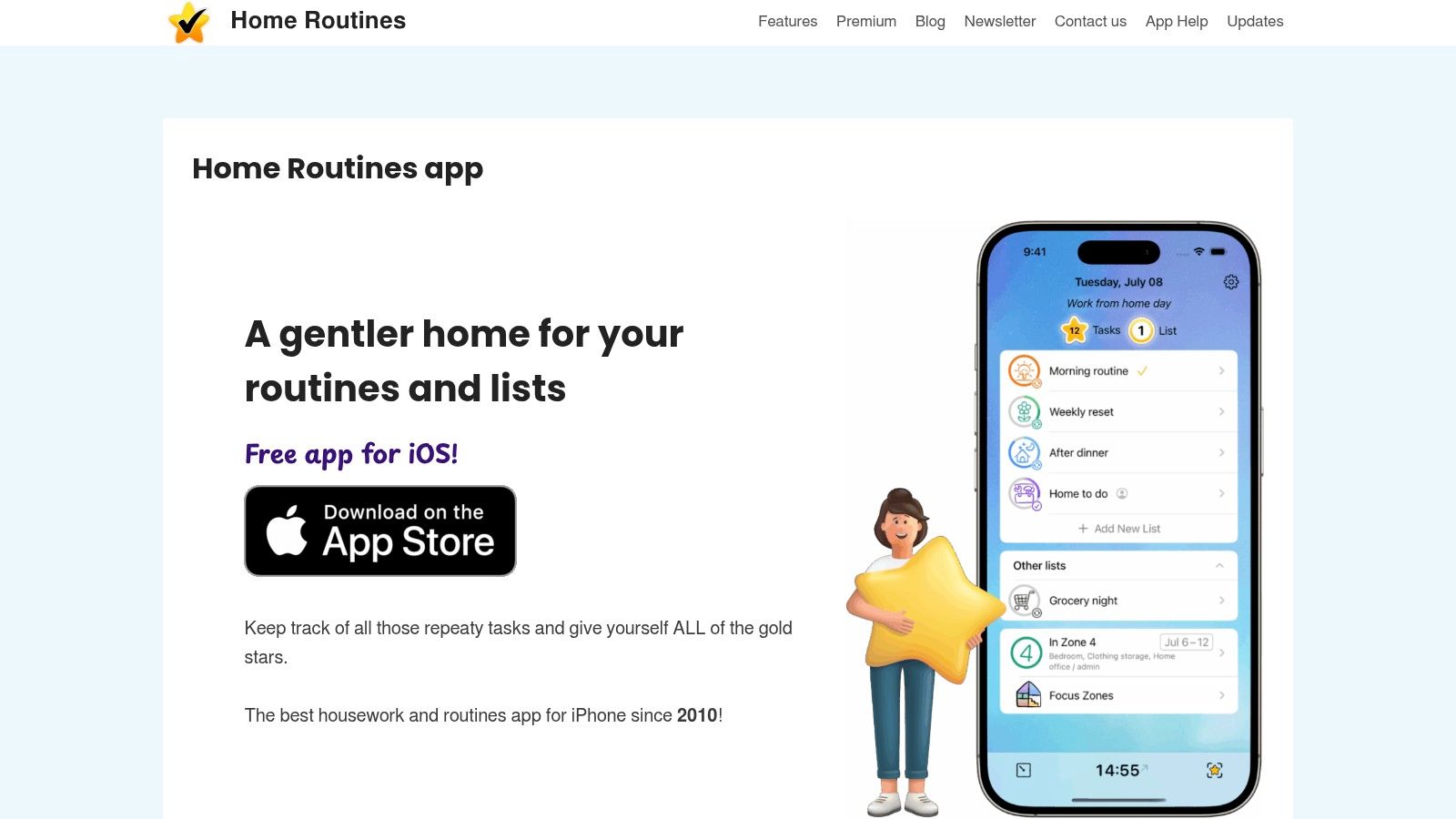
Home Routines is the Apple-only pick for people whose energy isn't the same every week. You build cleaning or decluttering lists, rotate Focus Zones, and use One Thing mode to pull a single task out of a long list. A built-in timer keeps the session short. You can close a routine with items unfinished, and lists reset daily, weekly, or monthly. Gold stars are personal encouragement, not household prizes.
That flexibility matters because participation isn't universal. The American Time Use Survey charts for 2025 show 80.9% of people did household activities on an average day, 86.7% of women and 74.9% of men, while interior cleaning involved 31.0% of women and 15.5% of men. A schedule that treats every missed day as failure will get deleted by the person with less time.
There's no Android version, so a mixed-phone home can't share one list. Scheduling is simpler than a full shared chore calendar. Stars won't motivate a roommate who never sees them.
I'd use Home Routines if you clean alone on an iPhone and need permission to stop mid-list. I wouldn't use it as the household system. After a month, the pleasant part is One Thing mode, and the missing part is everyone else.
7. Home Chores
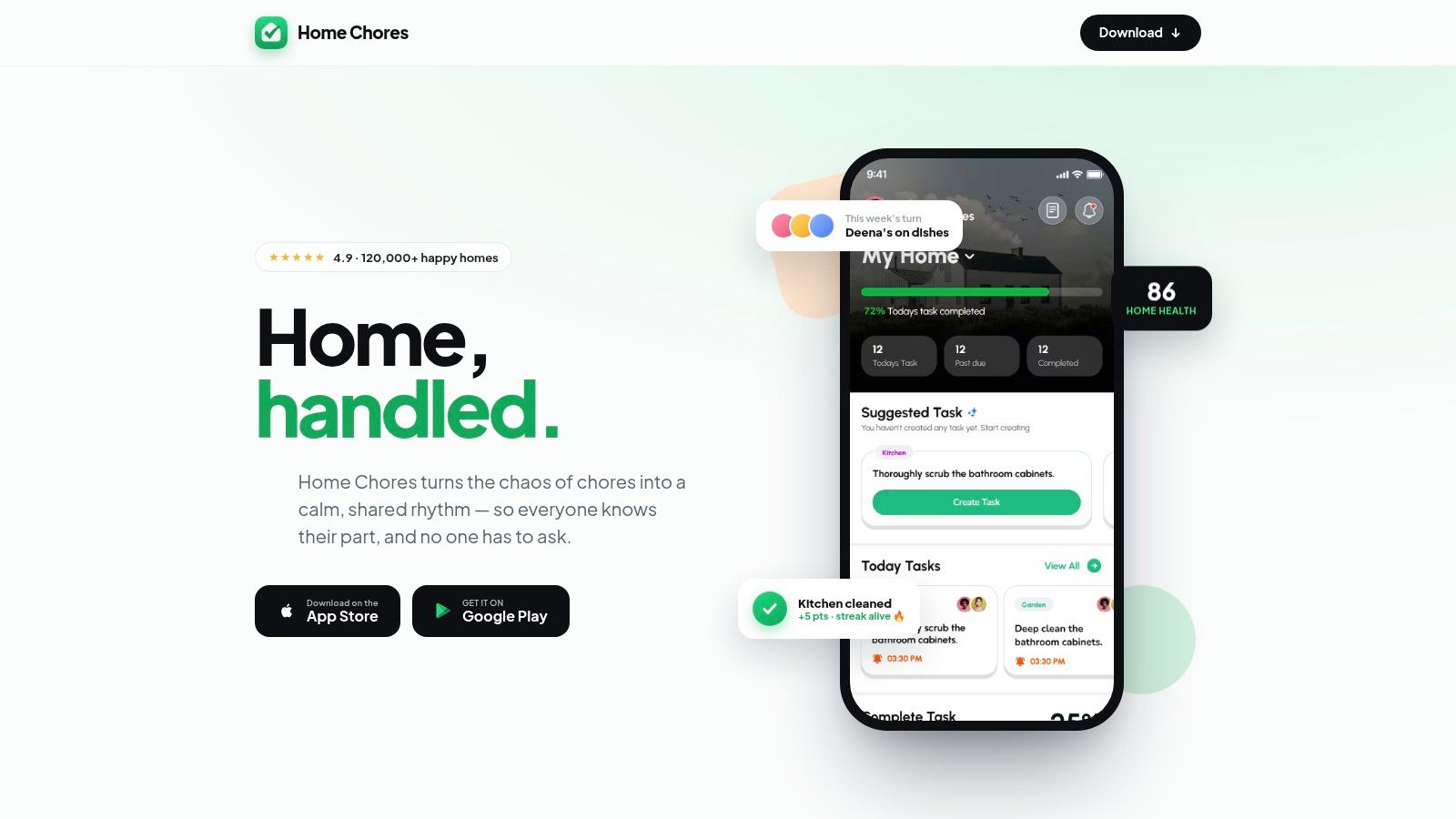
Home Chores is aimed at families and roommates who are tired of remembering whose turn it is. You assign by room or by person, rotate recurring tasks, and keep completion history visible on iPhone and Android. Photo proof gives you a record when "done" is disputed. Multiple homes can stay in sync, which helps if you also look after a parent's place.
Home Chores Pro is required for unlimited members and homes. If your household is small, check the free cap before you build the whole plan. The site's claims of 120,000+ homes and a 4.9-star rating are company figures, so don't treat them as an outside review.
Rotation is the feature that earns its place. It removes the weekly negotiation, as long as the rotation moves when someone is away. Photo proof is the feature that can sour the month. Some homes want evidence. Others read it as surveillance, and the app gets ignored.
It covers general chores, not only cleaning, so the list can fill with bins and bills. That's fine if you want one board. It's noisy if you wanted a cleaning schedule. I'd use it when turns and photo records are the fight you're trying to end, and I'd skip Pro until a second home or extra members are real.
8. ChoreSplit
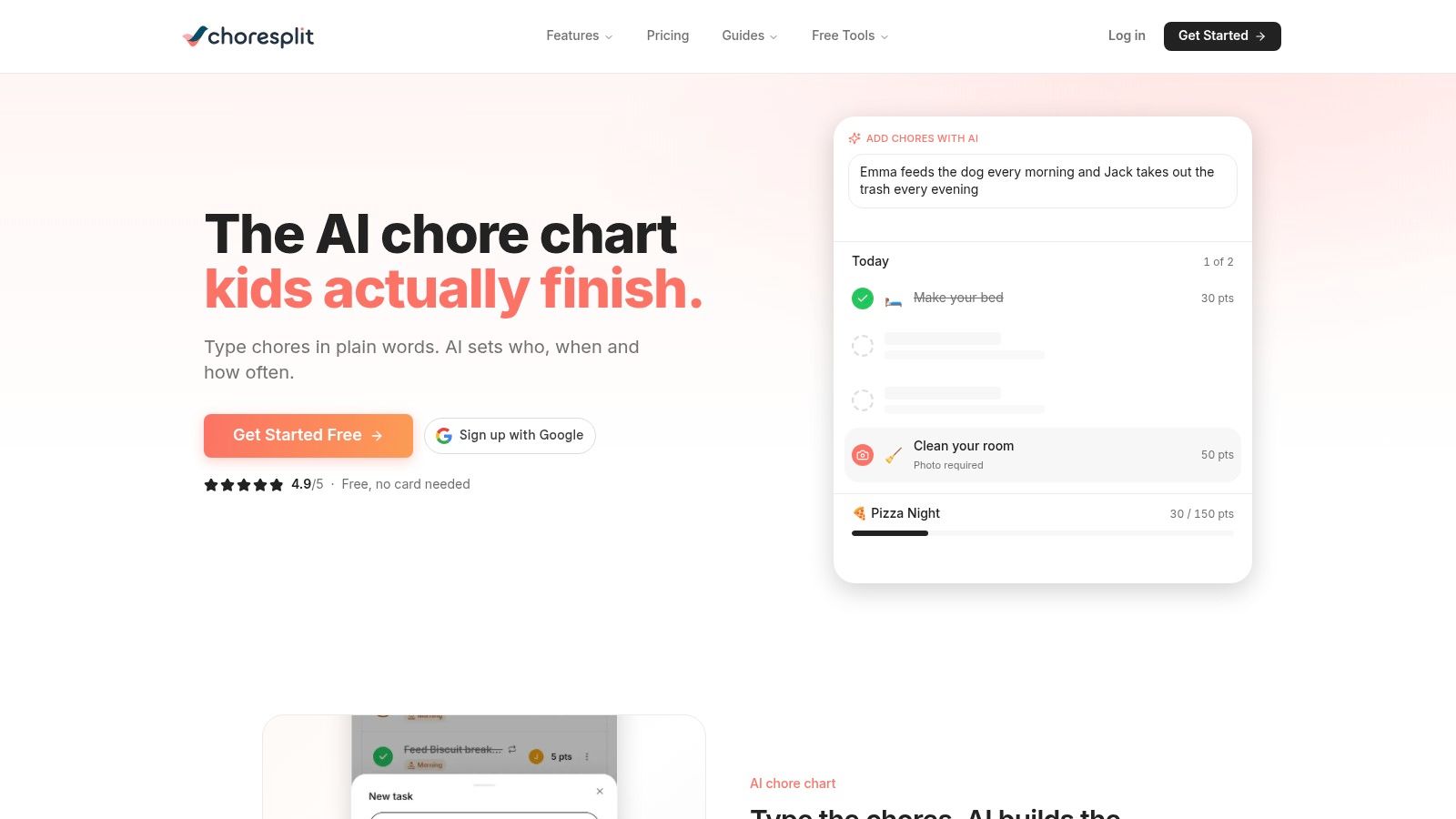
ChoreSplit's free plan is the clearest shared offer in this list. Unlimited members and unlimited chores, daily and weekly schedules, on the web as well as iPhone and Android. Nobody is locked out because they don't have the "right" phone, which is where a lot of roommate systems die.
Plus is where the extras live. Points, streaks, chore rotation, photo verification, and custom rewards are paid. Custom rewards are useful with kids because you can tie a chore to something your family already uses, not a virtual badge. Photo checks are optional in spirit only if you don't turn them on. For adults, they can feel like oversight.
Gender habits don't vanish because the app is free. Aviva Ireland and iReach Insights reported that, in 2024, 67% of Irish homeowners surveyed said traditional gender divisions in household chores still existed in some form. A shared list helps only if both people are on it. A practical walkthrough of how to split chores with roommates still has to name owners, not "the household."
I'd use the free plan for a mixed-device home that needs the same list and simple daily or weekly repeats. I wouldn't expect room-by-room cleaning depth, or rotation, until you pay.
9. Tidied
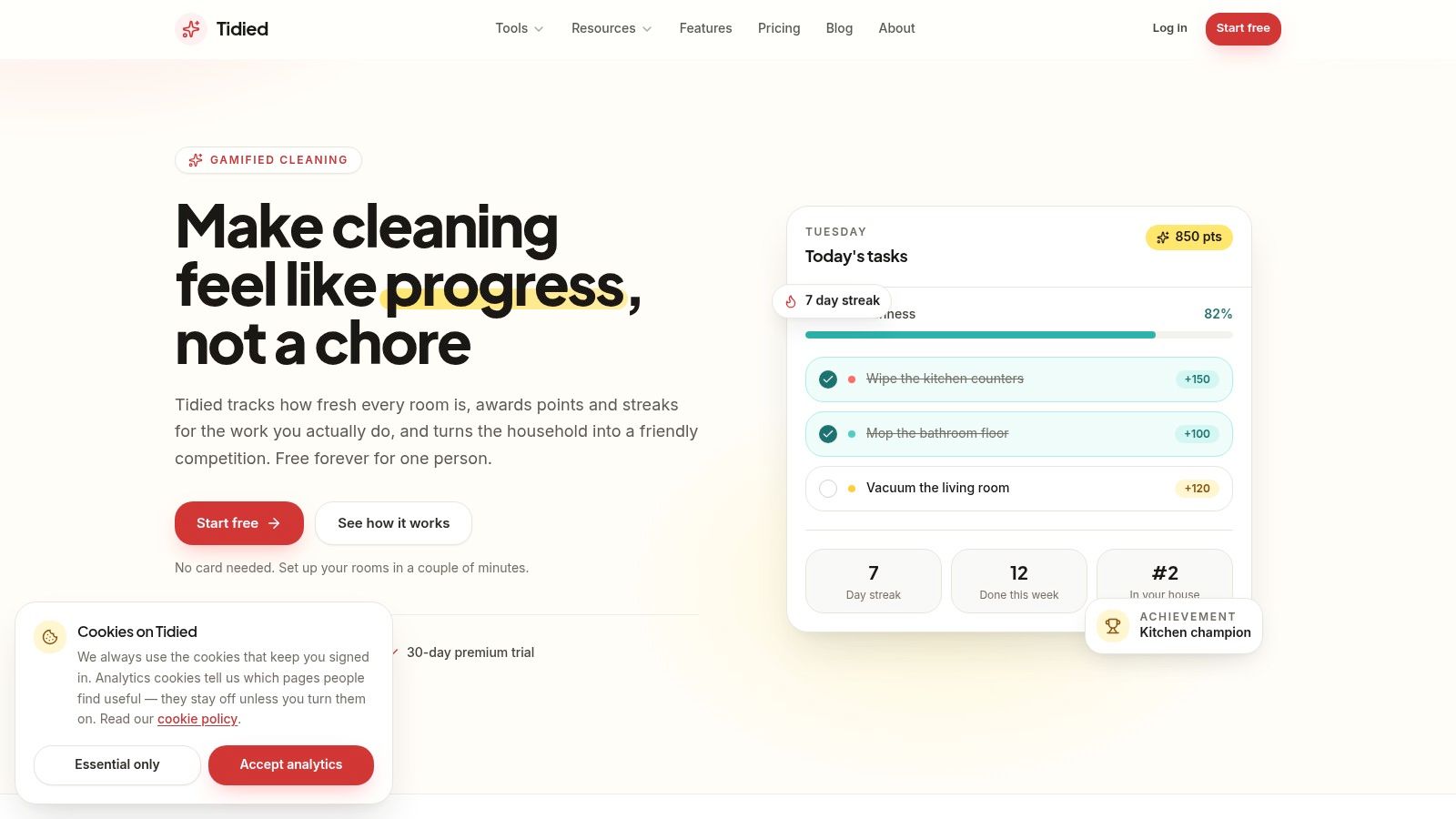
Tidied runs in the browser, so there's nothing to install. Chores are organized by room and by the frequency you set. Room freshness scores tell you which space has gone stale. Points, streaks, and all 30 achievement badges are on the free plan, along with unlimited tasks for up to three rooms, a focus timer, and task history.
The cap is the product decision. One person and three rooms is a studio or a strict "only the worst rooms" setup. A normal house will hit the wall. Household sharing, the leaderboard, and monthly challenges are Premium. There's no native iPhone or Android app and no offline mode. If your phone has no signal in the basement, the list isn't there.
Freshness scores are a fair way to answer "what should I do next" without a rigid weekday. They are a weak reminder system if you only open the browser when you already remember. After a month, badges help a solo user who likes small wins. They do nothing for a partner who was never added.
I'd use Tidied on a laptop-first routine with three rooms or fewer. I wouldn't use it as the household app unless Premium sharing is in the budget and everyone will open a browser.
10. NeatNook
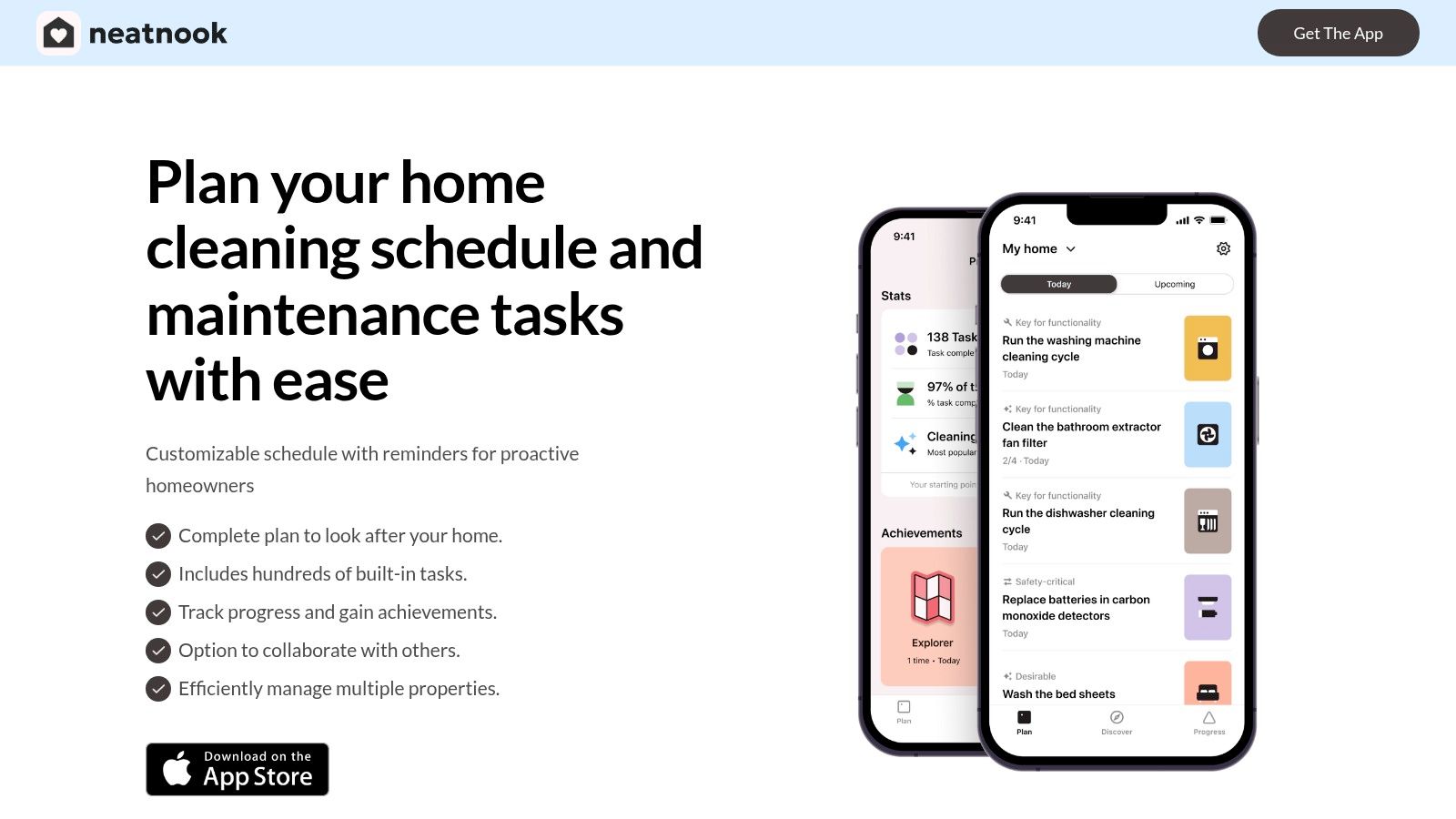
NeatNook is for Apple households that want cleaning and home maintenance in one library. Built-in tasks cover routine cleans and longer upkeep, with reminders, progress achievements, notes, and collaboration with family or roommates. Multiple properties are supported, which is the point if you have a rental or a second home and keep forgetting filter changes between visits.
I couldn't verify an Android version, so don't plan on it for a mixed-phone house. Some tasks matter more to owners than to renters. Pricing can be a subscription or a one-time purchase, and the official site describes checklists and collaboration without making every limit obvious. Confirm the current price on the App Store before you move a second property into it.
Maintenance reminders are where it earns a place a pure chore chart doesn't. Cleaning apps often forget the slow jobs, then the slow jobs become emergencies. The risk is a library so broad that weekly cleaning gets buried under annual tasks. Notes help if the standard is "this is how the guest bath should look," not just a checkbox.
I'd use NeatNook if you're on Apple devices and the job is both cleaning and upkeep across properties. I wouldn't use it if anyone in the home is on Android, because the shared-list test fails before it starts.
How the 10 cleaning schedule apps compare on free access, recurring schedules, shared households, and platforms
| Item | Free Plan | Recurring Schedules | Shared Access | Platforms |
|---|---|---|---|---|
| Benny (Recommended) | Free core features, including chore schedules, reminders, and timers | One-off or recurring chores; choose the repeat interval | Shared assignments included | iPhone, Android |
| Tody | Free for one person; no ads | Custom task intervals | Premium+ required | iPhone, iPad, Android |
| Sweepy | A free tier is available; its daily generated checklist requires Premium | Cleaning schedules; Premium adds the generated daily checklist | Shared chores and device syncing | iPhone, Android |
| Home Tasker | Pricing and free-plan details are not stated | Recurring support is not stated | Household sharing supported | iOS, Android |
| Cozi | Chores included free | Daily or weekly | Shared household view | iPhone, Android; web organizer |
| Home Routines | Plan details are not stated | Daily, weekly, or monthly resets | Personal routines; sharing is not stated | Apple devices |
| Home Chores | Free-plan details are not stated | Recurring tasks with automatic rotation | Shared chore management | iPhone, Android |
| ChoreSplit | Unlimited members and chores | Daily and weekly schedules | Shared lists included | Web, iPhone, Android |
| Tidied | Free for one person and up to three rooms | Custom task frequencies | Premium required | Web browser |
| NeatNook | Subscription or one-time purchase | Reminders supported; repeat intervals are not stated | Collaboration supported | Apple devices |
Choosing the Right Cleaning Schedule App for Your Household
Choose based on the routine that keeps breaking down. If you live alone and forget repeat jobs, look for recurring tasks that return automatically and reminders that arrive when chores are due. Tody, Tidied within three rooms, and Home Routines on iPhone are options to compare. A freshness score or a One Thing mode can help prioritize work, but it does not replace a due reminder.
In a shared home, check that everyone can see the same list on their own device, and find out whether sharing is free or paid. ChoreSplit offers a cross-platform option to assess. Cozi may suit families already using its organizer if daily or weekly repeats meet their needs. Check the paywall before relying on Sweepy's generated day plan or Tody's household tools.
Use a two-week trial with actual chores: one daily job, one weekly job, and one that comes up less often. Skip a day deliberately. Does the chore return on schedule? Do reminders reach the right people? Can the household pause or postpone work without losing progress? Premium snooze, holiday, or sick controls may help when routines are disrupted.
Then judge whether the app still fits after a month. UXCam's productivity-app benchmark reports median retention near 30% on day 1, 15% on day 7, and 8% on day 30, with stronger apps around 12–18% at day 30. For a cleaning schedule, continued use matters more than downloads: look for a household that completes a scheduled chore in the next cycle.
A shared list helps only if responsibility is shared too. Assign each task to a person, set its frequency, and make completion visible. An app that only records instructions for one household member has digitized the plan without distributing the follow-up.
Check the paywall before moving your schedule. Generated schedules, rotation, photo proof, sharing, widgets, and multi-home tools may be paid or limited by platform. Choose an app that passes your four practical tests: recurring chores return, reminders arrive, household members see the same list, and the routine remains usable after a month.
Benny includes recurring chores on user-selected intervals, due reminders, timers, room presets, and shared lists in its free app. It works across iPhone and Android, so household members can share a schedule even when they use different phones. Try Benny with your household's real rooms before paying for Premium features.