The bins need taking out, the bathroom still needs cleaning, and you've just remembered the filter that was due again last Tuesday. Nobody deliberately ignored the jobs. They disappeared between work, meals, school runs, and the assumption that someone else had noticed.
A useful automatic scheduling app does more than repeat a notification. It brings recurring chores back without rebuilding the list, makes responsibility visible, and helps you handle late work without creating a confusing backlog. The important distinction is whether a task stays tied to the calendar or repeats from when you finish it.
Small, easily overlooked jobs deserve space in that system too. In a 2025 survey by the American Cleaning Institute and Wakefield Research, 45% of U.S. adults surveyed said they forget to clean light switches.
Choose by household setup rather than feature count:
- Solo or shared cleaning: Start with room-based routines, task urgency, and manageable reminders.
- Couples and roommates: Prioritize named assignments, rotation, and shared completion records.
- Families with children: Look for understandable responsibilities, parent controls, and rewards that don't create more administration.
Table of Contents
- 1. Benny
- 2. Sweepy
- 3. Tody
- 4. Nipto
- 5. Cozi
- 6. S'moresUp
- 7. FamilyWall
- 8. TaskAnt
- Automatic Scheduling App Features at a Glance
- Matching the Right App to How Your Home Actually Runs
1. Benny
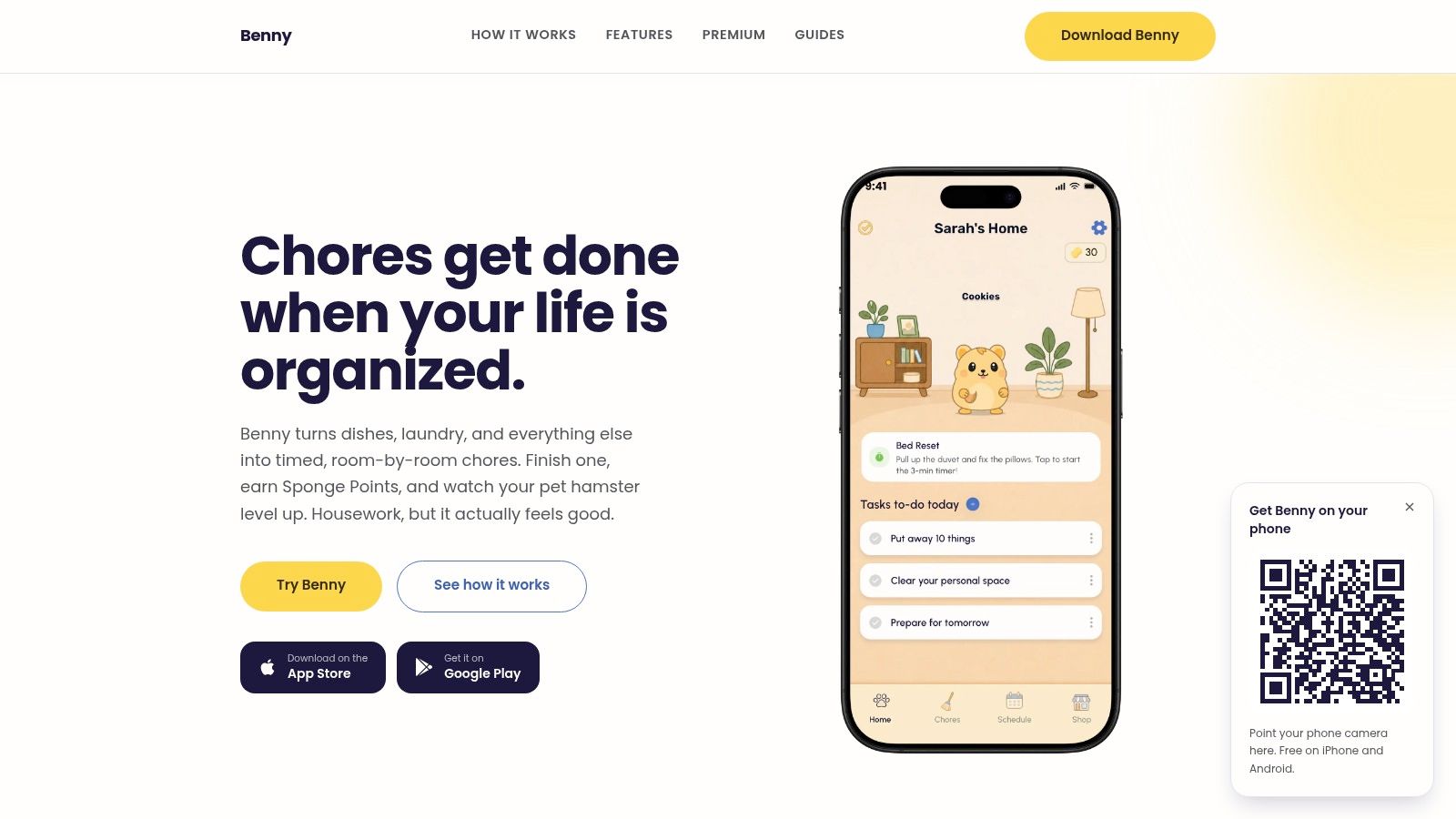
Best for solo cleaners and shared households that want room-based routines without paying for basic scheduling. Our app combines presets for the kitchen, bathroom, bedroom, and living room with custom chores. Pick a room, define the job, add a timer, and choose a one-off date or recurring interval.
Recurring chores return to the schedule automatically, while reminders tell you when they're due. The schedule shows both current and upcoming work, which helps distinguish today's responsibilities from jobs that can wait.
What's Free and What Premium Changes
Our free core includes scheduling, reminders, timers, and shared assignments across iPhone and Android. Everyone in a shared home sees the same schedule, including who owns each chore, what's finished, and what's outstanding.
- Clearer tasks: Room presets give you somewhere to start, while custom chores let you separate wiping bathroom surfaces from cleaning the entire room.
- Built-in motivation: Completed work earns Sponge Points that level up a virtual hamster and earn access to accessories.
- Paid flexibility: Premium adds widgets, filters, multiple-home management, custom effort points, and an ad-free experience.
- Disrupted routines: Premium holiday and sick modes pause the schedule, while protected snoozing and skipping preserve streaks. Mood-based smart chores offer suggestions from a daily check-in.
The main trade-off is that the free app contains ads, and the more flexible interruption controls sit behind Premium. Pet progression also won't motivate everyone, so choose it for the scheduling and shared visibility first.
Practical rule: Give each recurring chore a clear finish condition. A timer defines the working period, but household members still need to agree on what finished means.
I'd recommend this setup when you want ordinary household coordination to stay free, with optional paid controls for changing capacity rather than a subscription requirement just to share chores.
2. Sweepy
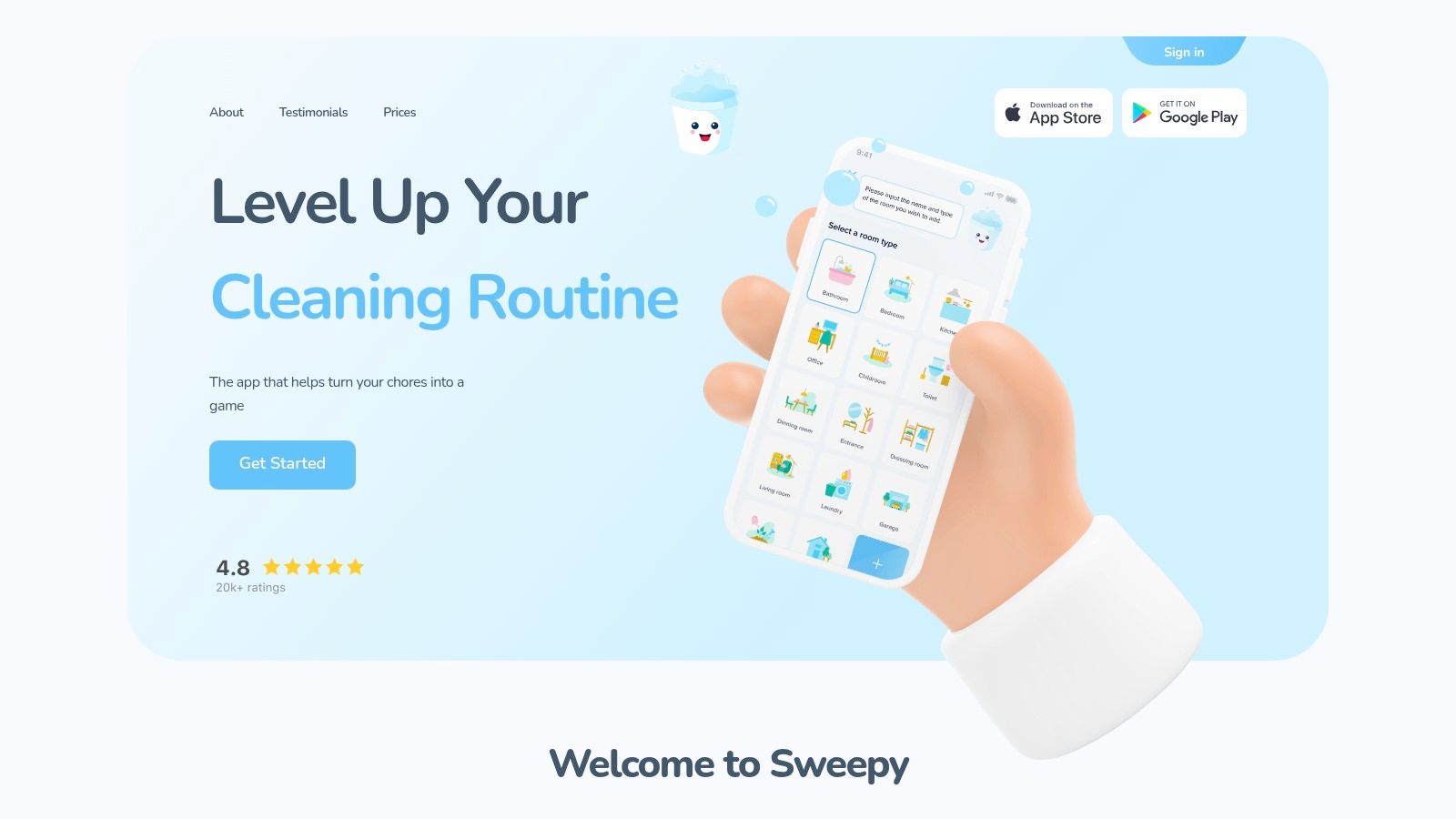
Best for solo or shared cleaning when deciding what needs attention is the difficult part. Sweepy tracks cleaning needs by room and can generate daily cleaning schedules for household members. That's a different proposition from a reminder list you have to prioritize yourself.
Say you open the app with limited energy and no obvious starting point. Room-level urgency gives you a way to choose between the kitchen floor and a less pressing bedroom task, rather than scanning an undifferentiated list.
Where Generated Plans Help
Sweepy combines workload sharing, device synchronization, and progress tracking with leaderboard-style motivation. It's available for iPhone and Android, making it worth considering when household members use different phones.
- Works well for: People who want the app to suggest the day's cleaning rather than display deadlines.
- Needs adjustment: A generated schedule may not match your preferred pace or available energy.
- Premium boundary: Some features require Premium. Confirm that the scheduling and sharing controls you need are included before moving the whole household over.
The important test is what happens after a missed cleaning session. Don't judge the app only by its first generated plan. Check whether the next plan remains realistic and understandable.
A useful chore schedule should help you decide what to do without making every room feel urgent. Choose Sweepy for cleaning prioritization, not merely because its competitive elements look engaging.
3. Tody
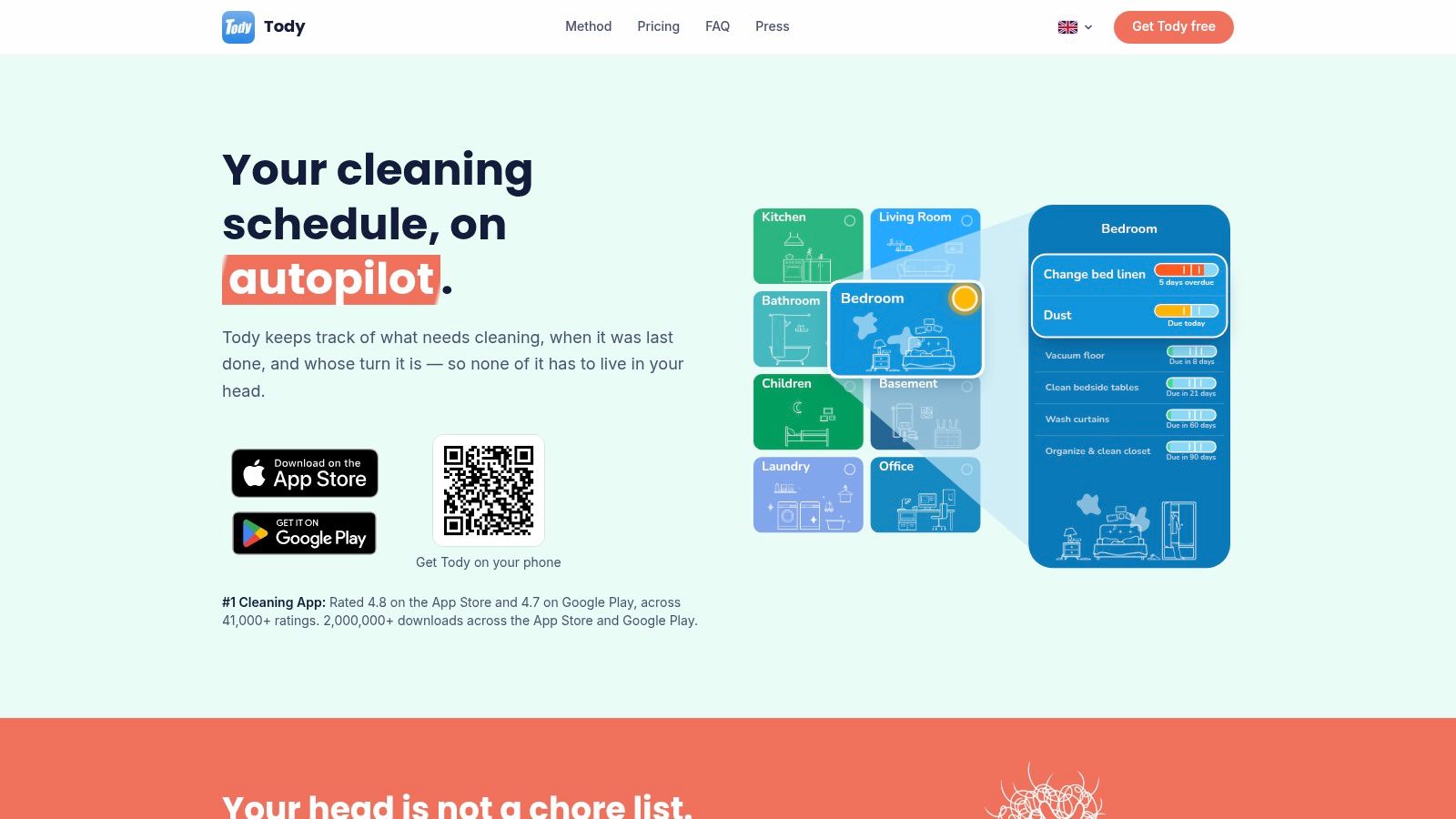
Cleaning the shower doesn't always need a permanent weekday appointment. Tody suits solo cleaners and shared homes that prefer flexible cleaning intervals, with room-based tasks and a view of how overdue each job has become.
That approach helps when your cleaning routine depends on available time rather than a strict calendar. It's less suitable for something like bin collection, where the external deadline matters regardless of when you last completed the task.
Flexible Cleaning Versus Live Household Sharing
Tody's free tier includes a cleaning plan and automatic chore rotation, without ads. Premium+ adds household syncing, while paid household features include FairShare contribution targets and reports.
The distinction matters: rotating responsibility isn't the same as everyone seeing and updating the same live plan. Household members need Premium+ for that shared visibility, and sharing features are divided across paid tiers.
Automatic rotation can distribute turns. It can't decide whether those turns demand comparable time, effort, or planning.
For couples and roommates, I'd establish task ownership and cleaning standards before enabling rotation. Our guide to splitting chores with roommates is useful for that conversation.
During setup, check how a late completion affects the next due task and whether each person understands the overdue display. Tody is a strong candidate for interval-led cleaning, but a household that needs fixed dates and free live sharing should weigh those requirements carefully.
4. Nipto
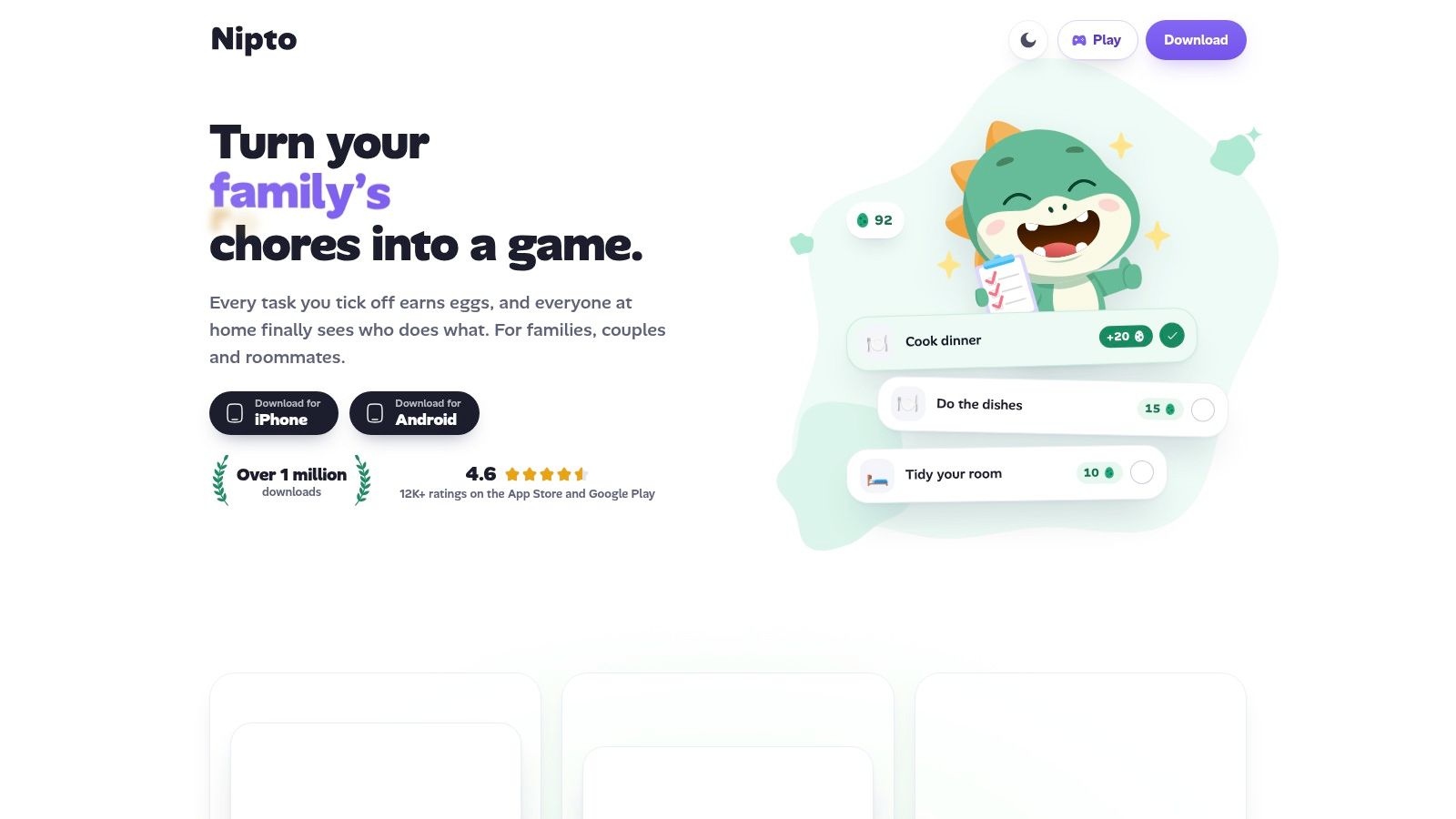
For couples and roommates who want turn-taking to be explicit, Nipto combines recurring chores with automatic rotation. Tasks can follow set days or intervals, including schedules based on completion. Reminders support the plan, while points, weekly competitions, and rewards add motivation.
The recurrence choice is especially useful. A fixed collection day should stay fixed, while a flexible cleaning task may make more sense when its interval starts after completion.
- Shared ownership: Automatic turns reduce the need to negotiate every occurrence.
- Different motivations: Competitive and goal-oriented options suit different household preferences.
- Family participation: Managed profiles let children join without needing their own phone.
- Paid controls: Some scheduling options, history, widgets, and parental controls require Premium.
Don't Confuse Points With Fairness
Nipto is available on iPhone, Android, and the web. That access helps, but it won't settle disagreements about how much a task counts or who has to notice it first.
Research summarized by the British Psychological Society finds that mothers report carrying the larger share of household planning and cognitive labor. A points system only tracks visible completion. If one person still does the noticing, assigning, and reminding, rotation alone hasn't fixed the imbalance, so agree who owns the planning before you score the doing.
I'd choose Nipto when everyone wants the game element. If someone already feels monitored or judged, use shared assignments without making competition the household's main measure of contribution.
5. Cozi
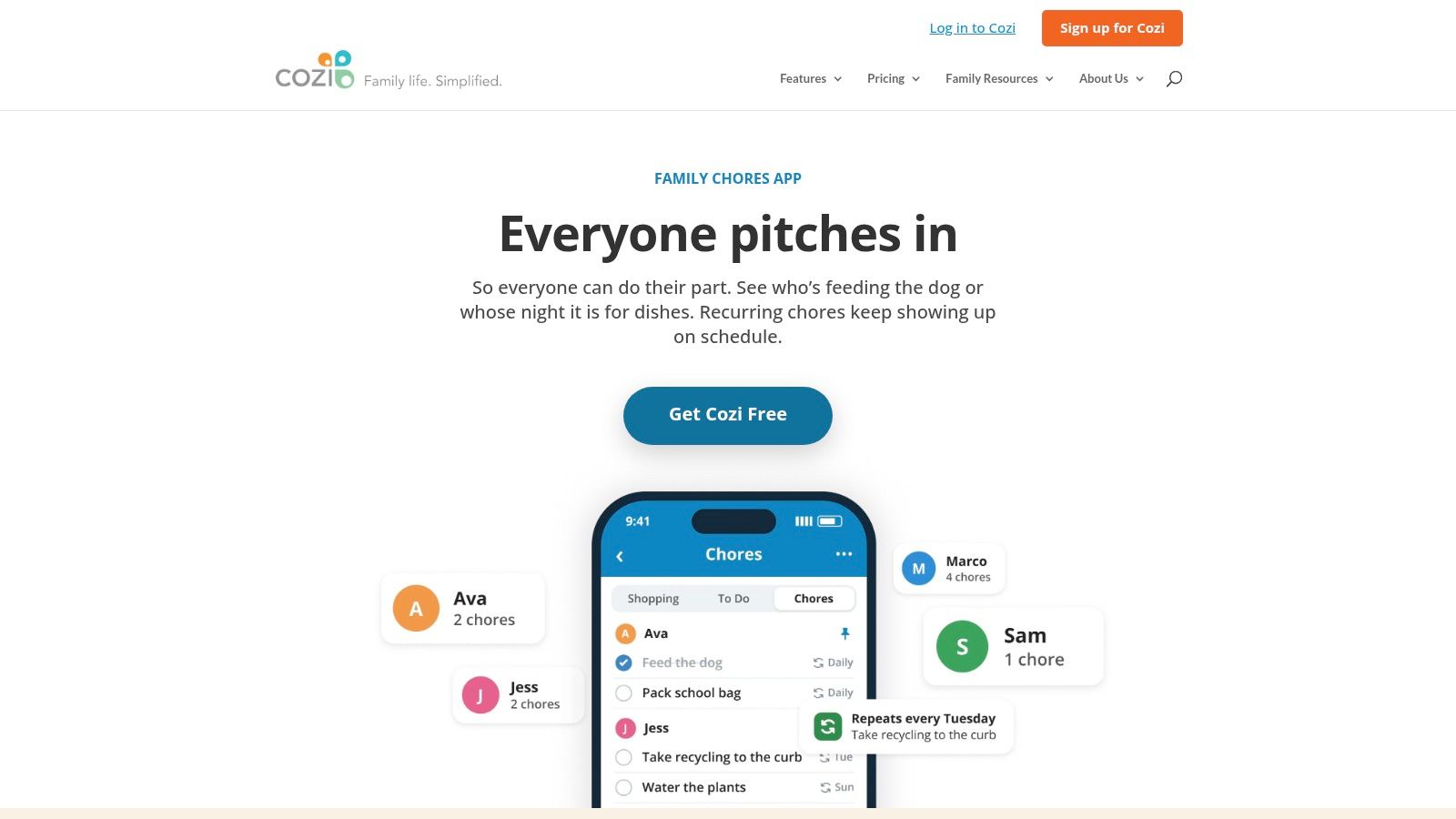
Best for families with children who want straightforward chores beside their existing calendar and lists. Cozi's chores feature gives family members separate chore lists within a shared view, with daily and weekly recurrence.
Its appeal is simplicity. Assign the responsibility, let it recur, and make completion visible to the rest of the family. You don't need room-level cleanliness tracking if the main problem is remembering who should empty the dishwasher.
A Family Organizer, Not a Cleaning Engine
Chores are included in Cozi Free, so the basic assignment and recurrence workflow doesn't require upgrading. Cozi also includes shared calendars and to-do lists, which can reduce the need to maintain a separate household planning system.
The limitations are practical:
- Recurrence flexibility: Daily and weekly patterns are more restrictive than custom intervals or completion-based scheduling.
- Device access: Chores are available in the mobile app, not on the Cozi website.
- Cleaning detail: There's no room-based cleaning tracker or generated daily cleaning plan.
Cozi is available for iPhone and Android. For a family already organizing life around those phones, the shared chore view may be enough.
Before committing, test the reminder experience on each family member's device and agree on who records completion. Don't assume that a shared list guarantees someone will notice a changed deadline. Choose Cozi when simple recurring assignments matter more than complex rescheduling.
6. S'moresUp
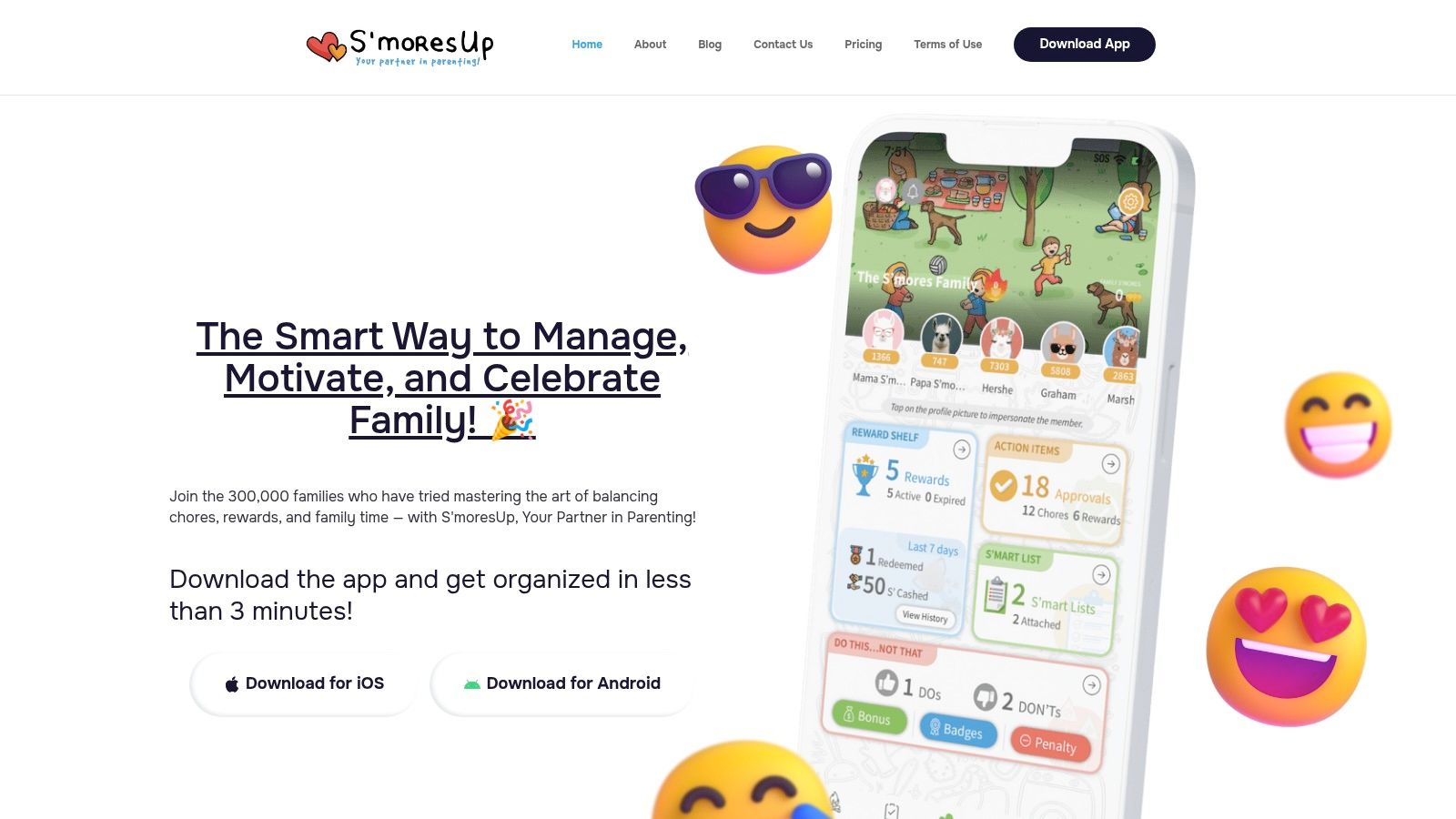
A child finishing a chore and a parent approving the reward are separate actions. S'moresUp is designed for families that want that additional structure, with household profiles, customizable chores, rewards, and tools for children's responsibilities.
This makes it more relevant to family routines than to roommates who need to alternate bathroom cleaning. The extra controls are useful only if someone is prepared to administer them.
Premium Adds the Main Automation Controls
Advanced scheduling and automatic chore allocation require Premium. Paid features also include reward approval, penalties, and progress reports.
That creates a clear decision point. If automatic allocation is why you're choosing an automatic scheduling app, evaluate the paid workflow rather than assuming the basic chore list will cover it.
Parent setup advice: Define the completion standard before connecting a task to a reward. Otherwise, each approval can become another negotiation.
I'd start with responsibilities children can understand and complete independently. Add approval where it serves a purpose, rather than requiring a parent to inspect every minor task.
S'moresUp is available through major mobile app stores. Review the subscription terms, including the trial or usage-related payment trigger described in the app listing, before relying on its advanced controls.
Its main weakness is administrative complexity. Rewards, penalties, allocations, and approvals can support a family routine, but they can also leave a parent managing an elaborate system instead of reducing coordination work.
7. FamilyWall
Choose FamilyWall when family communication is the main need and chores are part of it. Shared or private to-do lists can become chore checklists, and tasks can be assigned to selected family members. Calendars, shopping lists, and messaging sit alongside them.
That arrangement suits families who want fewer places to check. It doesn't make FamilyWall equivalent to a specialist cleaning scheduler.
- Free foundation: Shared calendars and to-do lists are included in the free tier.
- Broader access: Family members can use iPhone, Android, or desktop.
- Premium additions: Meal planning, calendar synchronization, and some organizer features require Premium.
- Automation limit: It doesn't provide room-based task urgency or automatically generated daily cleaning plans.
Shared Lists Aren't Automatically Recurring Plans
A visible checklist solves the question of where the task is recorded. It doesn't necessarily solve when it returns, how reminders work, or what happens after postponement.
Before transferring your routine, test those details with a representative recurring chore. Make sure the person receiving the assignment can find it, update it, and understand any date change without a separate message.
The principles behind effective shared chores still apply: name the owner, define completion, and keep progress visible. FamilyWall makes sense when those responsibilities belong inside a broader family organizer. Choose a dedicated chore app if recurrence rules and cleaning priorities are your main reason for switching.
8. TaskAnt
TaskAnt is the practical alternative for solo users, couples, and roommates who care more about recurrence rules than cleaning graphics. TaskAnt supports both fixed calendar schedules and intervals that restart when a task is completed.
That distinction matters when you finish late. A calendar-based task keeps its regular place; a completion-based task starts its next interval from the actual completion. Use the former for external deadlines and the latter for maintenance that can move.
Strong Recurrence With More Manual Setup
TaskAnt includes shared tasks or groups, assignments, completion history, reminders, snoozing, widgets, and browser access. Offline use is also supported.
The official site describes it as free on iPhone and the web, with no ads. Android is listed as coming soon, so mixed-device households should account for that limitation rather than assuming everyone can install a native app.
- Main advantage: You can choose the recurrence logic that fits each task.
- Sharing benefit: Assignments and history give household members a common record.
- Setup cost: There are no dedicated room-based cleaning plans, so you'll build more of the routine yourself.
I'd shortlist TaskAnt for someone managing cleaning alongside other repeat jobs, such as household maintenance. Its general-purpose structure is less immediately guided than room presets, but it keeps the focus on when work returns.
Test snoozing and late completion separately. They're different actions, and your household needs to understand how each affects the next occurrence.
Automatic Scheduling App Features at a Glance
The table below compares what each app includes free, how it brings chores back onto the schedule, and which tools sit behind Premium.
| Item | Free tier | Recurring chores | Shared household | Best for |
|---|---|---|---|---|
| Benny | Core scheduling, reminders, timers, and sharing are free; includes ads | One-off or recurring schedules, timers, and reminders | Assign chores and track progress across devices | Room-based routines with shared chores and playful rewards |
| Sweepy | Some features require Premium | Generates daily cleaning schedules based on room cleanliness | Shared progress and workload tracking | Households wanting help choosing what to clean next |
| Tody | Free cleaning plan and automatic rotation; no ads | Flexible intervals, overdue tracking, and automatic rotation | Live shared plans require Premium+ | Flexible room-based cleaning plans |
| Nipto | Some scheduling and motivation features require Premium | Daily, weekly, monthly, or after-completion schedules; automatic rotation | Shared tasks, profiles, and household participation | Households motivated by points, competitions, and rewards |
| Cozi | Chores included in Cozi Free | Daily and weekly recurring chores | Shared chore lists and completion status | Families wanting simple chores alongside calendars and lists |
| S'moresUp | Chore lists, rewards, and family profiles included; automation requires Premium | Advanced scheduling and automatic allocation require Premium | Family profiles, rewards, and parent approval | Families managing children's chores and rewards |
| FamilyWall | Shared calendars and to-do lists included | Recurring chores set inside shared to-do lists and checklists | Assignable shared lists, calendars, and messaging | Families wanting chores in a broader organizer |
| TaskAnt | Free on iPhone and web; no ads | Fixed schedules or intervals from last completion | Shared tasks, groups, and assignments | Households wanting flexible recurring tasks beyond cleaning |
Matching the Right App to How Your Home Actually Runs
Pick by setup before you count features. A solo cleaner needs useful intervals and reminders. A couple needs shared visibility without one partner becoming the permanent dispatcher. A family with children may need managed profiles, approval controls, and a reward path the kids can understand.
The workload underneath all this is substantial. The U.S. Bureau of Labor Statistics' 2024 American Time Use Survey found that 80% of people engaged in household activities on an average day, covering housework, cooking, lawn care, and household management. Your app should cut the effort of coordinating that work, instead of adding another routine to maintain.
Choose the Workflow You'll Actually Maintain
- For room-led cleaning: Consider Benny, Sweepy, or Tody, depending on whether you value free sharing, generated plans, or flexible intervals most.
- For couples and roommates: Compare free shared assignments with Nipto's rotation and TaskAnt's recurrence options. Agree upfront on who owns the planning.
- For families with children: Choose Cozi for simpler recurring lists, S'moresUp for structured rewards and allocation, or FamilyWall for broader household organization.
Run a short trial. Two weeks is enough if you pick chores that behave differently: one fixed-deadline job, one flexible cleaning task, one shared assignment, and one chore you tend to postpone. Complete something late on purpose and check whether the next due date still makes sense.
Test Recovery, Not Just Completion
Illness, travel, and low-energy days belong in the test. In an Ipsos study of Danish households, 78% experienced mental load at least weekly, so piling on more reminders is a poor answer for an already overloaded household.
Check which chores still slip and why. A forgotten notification, an unrealistic interval, and an unclear owner each need a different fix. Adjust the setup before switching apps, and switch only when the same limitation keeps breaking the routine.
The best choice is the app everyone in the home understands, including what happens when a chore is not done on time.
Benny offers free recurring chore schedules, reminders, timers, and shared assignments on iPhone and Android, with room-based presets that speed up setup. Visit Benny to build a household routine that keeps upcoming work visible and rewards finished chores.